

TL;DR:
- WordPress security updates address vulnerabilities in the core, plugins, and themes to prevent exploitation, with plugin issues accounting for 91% of threats. Managing timely, layered updates alongside strong authentication, server hardening, and monitoring reduces the risk of rapid attacks within hours of disclosure. Agencies should automate routine updates, test major releases on staging, and partner with specialists to mitigate operational challenges and protect client sites effectively.
WordPress security updates are patches that fix known vulnerabilities in the WordPress core, plugins, and themes before attackers can exploit them. In 2025 alone, 11,334 vulnerabilities were recorded across the WordPress ecosystem, with the vast majority originating from third-party plugins. For webmasters and agency owners managing multiple client sites, understanding WordPress security updates is not optional. It is the foundation of every responsible maintenance workflow. Tools like Wordfence and Patchstack exist precisely because the threat is constant, automated, and growing year on year.
What does a WordPress security update actually contain?
WordPress security updates are formally categorised as patches that address one or more Common Vulnerabilities and Exposures, known as CVEs. Each CVE is assigned a CVSS score (Common Vulnerability Scoring System) on a scale of 0 to 10, which indicates severity. A score above 9.0 is critical and warrants immediate action. Understanding this scoring system is what separates reactive site owners from those who manage risk proactively.

The WordPress ecosystem splits updates into three distinct layers:
| Component | Update type | Risk level if delayed |
|---|---|---|
| WordPress core | Major and minor releases | High for minor; critical for security-only releases |
| Plugins | Independent release cycles | Very high. 91% of vulnerabilities originate here |
| Themes | Less frequent, often overlooked | Moderate, particularly for themes with PHP logic |
Minor core releases, the third number in a version string such as 6.5.4, are security-focused and safe to apply automatically. Major releases, such as moving from 6.5 to 6.6, carry compatibility risks and require staging before deployment. Security releases frequently bundle multiple fixes simultaneously, addressing stored cross-site scripting (XSS), privilege escalation, SQL injection, and REST API flaws within a single patch. This bundling means one delayed update can leave a site exposed to several attack vectors at once.
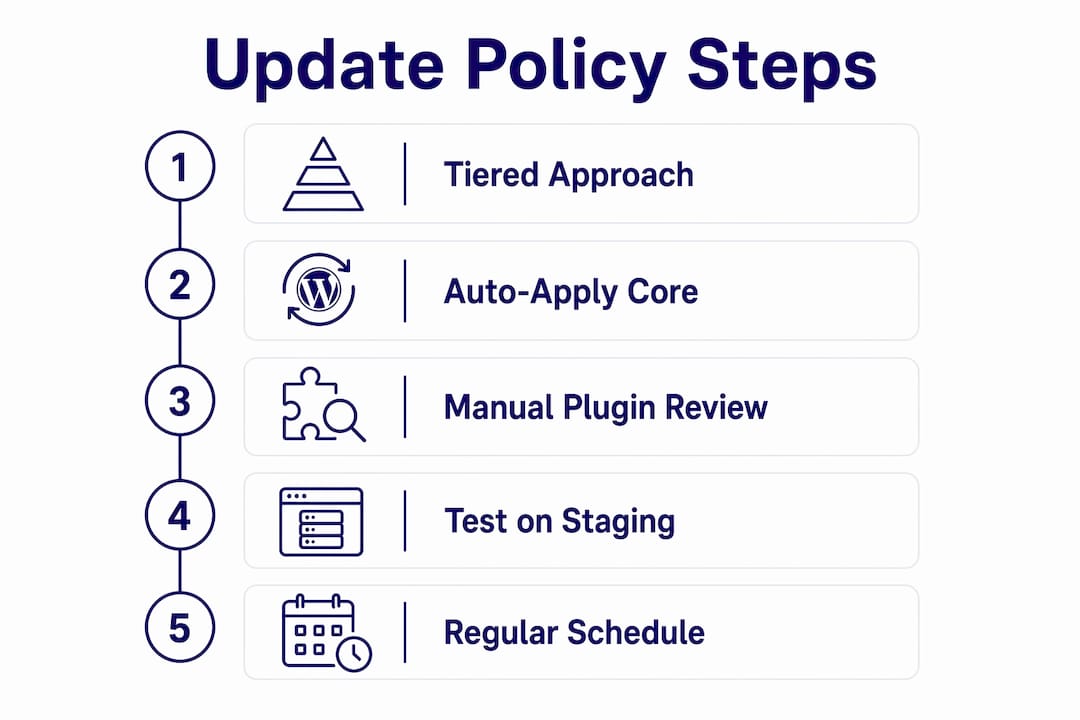
For agencies managing client portfolios, the practical implication is clear. You need a tiered update policy: auto-apply minor core releases, test major releases on staging, and audit plugins on a weekly cadence. Anything less is a gap in your risk management.
Why does the timing of applying updates matter so much?
Speed is the defining variable in WordPress security. The median time from vulnerability disclosure to active exploitation is just five hours. That is not five days. It is five hours from the moment a CVE is published to the moment automated scanners begin probing sites for the flaw.
Attackers do not manually search for vulnerable sites. They run bots that continuously scan millions of WordPress installations, cross-referencing version numbers and plugin lists against known CVE databases. The moment a patch is released, the vulnerability it fixes becomes public knowledge. Any site still running the unpatched version is immediately identifiable and targetable.
Delaying updates also compounds the problem over time. Each skipped update creates technical debt. When you eventually do update, you are applying multiple changes simultaneously, which increases the chance of conflicts, breakage, and failed deployments. Agencies that defer maintenance for weeks or months often find themselves spending three times the effort to resolve cascading issues that a weekly update routine would have prevented entirely.
Pro Tip: Set up CVE monitoring alerts via Patchstack or WPScan’s vulnerability database. When a critical flaw is disclosed for a plugin you manage across client sites, you want to know within the hour, not when a client rings to say their site is down.
Plugin vulnerabilities deserve particular attention given that plugins account for the overwhelming majority of recorded WordPress security issues. A single popular plugin with a critical flaw can affect thousands of agency-managed sites simultaneously.
How can agencies manage WordPress updates without breaking client sites?
Safe update management is a process, not a single action. The sequence matters as much as the action itself. Follow this order for every major update cycle:
- Verify your backup. Confirm a clean, restorable backup exists before touching anything. Use tools like UpdraftPlus, BlogVault, or your hosting provider’s snapshot system. A backup you cannot restore is not a backup.
- Apply updates to a staging environment first. For major core releases or significant plugin updates, push changes to a staging clone of the live site. Test core functionality, forms, WooCommerce checkout flows, and any custom integrations.
- Update the WordPress core separately from plugins. Applying everything at once makes it impossible to isolate the cause if something breaks. Update core, test, then move to plugins one by one or in small batches.
- Enable automatic minor core updates. Automatic minor updates have been the WordPress default since version 3.7. Many managed hosting environments or security plugins disable this setting. Check it is active on every client site.
- Verify auto-updates completed successfully. Auto-update failures can occur due to filesystem permission issues or hosting configurations that block the process. A site that appears to be on auto-update but is not is more dangerous than one you know requires manual intervention.
- Monitor CVE disclosures weekly. Subscribe to Patchstack’s free vulnerability feed or the WPScan database. When a critical CVE drops for a plugin in your portfolio, treat it as an emergency, not a scheduled task.
Pro Tip: For agencies managing ten or more client sites, a centralised management platform such as MainWP or ManageWP lets you push updates across your entire portfolio from a single dashboard. Pair this with safe update management protocols and you reduce per-site update time to minutes.
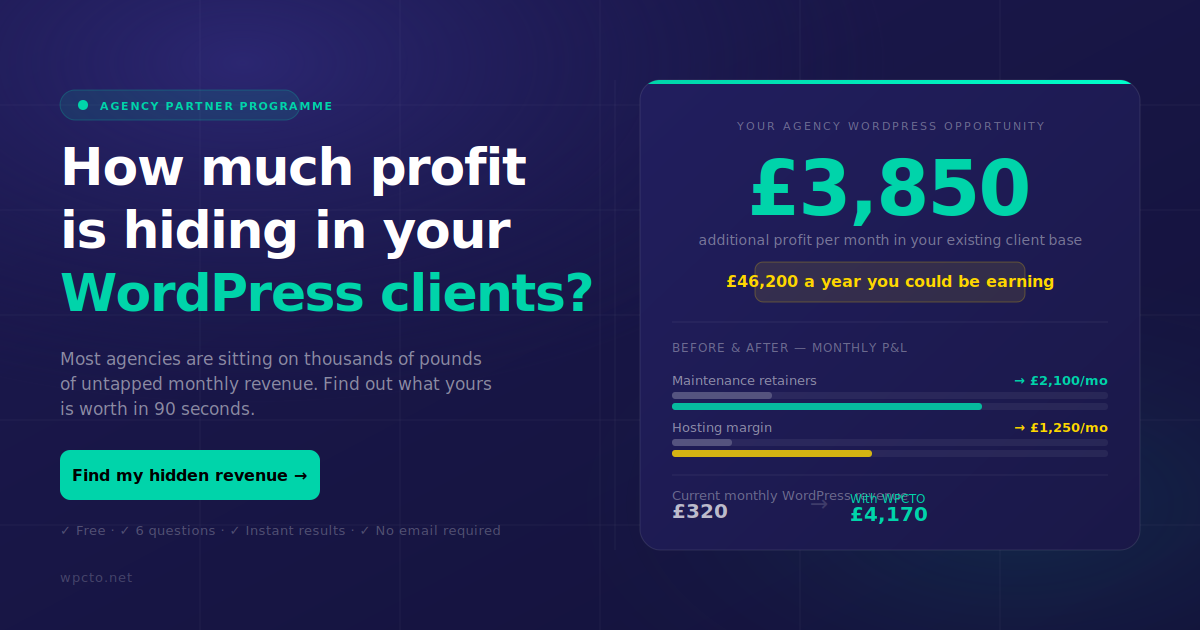
The WordPress Profit Calculator from Wpcto is worth running at this point. It shows you, in under 90 seconds, exactly how much revenue your agency is leaving on the table by absorbing update and maintenance time rather than charging for it properly.
What complementary security practices strengthen your update routine?
Updates fix known vulnerabilities. Everything else in your security stack reduces the risk from unknown ones and limits the damage if a breach occurs. These practices work alongside your update routine, not instead of it.
Authentication and access control
- Enforce a minimum 16-character password policy for all administrator accounts. TOTP-based two-factor authentication is strongly recommended for every admin user in 2026.
- Most site compromises stem from credential theft rather than sophisticated exploits. Strong passwords and 2FA address the most common attack vector directly.
- Limit administrator accounts to the minimum number of people who genuinely need that access level. Review user roles quarterly.
- For a practical implementation guide, the Wpcto article on 2FA for agency clients covers the setup process in detail.
Server and file-level hardening
- Set file permissions correctly: 644 for files, 755 for directories, and 600 for wp-config.php. Incorrect permissions are a common entry point.
- Disable the WordPress file editor in wp-admin. Add "define(‘DISALLOW_FILE_EDIT’, true);` to wp-config.php. If an attacker gains admin access, this prevents them from injecting malicious code directly through the dashboard.
- Remove or deactivate any plugin that has not received an update from its developer in over 12 months. Abandoned plugins carry unpatched vulnerabilities indefinitely and represent a permanent open door.
Network and application-level protection
- Deploy a web application firewall (WAF). WAFs and rate limiting filter malicious traffic before it reaches WordPress, reducing attack surface during the critical window between vulnerability disclosure and patch application. Cloudflare, Sucuri, and Wordfence all offer WAF functionality at different price points.
- Rate-limit login attempts at the server or WAF level. Brute force attacks against wp-login.php remain one of the most common attack methods.
- Maintain a tested incident response plan. Know exactly what you will do if a client site is compromised: who you will contact, how you will restore from backup, and how you will communicate with the client.
Treating these measures as a checklist you complete once is a mistake. They require regular review, particularly as your plugin portfolio changes and new recent WordPress vulnerabilities are disclosed.
Key takeaways
WordPress security requires layered, consistent action: updates address known vulnerabilities, but authentication controls, WAF protection, and plugin hygiene close the gaps that patches alone cannot cover.
| Point | Details |
|---|---|
| Plugins are the primary risk | 91% of WordPress vulnerabilities originate from plugins, making plugin hygiene the top priority. |
| Five-hour exploitation window | Attackers begin probing for unpatched vulnerabilities within hours of public disclosure. |
| Minor vs major update distinction | Apply minor core releases automatically; always test major releases on staging before going live. |
| Credential security is non-negotiable | Most breaches involve stolen credentials, so 2FA and strong passwords are as critical as patching. |
| Delayed updates compound risk | Skipped updates create technical debt that makes future maintenance harder and more expensive. |
Why I think agencies underestimate the update problem
After years of working with design and digital agencies across the UK, the pattern is consistent. Agencies know updates matter. They intend to do them. But somewhere between client deadlines, new business pitches, and the creative work they were actually hired to do, the WordPress maintenance queue grows. Then a client site gets compromised, and suddenly the agency is spending an entire day on incident response for work they were never paid to do.
The mindset shift that actually changes this is treating updates as continuous risk management rather than a maintenance chore. Every week you delay is a week of compounding exposure. Technical debt in WordPress is not abstract. It shows up as a hacked site at 11pm on a Friday, or a plugin conflict that takes four hours to diagnose because three updates were applied at once.
The agencies that handle this well do two things differently. They automate what can be automated (minor core updates, trusted plugin auto-updates) and they have a human review process for everything else. They also recognise that credential security sits alongside patching as an equal priority. Patching a plugin vulnerability means nothing if an attacker already has admin credentials from a phishing attack.
The honest truth is that most agencies should not be doing this work themselves. It pulls skilled people away from the work that actually grows the business. Partnering with a specialist who handles the update workflow, monitors CVE disclosures, and responds to incidents means the agency keeps the client relationship without absorbing the operational cost.
— Marcel
How Wpcto handles this for agencies
Wpcto handles the full WordPress update and security workflow for design, brand, and digital agencies across the UK, operating as a white-label partner behind the scenes. Our agency maintenance services cover plugin and core update management, security monitoring, CVE response, and emergency support. Your clients see your brand. You keep the relationship and the recurring revenue. We handle every WordPress support ticket, update conflict, and security incident so your team never has to.
If you want to see exactly how much revenue your agency is currently leaving uncaptured in your WordPress client base, run the free WordPress Profit Calculator from Wpcto. It takes under 90 seconds and the result is usually surprising. You can also explore the full range of Wpcto support services to find the right fit for your agency.
FAQ
What are WordPress security updates?
WordPress security updates are patches released by the WordPress core team or plugin and theme developers to fix known vulnerabilities. They address specific CVEs and are categorised by severity using the CVSS scoring system.
How often should I apply WordPress security updates?
Minor core security releases should be applied automatically as soon as they are available. Plugin updates should be reviewed and applied at least weekly, with critical CVE patches treated as urgent regardless of your usual schedule.
Why do plugins cause most WordPress security problems?
91% of WordPress vulnerabilities originate from plugins because they are developed by thousands of independent authors with varying security standards, and many are abandoned without receiving ongoing patches.
Can automatic updates break a WordPress site?
Automatic minor core updates carry very low breakage risk and are safe to enable. Major core releases and significant plugin updates should be tested on a staging environment first, as they can introduce compatibility conflicts.
What should I do if a client site is hacked despite regular updates?
Restore from a clean, pre-compromise backup immediately, then audit all user accounts for unauthorised access and rotate all credentials. Investigate the attack vector using server logs and a security scanner such as Wordfence or Sucuri to confirm the site is clean before bringing it back online.