

The ten WordPress maintenance types your agency needs to recognise are: update management, security monitoring and incident response, backups and restore, performance optimisation, hosting and uptime management, emergency support, migrations and staging, content and minor edits, monitoring and reporting, and ongoing retainer care. Together they form the full scope of what a professional WordPress maintenance service covers, and understanding where each sits helps you decide what to sell, what to white-label, and what to stop absorbing for free.
- Update management — keeps core, plugins and themes current; directly reduces exploit risk
- Security monitoring and incident response — scanner alerts plus forensic cleanup when things go wrong; protects client trust
- Backups and restore — daily offsite copies with verified restores; your last line of defence against data loss
- Performance optimisation — page speed, caching and database hygiene; affects conversion and SEO
- Hosting and uptime management — server health, DNS, SSL and 24/7 uptime checks; underpins every other service
- Emergency support — out-of-hours incident response for hacked or offline sites; the service clients remember most
- Migrations and staging — safe site moves and test environments; reduces deployment risk
- Content and minor edits — small copy, image and layout changes; high-volume, low-margin unless priced correctly
- Monitoring and reporting — monthly health reports, uptime logs and performance dashboards; the evidence that justifies the retainer
- Ongoing retainer care — the wrapper that packages the above into a predictable monthly engagement; the recurring-revenue engine for your agency
Key takeaways
The most important decision for any agency is not which maintenance types to offer, but which ones to stop absorbing unpaid and start packaging into a retainer.
| Point | Details |
|---|---|
| Ten maintenance types to know | Update management, security, backups, performance, hosting, emergency support, migrations, content edits, reporting and retainer care cover the full scope. |
| Incident response is separate | Many suppliers include monitoring but bill forensic cleanup separately; confirm in writing before signing any contract. |
| Outsource technical continuity | Keep client relationships and strategy in-house; outsource uptime monitoring, security response and update management to a specialist. |
| Use the RFP checklist | Require staging-tested updates, offsite daily backups with verified restores, written SLAs and a named escalation contact from any supplier. |
| Wpcto as your delivery partner | Wpcto provides white-label WordPress maintenance for UK agencies, with written SLAs, monthly reporting and a Profit Calculator to quantify the opportunity. |
Table of Contents
- What does each WordPress maintenance type actually include?
- How often should each type run, and what do UK pricing bands look like?
- What should you keep in-house and what should you outsource?
- Technical checklist you can paste into an RFP or support brief
- What senior agency leaders often get wrong about maintenance
- Wpcto handles the maintenance so your agency does not have to
- Sources
What does each WordPress maintenance type actually include?
The gap between a genuine managed service and an automated subscription is almost always visible in the deliverables. Here is what each type should produce.
| Maintenance type | Core tasks | Expected deliverable |
|---|---|---|
| Update management | Stage updates, run QA smoke tests, apply to production, log changes | Tested update changelog, rollback record |
| Security monitoring | Daily malware scans, firewall rule checks, login-attempt alerts | Scan report, alert log |
| Security incident response | Forensic cleanup, malware removal, re-hardening, host liaison | Incident report, hardened config |
| Backups and restore | Daily offsite backup, monthly restore test, retention policy | Verified restore confirmation |
| Performance optimisation | Caching audit, image compression, database clean, Core Web Vitals check | Performance audit report |
| Hosting and uptime | Server health checks, SSL renewal, DNS monitoring, uptime alerting | Uptime report, SSL status |
| Emergency support | Triage, root-cause fix, post-incident review | Incident log, fix summary |
| Migrations and staging | Environment clone, data transfer, DNS cutover, post-migration QA | Migration checklist, QA sign-off |
| Content and minor edits | Copy updates, image swaps, layout tweaks | Change log, client sign-off |
| Monitoring and reporting | Uptime, performance and security data collated into a client-facing report | Monthly health report |
Industry practice confirms that professional maintenance is an umbrella of monitoring, updates, backups, security scanning and restoration duties, not a single task. A supplier who cannot show you a restore confirmation log or a staging-tested update record is almost certainly running automated scripts, not a managed service.
Pro Tip: Ask any prospective supplier to show you a sample monthly health report and a recent restore confirmation. If they cannot produce either within 24 hours, the service is automated, not managed.
A professional maintenance provider should document staging-tested updates, offsite backup retention, written SLAs and whether security incident response is included. Many suppliers advertise monitoring but bill incident response separately, so confirm this in writing before you commit.
How often should each type run, and what do UK pricing bands look like?
Cadence and cost vary significantly by maintenance type. The table below gives practical guidance on frequency, SLA expectations and the three pricing bands you will encounter in the UK market.
Published plan examples show maintenance tiers from entry-level plans at around £49/month through to partnership retainers at around £379/month, with varying inclusions such as dev hours, priority support and emergency callouts. Use these as illustrative pricing bands rather than market-wide averages; your margin depends on how you package and position the service.
The most common pricing mistake agencies make is selling update management alone and absorbing everything else as goodwill. A retainer that bundles monitoring, reporting and a defined emergency response allowance is far easier to price correctly and far easier for clients to understand.
- Retainer pricing works best when it covers a defined scope with clear inclusions and exclusions
- Per-incident billing suits emergency support and migrations, where scope is unpredictable
- Hourly billing for content edits erodes margin quickly; a monthly edit allowance is cleaner
What should you keep in-house and what should you outsource?
The decision rule is straightforward: keep the client relationship and strategic work in-house; outsource technical continuity and specialist incident response.
Your team should own the client brief, the monthly reporting conversation and any strategic decisions about site direction. What drains capacity without generating proportionate revenue is the technical continuity work: running updates, monitoring uptime at 3 AM, responding to a hacked site on a Friday evening. That work requires specialist skills, carries real liability, and is genuinely difficult to price into a project fee.
The decision axes worth mapping are:
- Frequency — daily and continuous tasks (uptime monitoring, security scanning) are poor candidates for in-house delivery unless you have dedicated resource
- Specialist skills — forensic malware cleanup and performance engineering are not generalist tasks; the cost of getting them wrong is high
- Revenue potential — a support retainer gives you a team already familiar with your site, reduces briefing time and usually provides faster, more predictable support than ad-hoc requests; that speed translates directly into client satisfaction scores
- Liability and risk — hosting incidents, data loss and security breaches carry reputational and contractual risk; outsourcing to a specialist with a written SLA transfers a meaningful portion of that risk
Pro Tip: Before deciding, run the Wpcto WordPress Profit Calculator — it shows you the uncaptured recurring revenue sitting in your existing client base in under 90 seconds. The number is usually larger than agency owners expect.
White-labelling maintenance through a specialist partner lets you retain the client relationship and the margin without absorbing the operational burden, leveraging white-label traffic and growth services to efficiently plan and schedule maintenance and campaign rollouts. Agencies that scale with white-label maintenance consistently report that the freed capacity goes back into billable creative and strategic work.
Technical checklist you can paste into an RFP or support brief
Use this list verbatim in any procurement document or supplier brief. It covers the items that separate a professional managed service from an automated tool.
Access and environment
- Confirmed access levels: WordPress admin, hosting control panel, DNS management, staging environment
- Dedicated staging site for all update testing before production deployment
- Defined exit and transfer terms: what happens to access and data if the engagement ends
Backup and restore
- Daily automated backups stored offsite (not on the same server as the live site)
- Written backup retention policy (minimum 30 days recommended)
- Monthly verified restore test with written confirmation
Update management
- All core, plugin and theme updates tested on staging before production deployment
- Post-update QA smoke test covering critical user journeys
- Written update changelog provided monthly
Security
- Continuous uptime and malware monitoring with alert thresholds defined
- Written SLA for security incident response (target: 1–4 hours for critical events)
- Explicit confirmation of whether forensic cleanup and re-hardening are included or billed separately
Reporting and SLAs
- Monthly health report covering uptime, updates applied, backup status and security scan results
- Written SLA for critical incidents (site down, active breach): 1–4 hours response
- Written SLA for standard requests: 4–24 hours response
- Named escalation contact and out-of-hours emergency route
A supplier who cannot confirm every item on this list in writing is not running a professional managed service. The Wpcto agency guide covers these checklist items in detail and includes agency-focused playbooks for operationalising white-label delivery.
What senior agency leaders often get wrong about maintenance
Most agency leaders underestimate how much maintenance is already happening in their business, just unpaid and untracked. A developer spends 45 minutes fixing a plugin conflict. An account manager fields a panicked call about a site being down. Someone applies updates on a live site without testing and spends two hours rolling back a broken checkout. None of it appears on an invoice.
The operational pitfalls worth addressing directly:
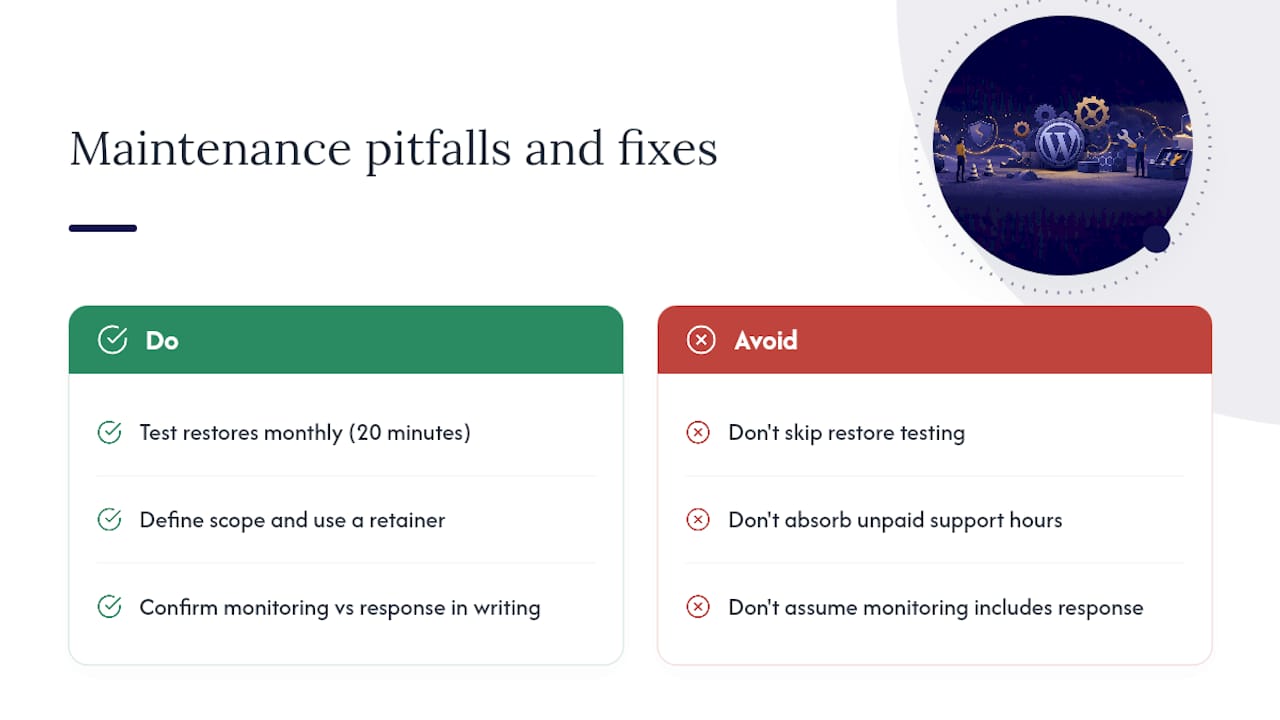
First, agencies rarely test restores. Backups that have never been restored are not backups; they are files. A restore test takes 20 minutes and should happen monthly. If your current supplier cannot show you a restore confirmation, that is a gap worth closing before a client’s site goes down.
Second, unpaid support hours are the most common margin leak in agency WordPress work. The fix is not to charge more per hour; it is to define a scope and put it in a retainer. Clients accept retainers readily when the value is explained clearly, and a proactive maintenance approach makes that conversation straightforward.
Third, the distinction between security monitoring and security incident response matters enormously in a contract. Monitoring tells you something is wrong. Incident response fixes it. Many suppliers include the former and charge separately for the latter, sometimes significantly. Confirm this in writing before you sign anything.
Wpcto handles the maintenance so your agency does not have to
Wpcto is built specifically for UK design, brand and digital agencies that want to offer reliable WordPress maintenance without building an internal support team. The services cover everything in the catalogue above: white-label maintenance and care plans, security monitoring and incident response, performance optimisation, plugin and theme management, hosting management, site migration, emergency support, and fractional WordPress CTO consulting.
Engagement shapes are designed to fit agency workflows. An entry care plan covers updates, monitoring and backups. A partnership retainer adds dev hours, priority response and emergency callouts. White-label delivery means your clients see your brand, not ours. Every engagement includes a written SLA, a named escalation contact and monthly reporting you can forward directly to clients.
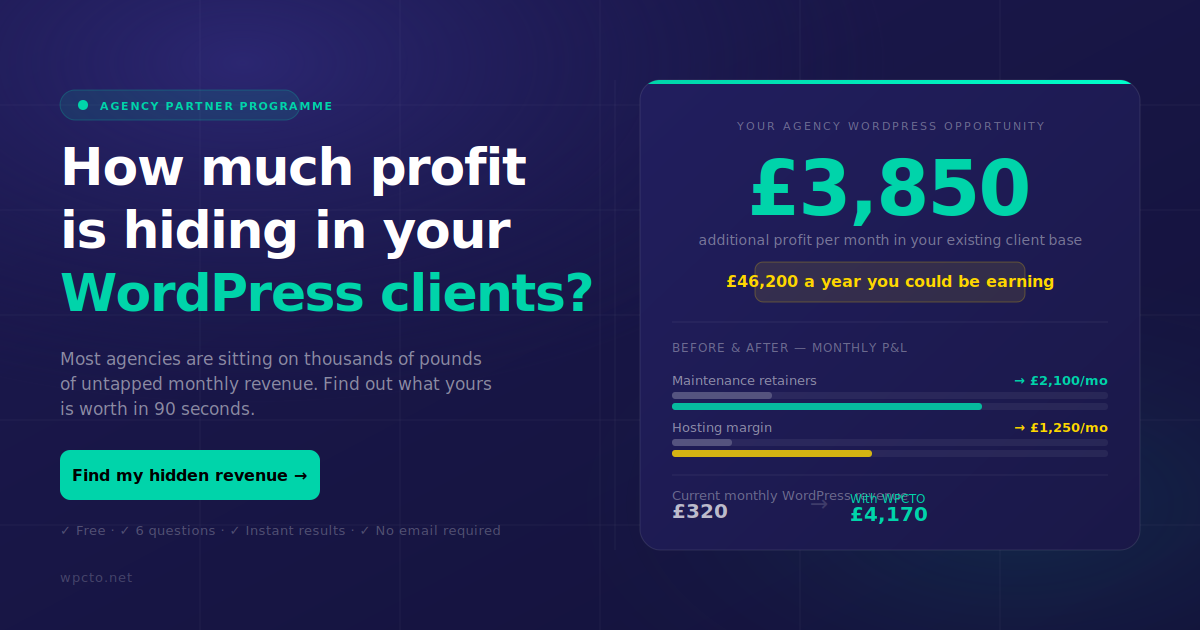
The Wpcto agency services page sets out the full engagement options. If you want to see the revenue opportunity in your existing client base first, the WordPress Profit Calculator gives you a figure in under 90 seconds. Run it before your next client review.
Sources
Wpcto resources
- How to Choose a WordPress Maintenance Service UK: What Agencies Don’t Tell You
- WordPress Support Retainer: Key Benefits for Small & Medium Businesses | IceBoxDesigns
Third-party references