

TL;DR:
- Effective backup strategies are crucial for rapid website recovery and long-term security.
- Agencies should choose backup types and plugins based on reliability, scope, speed, recovery needs, and security.
- Testing backups regularly and treating backup management as a strategic process enhances reliability and client trust.
Clients depend on your agency to keep their websites online and their data safe. When something goes wrong — a botched plugin update, a security breach, a server failure — the first question they ask is: “Can you restore it?” The honest answer depends entirely on how well your backup strategy is set up. Yet many agencies treat backups as an afterthought, picking a plugin at random and hoping for the best. With six distinct backup types available and a growing range of plugins competing for your attention, choosing the right approach without wasting time or money is genuinely complex. This guide cuts through that complexity.
Table of Contents
- Key criteria for choosing a website backup method
- Understanding the main types of website backups
- How top backup plugins implement different backup types
- Situational recommendations: which backup type matches your agency’s needs?
- Why most agencies still underestimate backup complexity
- Secure client sites and scale your profit with expert WordPress support
- Frequently asked questions
Key Takeaways
| Point | Details |
|---|---|
| Match backup type to need | Choose backup types based on speed, scope, and agency workflow for best protection. |
| Automate and test restores | Automate backups off-peak and regularly test restores to avoid costly failures. |
| Leverage real-time solutions | Real-time and incremental backups reduce recovery time and operational stress. |
| Prioritise cloud integration | Cloud-based backups are most valued by agencies for reliable, off-site recovery. |
Key criteria for choosing a website backup method
Before comparing backup types or plugins, it helps to know what you’re actually evaluating. Not every agency has the same needs, and the wrong choice can cost you hours of recovery time or leave a client site exposed. Here are the core criteria to weigh up.
- Reliability: Automated backups consistently outperform manual ones. Untested backups fail roughly 68% of the time, which is a sobering figure. Schedule automated backups during off-peak hours to reduce server load, and use WP-CLI for complex or large sites where standard plugin approaches struggle.
- Scope: Decide whether you need a full-site backup or targeted components such as the database, uploads folder, themes, and plugins. Full scope gives you peace of mind; targeted scope saves storage and time.
- Speed and resource use: Some backup methods are resource-intensive and can slow client sites during the process. For busy e-commerce or high-traffic sites, this matters enormously.
- Recovery speed: How quickly does your agency need to restore a site? A client whose shop is down at 9am on a Monday needs a different solution to a brochure site that can wait a few hours.
- Plugin and cloud compatibility: Check whether your chosen solution supports multisite setups, integrates with cloud storage (Google Drive, Amazon S3, Dropbox), and works with your hosting environment.
- Security: Backups stored on the same server as the site offer limited protection. Encrypted, off-site storage is the standard you should be working towards, and it’s a key part of protecting client sites long term.
These criteria form the foundation for every decision that follows. Keep them in mind as we work through each backup type.
Understanding the main types of website backups
Now that you know the selection criteria, let’s break down each backup type so you can match the right method to your agency’s reality. The main types of WordPress backups are full, incremental, differential, mirror, partial, and real-time. Each has a distinct role.
| Backup type | What it copies | Best for | Key trade-off |
|---|---|---|---|
| Full | Everything, every time | Small sites, infrequent updates | Slow, storage-heavy |
| Incremental | Changes since last backup | Active sites, large databases | Requires all prior backups to restore |
| Differential | Changes since last full backup | Medium sites, moderate updates | Faster restore than incremental |
| Mirror | Exact real-time copy | High-availability, critical sites | No version history |
| Partial | Specific components only | Plugin-heavy or content-rich sites | Risk of missing critical data |
| Real-time | Continuous change tracking | E-commerce, membership sites | Higher resource use |
Full backups are the simplest to understand and restore from, but they’re slow and storage-hungry. For a small brochure site updated once a month, they’re perfectly adequate. For a large WooCommerce store with daily transactions, they become impractical.
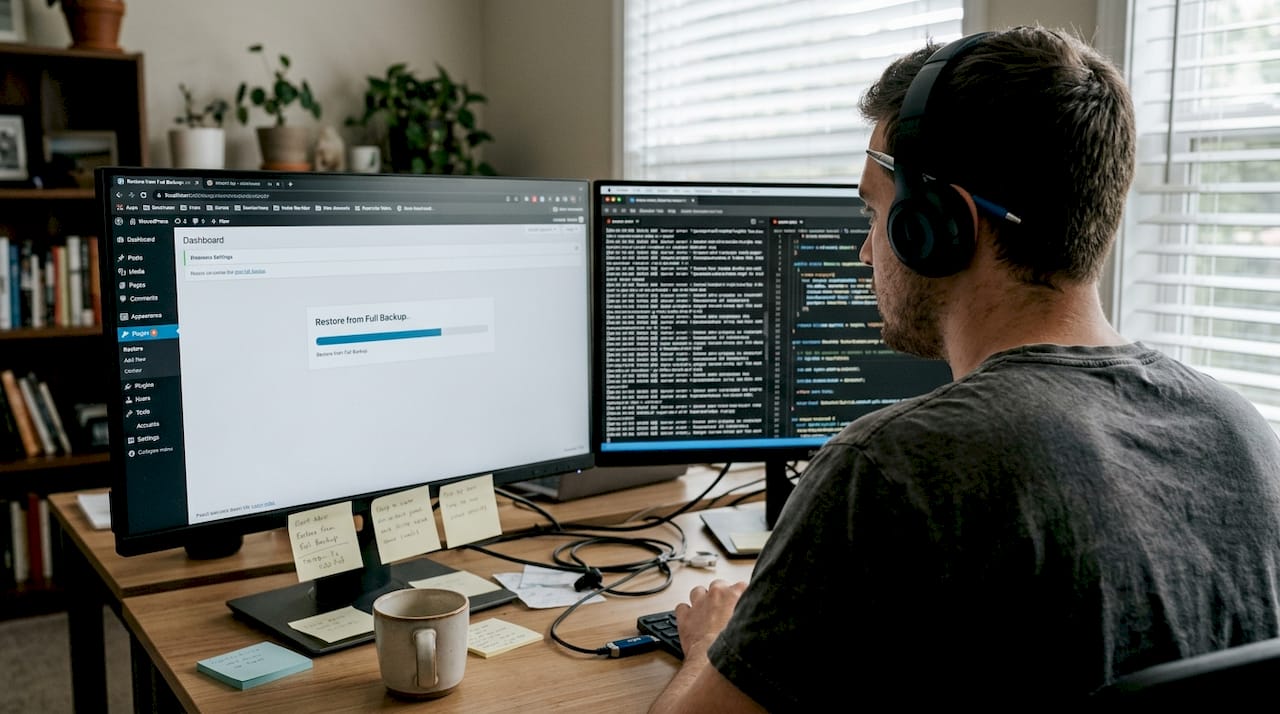
Incremental backups are the smart choice for most active agency clients. They only capture what’s changed since the last backup, making them fast and efficient. The trade-off is that a full restore requires the original full backup plus every incremental file in sequence.
Differential backups sit between full and incremental. They capture everything changed since the last full backup, making restores faster than incremental while still saving storage compared to running full backups daily.
Mirror backups create an exact live copy of the site. They’re powerful for critical, high-availability sites but offer no version history. If a file is deleted or corrupted, the mirror reflects that immediately.
Real-time backups track every change as it happens. Ideal for e-commerce or membership sites where data loss of even a few minutes is unacceptable.
Pro Tip: For agencies managing high-content sites or clients who frequently update plugins, partial backups targeting just the database and uploads folder can dramatically reduce backup time and storage costs without sacrificing the data that matters most. Explore the essential backup types in more detail to refine your approach.
How top backup plugins implement different backup types
After exploring individual backup types, it’s essential to see how popular plugins deliver these capabilities in ways that fit the agency model. The market is crowded, but four plugins consistently stand out for agency use.
UpdraftPlus leads with over 3 million installs and offers a solid free tier. BlogVault and Jetpack excel in real-time and incremental backups for agencies managing multiple client sites. WPvivid rounds out the field with strong white-label features.
| Plugin | Backup types | Cloud integration | Multisite support | Approx. cost |
|---|---|---|---|---|
| UpdraftPlus | Full, partial, scheduled | Google Drive, S3, Dropbox | Limited (premium) | Free / paid tiers |
| BlogVault | Incremental, real-time | Off-site (BlogVault servers) | Yes | ~£70/yr |
| Jetpack | Incremental, real-time | Jetpack cloud | Yes | ~£46/yr |
| WPvivid | Full, incremental, scheduled | Google Drive, S3, others | Yes | ~£38/yr |
Key considerations for agency workflows:
- UpdraftPlus is excellent for budget-conscious agencies managing smaller sites. Its free version handles scheduled full and partial backups well, though multisite support requires the premium version.
- BlogVault shines for agencies with high-traffic or e-commerce clients. Its incremental approach and off-site storage make it a robust choice, and 72% of agencies prioritise cloud integration when selecting a backup solution.
- Jetpack integrates tightly with WordPress.com infrastructure and offers real-time backups on higher tiers. It’s a strong option if your agency already uses Jetpack for security or performance features.
- WPvivid offers the best value for agencies wanting white-label reporting and scheduled incremental backups at a lower price point.
“BlogVault and Jetpack lead in real-time and incremental capabilities for agencies managing multiple client sites at scale.”
For agencies weighing whether to self-manage backups or hand them off, the self-managing comparison is worth reviewing. You can also explore managed maintenance options if you’d rather not own this process at all. And if security is a concern alongside backups, the agency security guide covers complementary measures.
Situational recommendations: which backup type matches your agency’s needs?
With the features and plugin choices compared, the next step is to match backup approaches to your agency’s unique needs and client mix. Here’s a practical framework.
- Rapid client recovery is your priority: Choose real-time or incremental backups. Pair with BlogVault or Jetpack for automated, off-site storage. Ensure restore testing is built into your monthly maintenance routine.
- You manage large WordPress multisite networks: Automate backups off-peak and use WP-CLI for large databases or complex configurations. Full or differential backups work well here, combined with a plugin that supports WP-CLI natively.
- Budget is tight or resources are limited: Scheduled incremental backups via UpdraftPlus or WPvivid offer excellent value. Focus on backing up the database and uploads folder as a minimum viable approach.
- You manage regulated or security-sensitive clients: Encrypted, off-site backups are non-negotiable. BlogVault’s off-site storage or a custom S3 bucket with server-side encryption meets this standard. Review AI automation for backups to reduce manual oversight.
- You want to offer backup management as a white-label service: Structure your backup process around a single plugin with reporting features, then explore white-label backup support to scale without adding headcount.
Pro Tip: Always test restores on a staging environment, not just assume the backup completed successfully. Automate restore testing where possible and send clients a monthly backup report. It takes minutes to set up and builds enormous trust. Browse WordPress support options if you want this handled for you.
Why most agencies still underestimate backup complexity
Here’s the uncomfortable truth: most agencies treat backups as a checkbox, not a strategy. They install a plugin, point it at a cloud folder, and consider the job done. We understand why — there are only so many hours in the week, and backups feel invisible until something breaks.
But the failure rate of untested backups sits at roughly 68%. That means more than two-thirds of agencies who haven’t tested their restores are operating on false confidence. The backup exists. The restore might not work.
The agencies that genuinely stand out on reliability are the ones who treat backup testing as a recurring task, not a one-off setup. They customise backup types per client based on site activity and risk level. They involve clients in occasional restore drills, which sounds unusual but actually deepens trust considerably. A client who has watched their site restored from backup in under ten minutes is a client who renews their care plan without hesitation.
Backup complexity is also growing. Headless WordPress setups, large WooCommerce catalogues, and multisite networks all require more nuanced approaches than a standard scheduled full backup. The agency maintenance expertise needed to handle these scenarios well is real, and it’s worth either building it internally or partnering with someone who already has it.
Secure client sites and scale your profit with expert WordPress support
Managing backups across a portfolio of client sites is time-consuming, technically demanding, and easy to get wrong. But it’s also one of the clearest ways to demonstrate ongoing value to clients and justify recurring revenue.
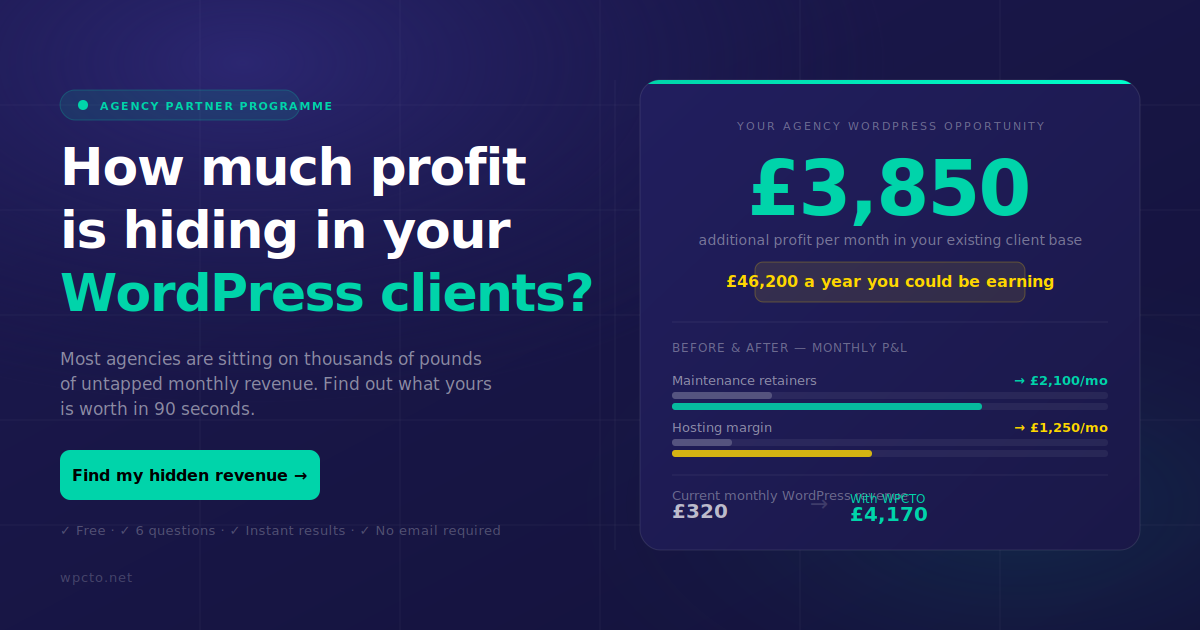
At WPCTO, we handle WordPress backup, restoration, and maintenance for agencies across the UK, working invisibly behind your brand so you keep the client relationship. From incremental backups and encrypted off-site storage to emergency restores and white-label support, we take the operational burden off your shoulders. Our agency services are built around your workflow, not ours. And if you want to see exactly how much uncaptured revenue is sitting in your existing WordPress client base, run your numbers through the WordPress Profit Calculator in under 90 seconds.
Frequently asked questions
What is the difference between full and incremental website backups?
Full backups copy everything each time they run, while incremental backups only capture changes made since the previous backup, saving both storage space and processing time.
Which backup type is best for large WordPress multisite networks?
Incremental or differential backups with WP-CLI automation are best suited to large multisite networks, reducing resource demands and speeding up recovery when something goes wrong.
How do you test if a website backup is actually working?
Restore the backup to a staging environment and verify the site functions correctly. Given that untested backups fail ~68% of the time, automated restore testing with alerting is the most reliable approach.
What should agencies consider when choosing a backup plugin?
Prioritise backup type support, scheduling automation, cloud integration, multisite compatibility, and restore testing. 72% of agencies prioritise cloud integration as a key factor, and plugins like BlogVault and Jetpack lead on real-time and incremental capabilities.