

For agency projects, the pick usually comes down to three architectures: classic themes for PHP-heavy builds and complex WooCommerce logic, block themes for content-led sites where editors need real control, and hybrid themes for incremental modernisation on legacy builds that can’t stomach a full rebuild. Get this call wrong early and you inherit a maintenance problem that follows the account for years.
Before briefing a build, run through this quick mapping:
- Editor control needed? Non-technical client teams editing daily favour block themes.
- Heavy custom logic or bespoke payment flows? Classic architecture, or a bespoke build, still wins.
- Locked into Elementor, Divi or a legacy page builder? Stay classic or plan a phased hybrid migration.
If you’re weighing how much unbilled time your current theme choices are already costing you, run the numbers through the WordPress Profit Calculator — it takes under 90 seconds and often surfaces revenue agencies didn’t know they were leaving on the table.
Key Takeaways
Agencies that map project requirements to classic, block or hybrid theme architecture upfront avoid the maintenance overhead caused by theme-stretching later.
| Point | Details |
|---|---|
| Match architecture to the project | Classic suits custom logic and heavy commerce; block suits editor-led content sites; hybrid suits legacy migrations. |
| Protect customisations properly | Use child themes for parent-theme edits, but remember nesting isn’t possible and functions.php order matters. |
| Scope the SOW before building | Capture deliverables, training, update cadence and a rollback plan before signing off any theme project. |
| Test before you migrate | Stage every theme change, check WooCommerce and page-builder compatibility, and confirm your backup restores. |
| Outsource the maintenance tail | Wpcto handles updates, security monitoring, migrations and emergency support under your agency’s brand, freeing your team for client-facing work. |
Table of Contents
- WordPress theme types explained: classic, block and hybrid trade-offs
- How child themes protect your customisations
- Matching theme types to agency project requirements
- Testing theme changes without breaking client sites
- What theme-stretching actually costs your agency
- Why the “pick the newest option” advice misses the point
- WPCTO: white-label WordPress support built for agencies like yours
- Sources
WordPress theme types explained: classic, block and hybrid trade-offs
A classic theme is built from PHP templates, relies on the Customizer for site-wide settings, and typically sits inside a page-builder ecosystem such as Elementor or a framework like Genesis. It’s the architecture most WordPress developers learned on, and it still wins clearly where a project needs complex backend logic, deep custom post type relationships, or mature plugin compatibility that hasn’t caught up with newer standards. Ten years of WooCommerce extensions, membership plugins and LMS integrations were built against this model, and a lot of them still assume it.
A block theme works differently. It uses block-based HTML templates, a theme.json configuration file, and exposes the Site Editor so headers, footers and full templates can be edited visually, without touching PHP. That gives editorial teams genuine flexibility, keeps CSS lean because styling lives in structured design tokens rather than scattered stylesheets, and aligns the build with where WordPress core itself is heading.
A hybrid theme sits between the two. It typically starts from a classic PHP foundation and layers in theme.json for global styles, or introduces individual block templates for specific page types, without committing to a full Site Editor rebuild. This is often the pragmatic middle path for agencies managing legacy client sites that can’t absorb a ground-up rebuild on the current budget.
Here’s the market reality worth knowing: block themes represent WordPress core’s active development direction, yet classic themes still account for roughly 99% of deployed sites. Both are supported for the foreseeable future, so this isn’t a case of picking the “future-proof” option and moving on. It’s picking the right tool for each client’s actual requirements.
- Classic: mature plugin ecosystem, page-builder compatible, heavier custom logic support.
- Block: lean CSS via
theme.json, native Site Editor, aligned with WordPress core’s roadmap. - Hybrid: lower migration risk, incremental adoption, useful bridge for legacy accounts.
How child themes protect your customisations
A child theme inherits templates, styles and functions from its parent, letting you customise a site without editing parent files directly. That matters because a parent theme update would otherwise wipe out every tweak you’ve made, and agencies that skip this step tend to find out the hard way, usually the week after a client complains their custom footer has vanished.
A few technical caveats catch developers out:
- You cannot nest child themes — there’s no such thing as a child of a child, so plan your customisation hierarchy before you start, not after.
- The child theme’s
functions.phploads before the parent’s, which affects override order and hook timing if you’re not deliberate about it. - Always test child theme changes on staging first — a parent update can still surface conflicts even with a properly structured child theme in place.
For smaller jobs, skip the child theme altogether. A handful of CSS tweaks belongs in a custom plugin or the Customizer’s additional CSS field; functionality changes belong in a small custom plugin, not theme files. Agencies running repeatable builds often maintain a starter or base theme instead, so every new project begins from a known, tested foundation.
Pro Tip: If you’re building a block theme child, WordPress’s Create Block Theme plugin can export your Site Editor customisations directly into a child theme structure, saving you from hand-coding theme.json overrides from scratch.
Matching theme types to agency project requirements
Before quoting a project, score it against six axes: editorial needs, custom backend logic, page-builder reliance, WooCommerce complexity, performance targets, and the maintenance budget the client is actually willing to fund. Skipping this step is how agencies end up “theme-stretching” — forcing an architecture to do work it was never designed for, which inflates customisation time and long-term maintenance overhead far beyond the original estimate.
Some mapping rules hold up consistently across agency work:
- Content-led site, non-technical editors, no complex commerce logic → block theme.
- Custom payment flows, deep Elementor dependency, or bespoke backend integrations → classic theme or a bespoke build.
- Legacy site, limited budget, but a need to modernise → hybrid migration first, full rebuild later if it earns its keep.
Whatever you land on, capture these items in the statement of work before signing:
- Exact deliverables (templates, patterns, custom post types) and who owns final QA.
- Editor training scope, so the client team isn’t guessing at the Site Editor on launch day.
- Update cadence for the theme and its dependencies, stated explicitly, not assumed.
- A rollback plan with a defined timeframe if the new theme underperforms post launch.
On cost and timeline: a hybrid migration on a healthy existing codebase can often land in weeks rather than months, while a full rebuild is only justified when the current site’s technical debt or plugin conflicts have made incremental fixes genuinely uneconomic. If you’re still choosing between an off-the-shelf theme and a custom build for a given brief, this breakdown of theme options for 2026 is worth reading alongside your SOW draft.
| Project profile | Recommended theme type |
|---|---|
| Content-heavy site, frequent editor updates | Block |
| Complex WooCommerce or bespoke payment logic | Classic |
| Legacy site, limited budget, needs modernising | Hybrid |
| Heavy Elementor/Divi dependency | Classic |
Testing theme changes without breaking client sites
Performance differences between the two architectures are real but not universal. Because theme.json centralises design tokens rather than scattering styles across multiple stylesheets, block themes often ship a smaller CSS payload out of the box. Classic themes, particularly those built around a heavyweight page builder, tend to carry more front-end assets, though a well-optimised classic build can still outperform a poorly configured block theme.
Before any theme change goes live, run through a plugin compatibility pass:
- Test WooCommerce templates specifically. Older extensions sometimes assume classic template hierarchy.
- Check page builder plugins like Elementor or Divi render correctly, or confirm they’re being retired as part of the migration.
- Verify membership and LMS plugins, which often hook deeply into theme templates.
- Take a full backup before touching anything, and confirm the restore process actually works.
Testing should happen on staging, with plugin toggles used as feature flags so you can isolate what broke if something does. Visual regression checks catch layout shifts a manual click-through will miss, and every migration needs a documented rollback plan with a clear decision point for triggering it. Our step-by-step theme update guide covers the sequencing in more detail.
Pro Tip: Not sure what you’re currently working with? Check the Appearance menu — an “Editor” link means a block theme, “Customise” means classic. Some plugins add a Customiser button even on block themes, so check for the Site Editor specifically.
Migration effort scales with ambition: a hybrid approach (adding theme.json and selective block templates to a classic base) is usually the lowest-risk path for legacy sites, a block-child-of-block-parent rebuild sits in the middle, and a full block-theme rebuild carries the highest effort and the highest long-term payoff.
What theme-stretching actually costs your agency
Theme-stretching, forcing a theme architecture to handle work it wasn’t built for, is one of the quietest profit killers in agency WordPress work. It doesn’t show up as one big failure. It shows up as a slow drip of emergency tickets: a plugin conflict here, a broken checkout there, a client asking why the site “feels slower than it used to.” None of it was scoped, none of it gets billed properly, and all of it eats hours your team should be spending on paid creative work.
The theme choice made at kickoff quietly sets your support ticket volume for the next three years. Agencies rarely connect the two until they’re auditing where their billable hours actually went.
Tasks agencies commonly hand off once this pattern becomes visible include core and plugin updates, theme version management, security monitoring, emergency fixes, and full site migrations. Handing these to a specialist partner frees the team to focus on strategy and design, the work clients actually hired the agency for.
If you’re weighing whether to keep this in house, our comparison of WPCTO versus self-managing WordPress sites walks through the trade-offs agencies weigh most often. Before handing off maintenance to any partner, agencies should prepare:
- A full inventory of active plugins, themes and their versions.
- Documented custom code or child theme modifications.
- Client-specific SLAs and update cadences already agreed.
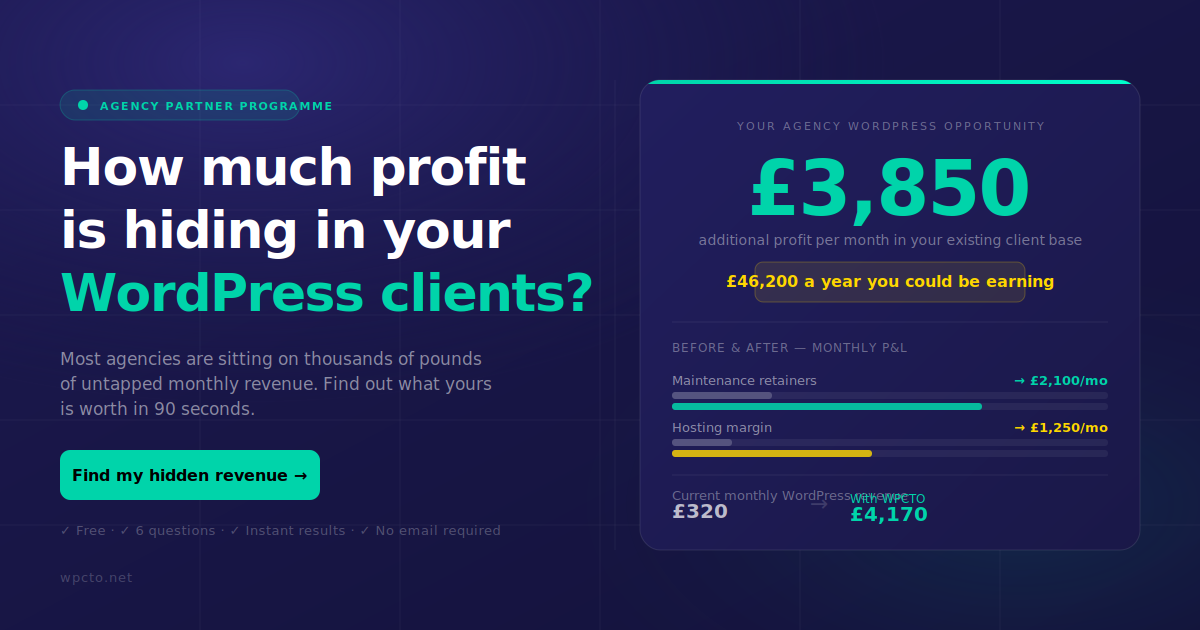
Worth checking the real numbers here too. The Profit Calculator takes under 90 seconds and shows exactly how much recurring revenue is sitting unclaimed in your existing client base.
Why the “pick the newest option” advice misses the point
Most theme advice online defaults to a simple rule: block themes are the future, so build in block. That’s true as a direction for WordPress core, but it’s poor advice for an agency managing thirty client sites with thirty different budgets, skill levels and technical debts. The architecture question was never about novelty. It’s about which approach produces the lowest total cost of ownership for a specific client, over a specific timeframe, given the team that will maintain it.
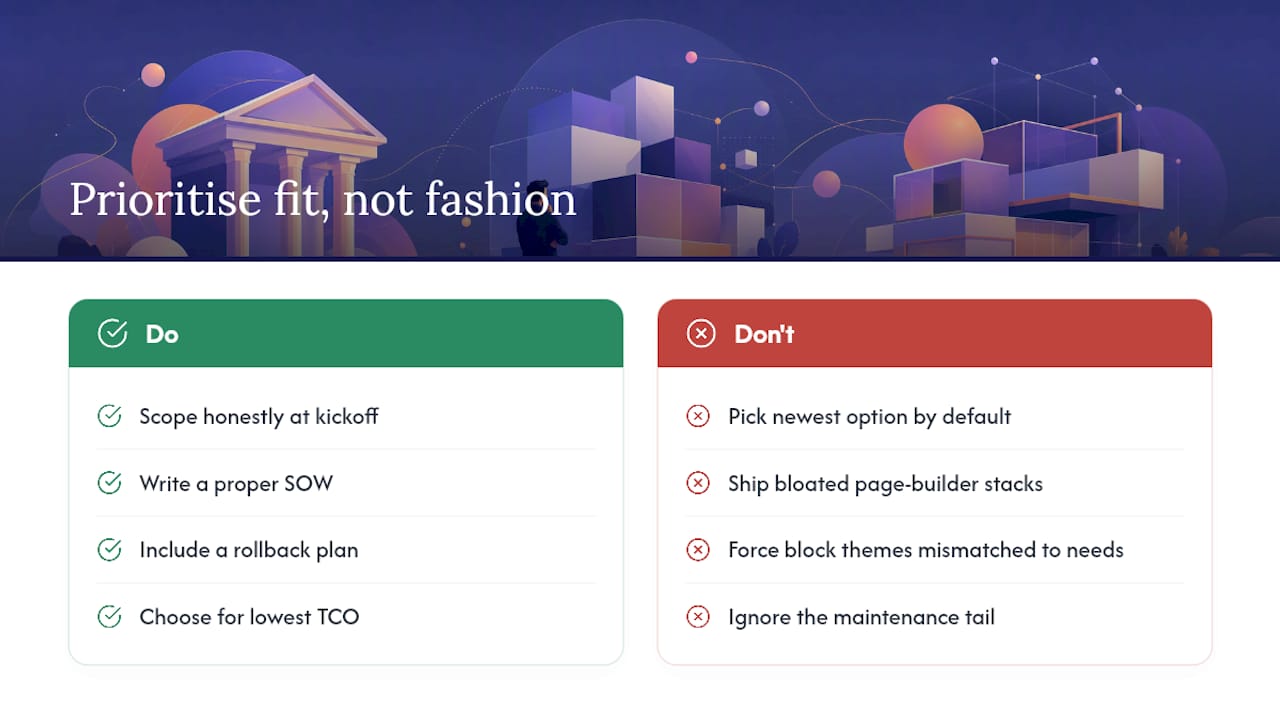
What gets underestimated consistently is the maintenance tail. A classic theme with a bloated page-builder stack looks fine at launch and expensive eighteen months later. A block theme handed to a client who genuinely needs a bespoke checkout flow looks modern and then gets stretched into something it was never designed to hold. Both failures come from the same root cause: choosing architecture based on what’s fashionable rather than what the project actually demands.
If there’s one thing worth prioritising above the classic-versus-block debate, it’s honest scoping at kickoff, backed by a proper SOW and a rollback plan. Agencies that get that right rarely need this article again.
— Marcel
WPCTO: white-label WordPress support built for agencies like yours
Wpcto exists so your team never has to own another WordPress support ticket, regardless of which theme architecture a project lands on. Whether a client’s site runs a decade-old classic theme with a fragile plugin stack, a fresh block-theme build, or something hybrid and half-migrated, our team handles the ongoing maintenance, security monitoring, plugin and theme updates, migrations, and emergency fixes behind the scenes, under your brand.
That means the agency keeps the client relationship and the recurring revenue, without absorbing the Sunday evening emergency calls or the uncharged hours spent debugging a plugin conflict nobody scoped for. Our agency services page sets out exactly how the white-label arrangement works, from onboarding through to ongoing support cadence, and how fractional CTO consulting fits in when a client needs strategic technical guidance beyond routine maintenance.
If you want to see what this is worth in real terms before talking to anyone, run your current client list through the WordPress Profit Calculator. It takes under 90 seconds and shows the revenue already sitting in your existing accounts, unclaimed.
Sources
- Block themes
- Child themes — Learn WordPress
- Developer
- Block themes vs classic themes: should you switch in 2026?
- Custom vs third-party WordPress themes: what’s best for agencies?