

More than 60 percent of british website owners rely on dedicated support to keep their WordPress sites safe and running smoothly. With constant updates, plugin changes, and daily security threats, managing a professional site becomes a full-time challenge. In this guide, you will discover the crucial roles, risks, and real differences between handling support yourself and choosing expert solutions for your WordPress site.
Table of Contents
- Defining The Role Of WordPress Support
- Types Of WordPress Support Services Explained
- Key Responsibilities And Processes Involved
- Common Risks And How Support Mitigates Them
- Comparing Support Services Vs Self-Management
Key Takeaways
| Point | Details |
|---|---|
| Comprehensive Role of Support | WordPress support encompasses troubleshooting, security, performance optimisation, and user permission management, ensuring robust and secure websites. |
| Proactive Risk Management | Effective support involves continuous security monitoring and vulnerability assessments to safeguard against potential threats. |
| Professional vs Self-Management | Engaging professional support services mitigates risks, offers expert guidance, and frees up time for business owners to focus on core objectives. |
| Importance of User Experience | Support teams must combine technical expertise with empathy to effectively manage user frustrations and provide excellent service. |
Defining the Role of WordPress Support
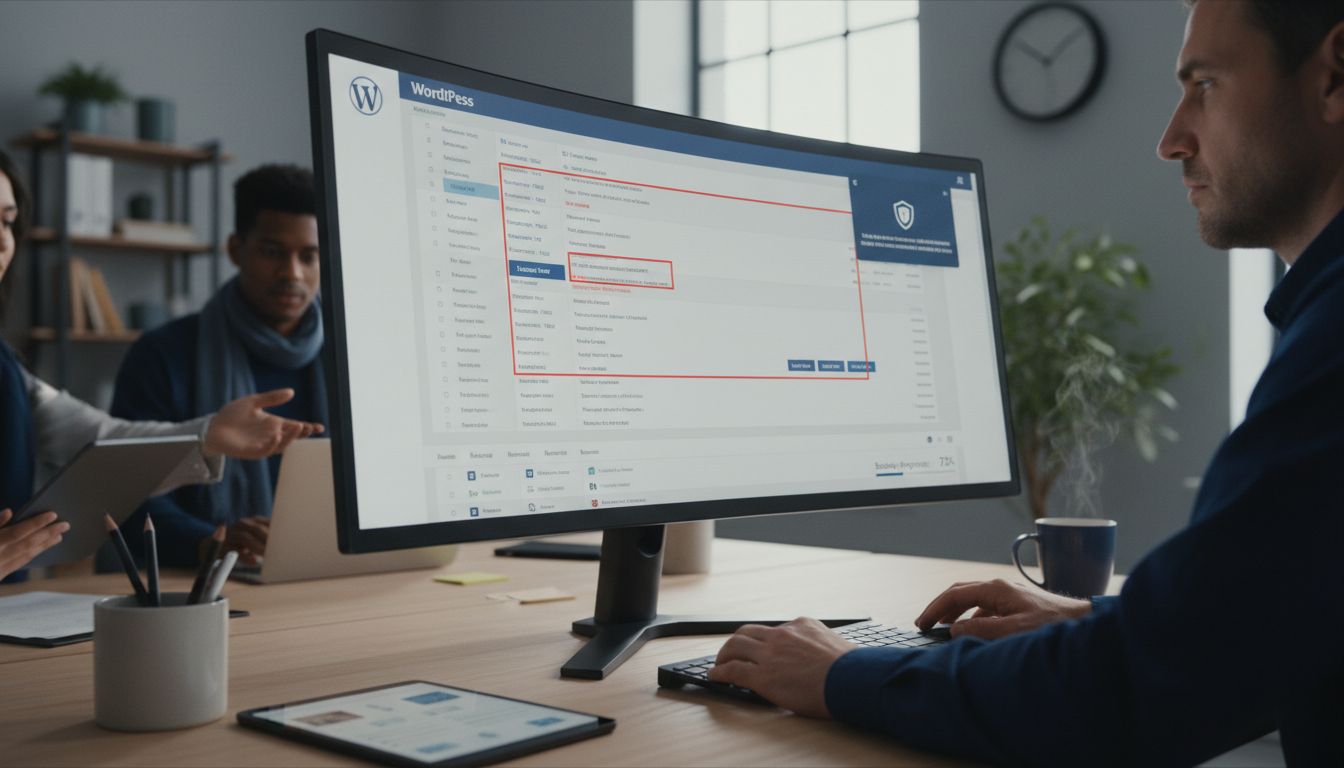
WordPress support is a comprehensive service ecosystem designed to maintain, protect, and optimise website functionality across various technical domains. According to WordPress Developer, this role fundamentally involves managing user permissions and ensuring websites operate smoothly and securely.
At its core, WordPress support encompasses multiple critical responsibilities. These include technical troubleshooting, security monitoring, performance optimisation, plugin and theme management, and ongoing site maintenance. Technical support professionals work proactively to identify potential issues before they escalate, providing strategic interventions that prevent website downtime and functionality disruptions.
The emotional and technical dimensions of support are equally important. As WordPress Support Handbook highlights, effective WordPress support is not merely about resolving technical problems but also about managing user experiences with professionalism and empathy. Support teams must balance technical expertise with interpersonal skills, understanding that behind every support request is a user potentially experiencing frustration or uncertainty.
Key responsibilities of WordPress support include:
- Rapid problem diagnosis and resolution
- Security vulnerability assessment
- Performance monitoring and enhancement
- Plugin and theme compatibility checks
- Backup and restoration services
- User permission management
By providing these comprehensive services, WordPress support ensures websites remain robust, secure, and optimally functional for businesses and individual users alike.
Types of WordPress Support Services Explained
WordPress support services have evolved into a sophisticated ecosystem of specialised offerings designed to address diverse website management needs. As WordPress Learn highlights, support extends beyond technical troubleshooting to include comprehensive community engagement and strategic assistance.
The primary categories of WordPress support services encompass several distinct but interconnected domains. Technical support services provide immediate problem resolution, including bug fixes, plugin compatibility checks, and performance optimisation. Security support focuses on vulnerability assessments, malware scanning, and proactive threat mitigation. Migration services help businesses seamlessly transfer websites between hosting platforms, ensuring minimal downtime and data integrity.
WordPress Community Handbook demonstrates that support services are not just technical interventions but collaborative partnerships. Managed WordPress support typically includes:
- Ongoing maintenance packages
- 24/7 technical troubleshooting
- Security monitoring and protection
- Performance optimisation
- Emergency recovery services
- Custom plugin and theme development support
These comprehensive services ensure WordPress websites remain robust, secure, and operationally efficient, providing businesses with peace of mind and technical reliability.
Key Responsibilities and Processes Involved
WordPress support professionals engage in a structured, systematic approach to managing website infrastructure and addressing complex technical challenges. According to WordPress Core, this involves meticulous component maintenance which requires comprehensive ticket triaging, functionality verification, and strategic integration within broader WordPress ecosystems.
The core process of WordPress support involves multiple interconnected stages. Initial assessment includes diagnostic scanning, identifying potential vulnerabilities, performance bottlenecks, and system inconsistencies. Following this, support teams develop targeted intervention strategies, which might encompass plugin updates, security patches, code optimisation, and infrastructure reconfiguration. These interventions are designed to preemptively address potential issues before they escalate into critical system failures.
WordPress Team Representation emphasises the collaborative nature of support processes, highlighting that effective management extends beyond technical resolution. Key responsibilities include:
- Proactive system monitoring
- Security vulnerability assessment
- Performance diagnostics
- Rapid incident response
- Client communication and reporting
- Continuous system optimization
Support professionals must maintain a delicate balance between technical expertise and strategic problem-solving, ensuring WordPress websites remain secure, efficient, and aligned with evolving digital infrastructure requirements.
Common Risks and How Support Mitigates Them
WordPress websites face numerous potential vulnerabilities that can compromise site performance, security, and user experience. According to WordPress Core, proactive risk management is crucial, with maintenance mode strategies helping to clarify system status and prevent potential operational disruptions.
The most prevalent risks in WordPress environments include security breaches, performance degradation, plugin conflicts, and outdated software components. Cybercriminals frequently exploit unpatched vulnerabilities, targeting websites through malware injections, brute force attacks, and sophisticated social engineering techniques. Support teams mitigate these risks through comprehensive strategies such as regular security audits, vulnerability scanning, immediate patch management, and robust firewall configurations.
WordPress Support Handbook emphasises that effective risk mitigation extends beyond technical interventions to include professional user engagement. Key risk mitigation strategies encompass:
- Continuous security monitoring
- Automated vulnerability assessments
- Proactive software updates
- Comprehensive backup protocols
- Rapid incident response
- User access management
By implementing these strategic approaches, WordPress support professionals can significantly reduce potential system vulnerabilities, ensuring websites remain secure, performant, and resilient against emerging digital threats.
Comparing Support Services vs Self-Management
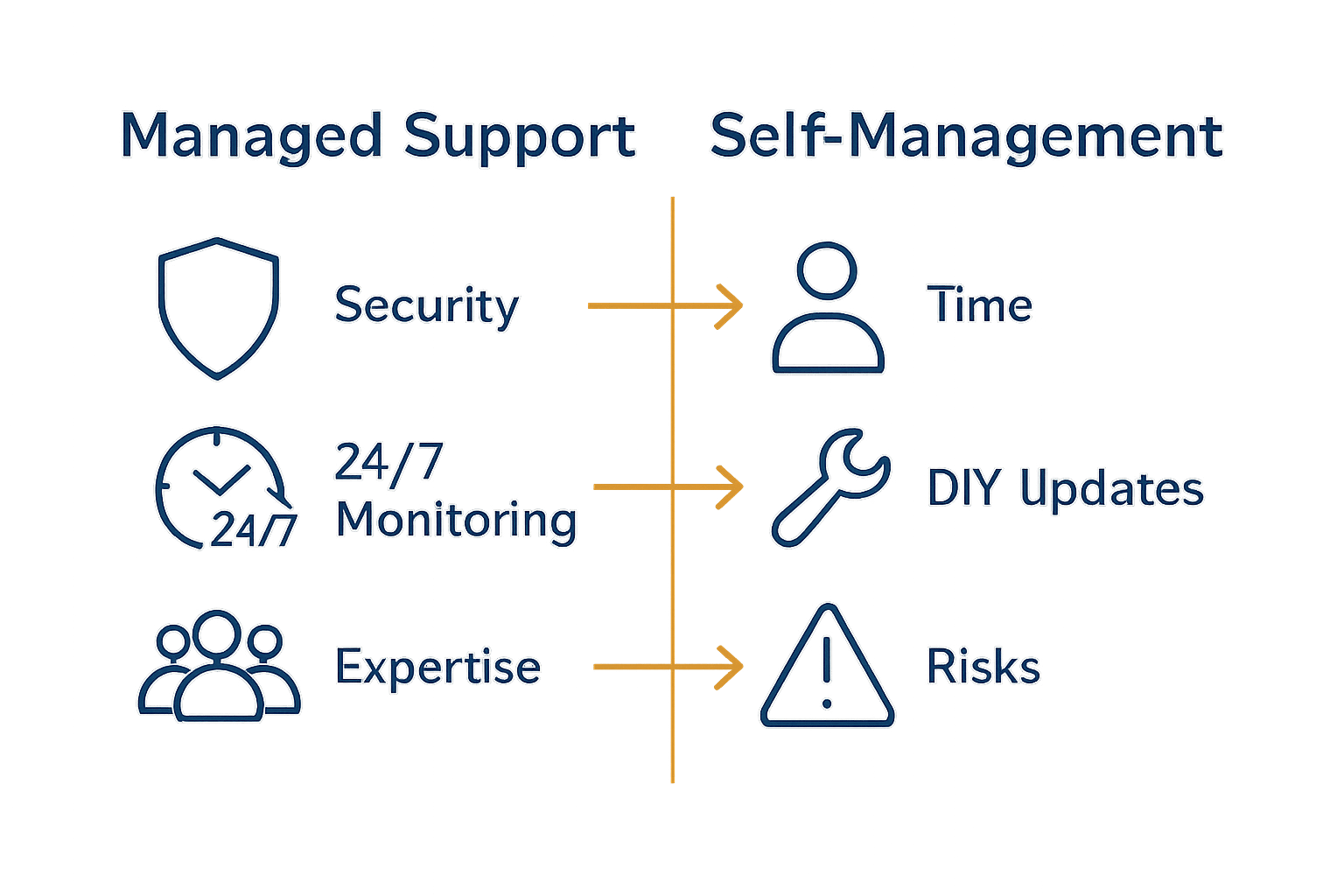
The choice between professional WordPress support services and self-management represents a critical strategic decision for businesses and website owners. According to Government Digital Marketplace, comprehensive support services offer extensive infrastructure management including hosting, security certificates, regular updates, backups, and continuous monitoring – capabilities that are substantially more complex to maintain independently.
Self-management demands significant technical expertise and consistent time investment. Website owners must personally handle security patches, performance optimisation, plugin compatibility, backup procedures, and potential emergency recoveries. This approach requires deep technical knowledge across multiple domains, including cybersecurity, web development, and server management.
By contrast, professional support services provide specialised teams with comprehensive monitoring, rapid response capabilities, and proactive maintenance strategies that significantly reduce operational risks.
WordPress Plugin Repository illustrates how support services can automate complex technical tasks, reducing manual management burden. Key differences between support services and self-management include:
- Professional expertise vs personal learning curve
- 24/7 monitoring vs intermittent attention
- Automated updates vs manual interventions
- Comprehensive security protocols vs limited protection
- Predictable monthly costs vs unpredictable emergency expenses
- **Scalable infrastructure vs static configurations
 **
**
Ultimately, while self-management offers theoretical cost savings, professional WordPress support provides a strategic approach that mitigates risks, ensures optimal performance, and allows business owners to focus on core operational objectives.
Secure and Optimise Your WordPress Website with Expert Support
Maintaining a WordPress site can feel overwhelming when faced with complex technical challenges like security vulnerabilities, plugin conflicts, and performance issues. The detailed guide on the role of WordPress support highlights the crucial need for proactive management — including rapid problem diagnosis, continuous security monitoring, and performance optimisation — to keep your website reliable and efficient. Without expert assistance, these risks can lead to frustrating downtime or data loss.
Take control of your WordPress website today with professionals who understand these challenges inside out. At WPCTO.net, our specialised WordPress management and support services offer quick fixes, comprehensive security enhancements, and ongoing optimisation that align perfectly with the responsibilities outlined in the guide. Don’t wait for issues to escalate take the first step towards a secure, high-performing website by visiting WPCTO.net and exploring how our expert solutions can safeguard your online presence now.
Frequently Asked Questions
What does WordPress support involve?
WordPress support encompasses services aimed at maintaining, protecting, and optimising website functionality. Key responsibilities include technical troubleshooting, security monitoring, performance optimisation, plugin and theme management, and ongoing site maintenance.
How do professional WordPress support services differ from self-management?
Professional WordPress support services provide specialised expertise, 24/7 monitoring, and proactive maintenance, reducing operational risks. In contrast, self-management requires significant time investment and technical knowledge to handle security patches, performance optimisation, and other critical tasks independently.
What are the common risks associated with WordPress websites?
Common risks include security breaches, performance degradation, plugin conflicts, and outdated software components. Proactive measures, such as regular security audits and immediate patch management, are essential to mitigate these vulnerabilities.
Why is user experience important in WordPress support?
User experience in WordPress support is crucial as it involves addressing user frustrations with empathy and professionalism. Effective support not only resolves technical issues but also fosters positive relationships and builds trust with users.