

Over 50 percent of hacked websites worldwide run outdated software, and many british site owners remain unaware of how vital WordPress updates really are. Keeping your site current goes far beyond adding new features; regular updates form the backbone of your website’s security and reliability. Understanding what these updates involve and why they are crucial puts you in control, helping your british website stay safe, fast, and competitive in a crowded online world.
Table of Contents
- What Are WordPress Updates And Why Important
- Types Of WordPress Updates And Their Roles
- How The WordPress Update Process Works
- Risks, Benefits And Impact On Your Site
- Best Practices For Safe And Timely Updates
- Common Mistakes And How To Avoid Them
Key Takeaways
| Point | Details |
|---|---|
| Importance of Updates | Regular WordPress updates are essential for enhancing website security, performance, and functionality. They protect against vulnerabilities and ensure compatibility with new technologies. |
| Types of Updates | Updates include core, plugin, theme, and translation file updates, each addressing specific aspects of website health and performance. |
| Update Process | The update process involves both automatic and manual methods, requiring careful planning, backups, and testing to minimise risks. |
| Best Practices | Implementing best practices such as scheduling updates during low-traffic times and testing on staging environments can significantly reduce the potential for issues during updates. |
What Are WordPress Updates and Why Important
WordPress updates represent critical software modifications that improve website security, functionality, and overall performance. These systematic upgrades include core system changes, plugin refinements, theme enhancements, and security patches designed to protect websites from potential vulnerabilities. Understanding the role of WordPress updates means recognising their strategic importance in maintaining a robust online presence.
At their core, WordPress updates serve multiple essential functions. Security stands as the primary objective, with updates addressing potential cybersecurity weaknesses and closing potential entry points for malicious actors. According to WordPress Developer News, changelogs in these updates provide critical transparency, building trust by informing users about specific changes and improvements. These updates typically include:
- Protection against known security vulnerabilities
- Performance optimisation improvements
- Bug fixes and system stability enhancements
- Compatibility updates with newer web technologies
- New features and interface refinements
Beyond security, WordPress updates contribute significantly to website functionality and user experience. Regular updates ensure your website remains compatible with the latest web browsers, plugins, and emerging digital standards. Without these updates, websites can become slow, vulnerable to attacks, and potentially non-functional across different devices and platforms. Think of these updates like routine maintenance for a high-performance vehicle: they’re not optional, but essential for long-term reliability and optimal performance.
For website owners and digital professionals, understanding and implementing WordPress updates is not just recommended—it’s a critical aspect of digital asset management. WordPress Update Process: Safe and Effective Steps can help you navigate these important software improvements with confidence, ensuring your digital infrastructure remains cutting-edge, secure, and fully operational.
Types of WordPress Updates and Their Roles
WordPress updates are not monolithic but instead comprise several distinct categories, each serving a unique purpose in maintaining website health and performance. According to WordPress Developer, these updates include core updates, plugin updates, theme updates, and translation file updates, strategically designed to enhance security, functionality, and overall digital infrastructure.
Core Updates represent the most critical category, further subdivided into different levels of significance:
- Development Updates: Experimental changes and bleeding-edge improvements
- Minor Updates: Security patches and small functional refinements
- Major Updates: Significant platform-wide transformations and feature introductions
Plugin and theme updates play equally crucial roles. These updates address compatibility issues, introduce new features, patch security vulnerabilities, and ensure smooth interaction between different website components. As WordPress News confirms, these regular updates are fundamental in maintaining a robust and user-friendly digital platform.
Translation file updates might seem minor, but they’re essential for global accessibility. They ensure that WordPress websites can effectively communicate across different languages, maintaining consistent user experience and expanding potential audience reach. WordPress Maintenance Explained highlights how these nuanced updates contribute to a website’s overall performance and global adaptability, making them a critical consideration for website owners seeking comprehensive digital management.
How the WordPress Update Process Works
The WordPress update process is a systematic approach to maintaining website functionality, security, and performance. According to WordPress Developer, the process involves configuring automatic background updates for core systems, plugins, themes, and translation files, with sophisticated options to customize settings through wp-config.php or specific filters.
Update Methods can be broadly categorised into two primary approaches:
- Automatic Updates: Seamless background processes that happen without direct intervention
- Manual Updates: Controlled, step-by-step procedures requiring direct administrator action
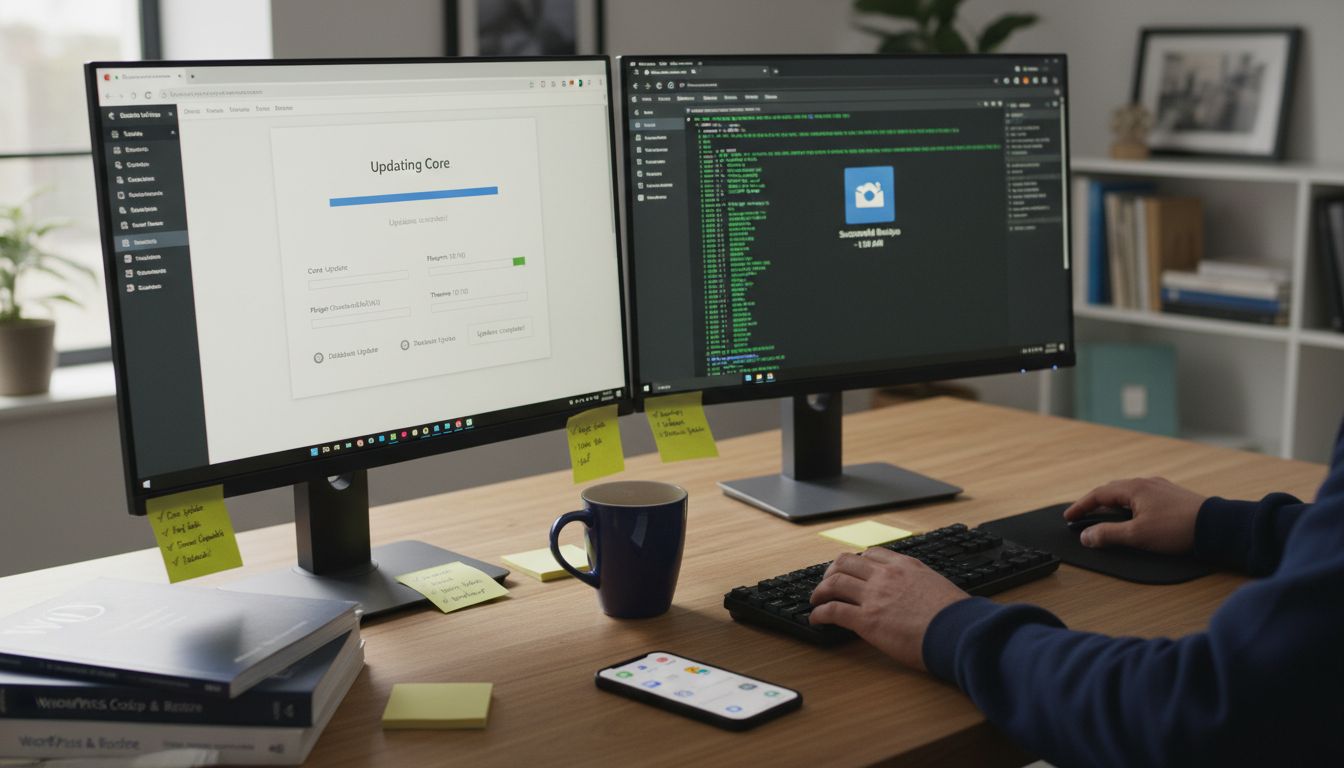
According to WordPress Documentation, a comprehensive update process typically involves several critical steps:
- Create a Complete Backup: Safeguard all website data before initiating updates
- Deactivate Plugins: Prevent potential compatibility conflicts
- Download Latest Version: Retrieve the most recent WordPress release
- Update Core Files: Replace existing system files
- Verify Update Integrity: Confirm successful installation
For website owners seeking more advanced management, 7 Essential Website Maintenance Best Practices provides deeper insights into maintaining a robust digital infrastructure. The update process is not just about clicking ‘update’ but involves strategic planning, risk mitigation, and continuous monitoring to ensure optimal website performance and security.
Risks, Benefits and Impact on Your Site
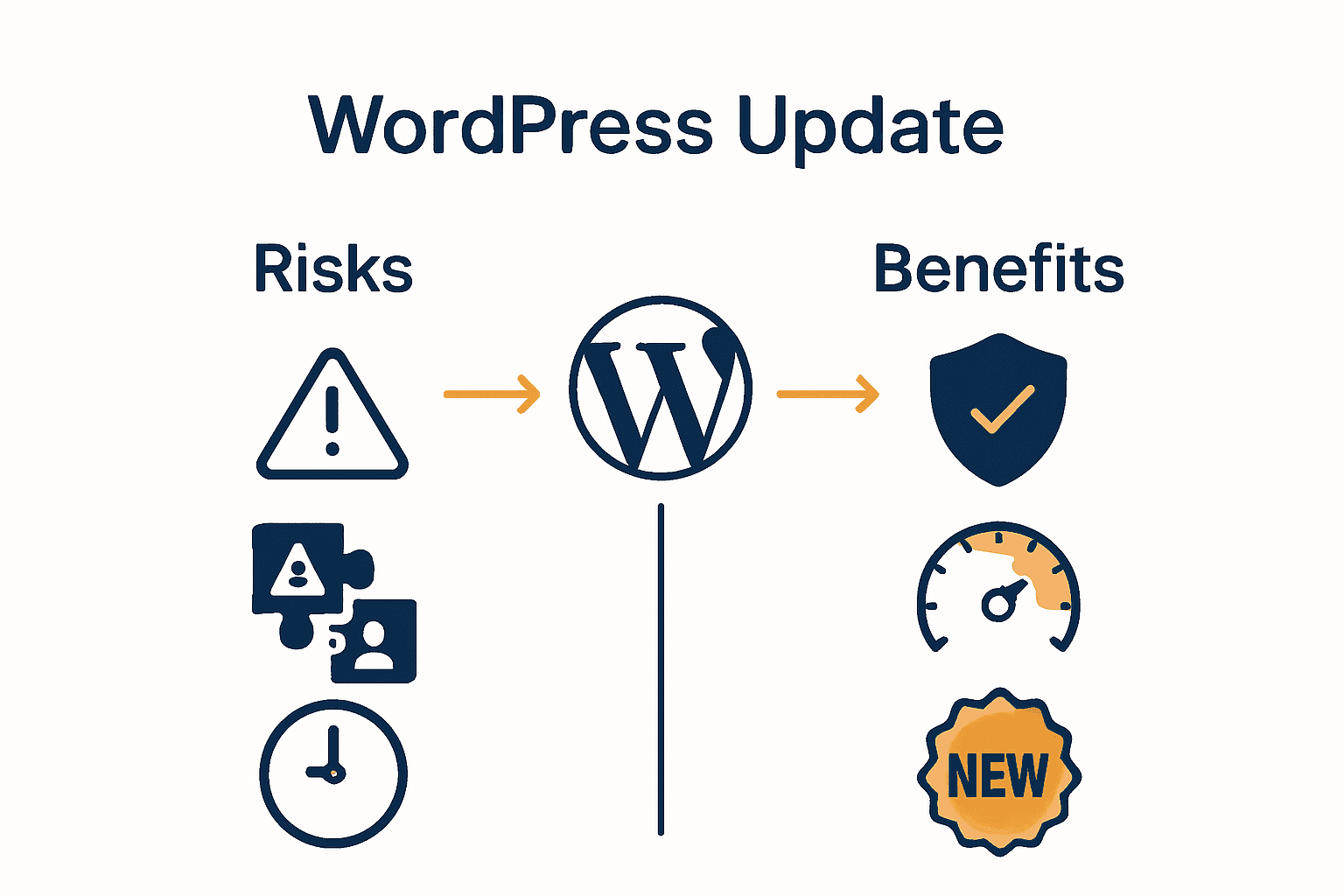
WordPress updates represent a critical balancing act between potential risks and substantial benefits for website owners. As digital landscapes evolve rapidly, understanding the nuanced impact of these updates becomes paramount for maintaining a robust online presence. Why Prioritize WordPress Security underscores the fundamental importance of staying ahead of potential vulnerabilities.
Potential Risks associated with WordPress updates include:
- Temporary website downtime
- Plugin or theme compatibility issues
- Unexpected design or functionality changes
- Potential data migration complexities
Conversely, according to WPML, keeping WordPress plugins and core systems updated prevents critical compatibility issues and security risks, ensuring the site remains functional and secure. The benefits far outweigh the potential short-term disruptions.
Key Benefits of consistent WordPress updates include:
- Enhanced website security
- Improved performance and loading speeds
- Access to new features and functionality
- Better compatibility with emerging web technologies
- Protection against known vulnerabilities
For website owners seeking comprehensive digital resilience, understanding these risks and benefits is crucial. WordPress Site Health Explained provides deeper insights into maintaining a healthy, secure, and high-performing WordPress website. The impact of updates extends beyond mere technical maintenance—it’s about ensuring your digital presence remains competitive, secure, and technologically relevant.
Best Practices for Safe and Timely Updates
Navigating WordPress updates requires a strategic and methodical approach to ensure website stability and performance. According to WordPress Documentation, best practices encompass a comprehensive set of proactive measures designed to minimise risks and maximise update effectiveness.
Critical Preparatory Steps before initiating any update include:
- Creating a complete website backup
- Deactivating all plugins temporarily
- Testing updates on a staging environment
- Maintaining an updated database
- Checking theme and plugin compatibility
According to Learn Tech Guides, efficient WordPress management involves more than just clicking ‘update’. It requires a holistic approach that integrates regular updates with robust security protocols and continuous monitoring.
Update Execution Best Practices:
- Schedule updates during low-traffic periods
- Use reliable update management tools
- Monitor site performance post-update
- Maintain a consistent update schedule
- Keep detailed logs of all update activities
WordPress Update Service offers advanced strategies for website owners seeking comprehensive update management. The key is transforming updates from a potential risk into a systematic process that enhances website security, performance, and overall digital resilience.
Common Mistakes and How to Avoid Them
WordPress updates, while essential, can become treacherous when approached without proper preparation. According to WordPress Support, many website owners fall into predictable traps that can compromise their site’s integrity during the update process.
Most Frequent Update Mistakes:
- Skipping comprehensive website backups
- Updating without verifying backup integrity
- Failing to deactivate conflicting plugins
- Ignoring PHP version compatibility warnings
- Updating during peak website traffic hours
According to WordPress Community Support, the most critical mistake is neglecting proper backup procedures and not understanding PHP version compatibility. Each update introduces potential system complexities that require meticulous attention.
Strategic Mistake Prevention Techniques:
- Create multiple backup copies in different locations
- Test updates on staging environments first
- Use block themes with integrated Site Editor
- Maintain a consistent PHP version compatibility
- Monitor site performance immediately post-update
Why Backup WordPress Websites provides comprehensive strategies for protecting your digital assets. The key is transforming potential update risks into calculated, manageable processes that safeguard your website’s functionality and performance.
Keep Your WordPress Site Secure and Optimised with Expert Support
Understanding the crucial role of regular WordPress updates can feel overwhelming when faced with the risks of compatibility issues, downtime, or complex migrations. The article highlights pain points such as plugin conflicts, PHP version compatibility, and the challenge of managing timely backups while striving to maintain a fast, secure, and fully functional website.
Don’t let update worries hold your site back. At WPCTO.net, our specialised WordPress management services take the burden off your shoulders by providing quick fixes, security enhancements, and expert update management tailored to your needs. Explore how our WordPress Update Service can protect your digital presence and keep your site running smoothly. Start now to secure your site’s future with trusted care and proactive support.
Frequently Asked Questions
What are WordPress updates?
WordPress updates are software modifications that enhance website security, functionality, and performance. They cover core updates, plugin refinements, theme enhancements, and security patches to protect websites from vulnerabilities.
Why is it important to regularly update WordPress?
Regular updates are crucial for maintaining website security, improving loading speeds, ensuring compatibility with emerging web technologies, and introducing new features, all of which contribute to an optimal user experience.
How does the WordPress update process work?
The update process can be automatic or manual. It involves creating a backup, deactivating plugins, downloading the latest version, updating core files, and verifying the update’s integrity to ensure a smooth transition.
What are the risks associated with WordPress updates?
The risks include temporary website downtime, potential compatibility issues with plugins or themes, unexpected changes in design or functionality, and complexities related to data migration, all of which can be mitigated with proper preparation.