

A single data breach can cost far more than just lost sales for UK WooCommerce stores. Every time a customer enters card details or a home address, your reputation is on the line. Poor security opens the door to fraud, fines, and broken trust. Protecting customer data and maintaining site integrity is the foundation of a successful ecommerce business. This guide shows how practical security measures keep your WooCommerce shop safe, trusted, and compliant.
Table of Contents
- What Security Means For Ecommerce Sites
- Common Security Risks In WooCommerce
- Key Components Of Robust Store Security
- Legal Obligations And Uk Compliance
- Preventing Breaches: Essential Best Practices
Key Takeaways
| Point | Details |
|---|---|
| Importance of Security | Ecommerce security is essential to protect business and customer data from fraud and breaches, which can lead to substantial financial loss and damage to reputation. |
| Common Risks | WooCommerce stores face various threats such as injection attacks, broken authentication, and misconfigurations that can compromise data integrity and customer trust. |
| Legal Compliance | UK businesses must comply with strict regulations on data protection and consumer rights, failing which can result in hefty fines and legal repercussions. |
| Best Practices | Implementing strong access controls, regular updates, and continuous monitoring can significantly reduce the risk of security breaches and enhance overall protection for ecommerce sites. |
What Security Means for Ecommerce Sites
Security for your ecommerce store means protecting your business and your customers from financial loss, fraud, and data theft. When someone visits your WooCommerce site to buy a product, they’re trusting you with their payment card details, home address, and personal information. Without proper security, that trust evaporates quickly, and so do your customers.
Web security protects websites, applications and data from cyber threats. For your store, this means safeguarding sensitive information in transit and at rest. A hacker who gains access to customer payment data doesn’t just steal from your customers, they steal from your reputation as well.
Think about what happens when a breach occurs. Your customers discover their card details were compromised. They leave negative reviews. They tell their friends. Word spreads. Even a small incident can cost thousands in lost sales and remediation expenses.
Proper security also means maintaining the integrity of your website itself. Malware infections, unauthorised access, and data manipulation can all damage your site’s functionality. A compromised WooCommerce store might display unexpected content, redirect visitors elsewhere, or stop processing orders altogether. Your customers can’t purchase, and you can’t generate revenue.
Trust is your currency in ecommerce. Customers won’t complete purchases on sites they perceive as unsafe. They look for security signals like HTTPS connections and trust badges. When you invest in solid security measures, you’re directly protecting your bottom line. UK businesses especially face increasing regulatory pressure around data protection, making security not just smart business sense but a legal requirement.
The goal of ecommerce security isn’t complexity, it’s confidence. It’s knowing that when your customer enters their payment information, that data travels safely to your payment processor. It’s knowing that hackers cannot access your customer database or inject malicious code into your site. Strong security measures prevent loss from scams and build consumer trust which becomes your competitive advantage.
Pro tip: Start by conducting a security audit of your current WooCommerce setup to identify specific vulnerabilities before they become costly problems.
Common Security Risks in WooCommerce
Your WooCommerce store faces specific security threats that attackers actively exploit. These risks aren’t theoretical. They happen daily to store owners who underestimate the sophistication of modern cyber criminals. Understanding what you’re up against is your first line of defence.

Injection attacks and broken authentication are among the most common threats. An attacker might insert malicious code into your database through poorly protected forms, or they might gain unauthorised access by exploiting weak login systems. Once inside, they can steal customer data, inject malware, or manipulate your product prices.
Weak or outdated plugins pose another serious risk. You install a plugin to add functionality, but if that plugin contains vulnerabilities or you neglect to update it, you’ve opened a door for attackers. Third-party code is only as secure as the developer maintains it. Many store owners don’t realise that one abandoned plugin can compromise their entire site.
SQL injection and cross-site scripting vulnerabilities allow attackers to execute malicious commands or steal customer session data. These attacks work because WooCommerce stores often accept user input without properly validating it first. A hacker doesn’t need sophisticated tools, just knowledge of how to craft requests that exploit these weaknesses.
Missing security updates are the silent killer. WooCommerce, WordPress, and your plugins release patches constantly to fix discovered vulnerabilities. When you delay updates, you’re essentially advertising that you’re vulnerable. Attackers scan for outdated versions automatically, identifying targets within hours of a patch release.
Sensitive data exposure happens when payment information or customer details travel over unencrypted connections or get stored without proper protection. Without HTTPS, customer payment cards are visible to anyone intercepting network traffic. Without secure coding practices, database breaches expose personal information.
Misconfigurations matter too. Leaving backup files accessible, exposing sensitive directories, or running unnecessary plugins all expand your attack surface. Each misconfiguration is another vulnerability waiting for someone to find it.
Here is a comparison of common WooCommerce security risks and their typical impact on businesses:
| Security Risk | How Attackers Exploit It | Typical Business Impact |
|---|---|---|
| Injection Attacks | Insert malicious code via forms | Data theft, site defacement |
| Broken Authentication | Exploit weak login systems | Unauthorised admin access |
| Outdated Plugins | Target neglected plugin vulnerabilities | Full site compromise |
| Sensitive Data Exposure | Intercept unencrypted traffic | Customer mistrust, legal fines |
| Misconfigurations | Leverage open backup files, directories | Expanded attack surface |
Pro tip: Conduct a vulnerability assessment of your WooCommerce store regularly, including testing for outdated plugins and configuration issues that attackers exploit.
Key Components of Robust Store Security
Building a secure WooCommerce store isn’t about installing one plugin and hoping for the best. Real security requires multiple layers working together. Think of it like home security, you need locks on doors, windows monitored, and someone watching the property.
Access control is your foundation. Limit who can access your store’s admin panel, database, and sensitive files. Use strong passwords, change default usernames, and implement multi-factor authentication. Every person with access should have only the permissions they actually need. Too many people with admin privileges is a common mistake.
Encryption protects data in transit and at rest, keeping customer information unreadable to unauthorised eyes. HTTPS encrypts data travelling between customer browsers and your server. Database encryption protects stored payment information and personal details. Without encryption, even if attackers breach your site, the data remains protected.
Regular updates and patch management stop attackers from exploiting known vulnerabilities. WooCommerce, WordPress, plugins, and themes all release security updates. Delaying these updates is like leaving your front door unlocked. Attackers actively scan for outdated versions within hours of a patch release.
Monitoring and logging give you visibility into what’s happening on your site. When suspicious activity occurs, logs record it. You can spot unauthorised login attempts, unusual database queries, or malware injections before they cause damage. Without monitoring, breaches go undetected for weeks or months.
Strong security frameworks integrate governance, policies, and processes to form a holistic defence. This means having incident response plans, regular security assessments, and documented procedures. It means training your team on security best practices. A policy is worthless if nobody follows it.
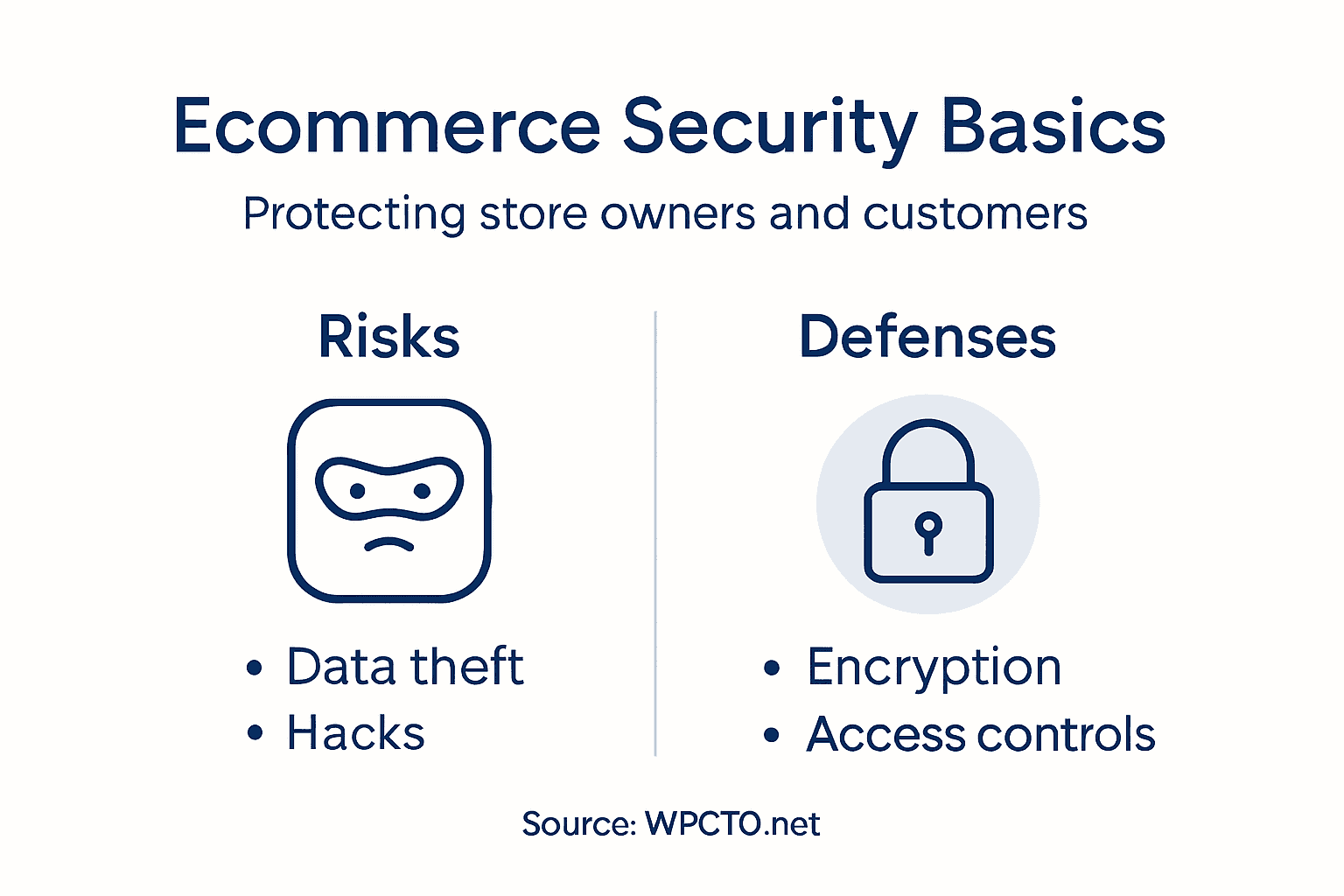
Backups are your safety net. When something goes wrong, a clean backup lets you restore your store quickly. Store backups offline and test them regularly to ensure they actually work. A backup you’ve never tested is just wishful thinking.
Pro tip: Document your security procedures and assign clear ownership for each component, then review and test them quarterly to catch gaps before attackers do.
Legal Obligations and UK Compliance
Running a WooCommerce store in the UK isn’t just about making sales. The Government imposes strict legal requirements on ecommerce businesses, and non-compliance carries serious consequences. Ignore these obligations and you risk substantial fines, legal action, and permanent damage to your reputation.
Data protection is non-negotiable. Under GDPR, you must handle customer data lawfully and transparently. This means having a clear privacy policy explaining what data you collect, how you use it, and who you share it with. When customers provide their email address or payment details, you’re legally responsible for protecting that information. Breaches can result in fines up to 4% of your annual turnover.
UK ecommerce businesses must comply with regulations on distance selling and data protection, including transparent product information and consumer rights. You must clearly display product details, prices including VAT, delivery costs, and your returns policy. Hiding this information or making it difficult to find violates consumer protection laws.
Product safety standards apply to items you sell. Online marketplaces must meet stringent product safety standards similar to physical shops. If you sell unsafe products, you’re liable. If you sell counterfeit goods or items that breach intellectual property laws, you face legal action. Many store owners underestimate this responsibility, assuming they’re just a platform.
Consumer rights are mandatory. Customers have the right to return items within 14 days, request refunds, and receive compensation for faulty goods. You cannot override these rights with your terms and conditions. Your return policy must comply with UK law, not replace it.
Cookie consent and tracking require clear customer permission. You cannot track users or place cookies on their devices without informed consent. This includes analytics, advertising pixels, and retargeting tools. Many store owners use these without proper consent mechanisms, exposing themselves to regulatory action.
Keep records. Document your compliance efforts, data handling procedures, and security measures. If regulators investigate, you need evidence that you’ve taken compliance seriously.
The table below summarises critical areas of UK legal compliance for WooCommerce stores:
| Legal Aspect | Business Requirement | Consequence of Failure |
|---|---|---|
| Data Protection | Handle customer data lawfully under GDPR | Fines up to 4% turnover |
| Product Safety | Sell only compliant, safe products | Liability for unsafe goods |
| Consumer Rights | Honour 14-day returns and refunds | Forced refunds, reputational harm |
| Cookie Consent | Obtain informed permission for tracking | Regulatory action, site bans |
Pro tip: Conduct a legal compliance audit of your WooCommerce store, checking privacy policies, cookie notices, returns processes, and data handling procedures against current UK regulations.
Preventing Breaches: Essential Best Practices
Preventing a breach is infinitely easier than recovering from one. The good news is you don’t need to be a security expert to protect your store effectively. By following proven best practices, you can eliminate most common attack vectors that hackers exploit.
Start with the fundamentals. Change all default credentials immediately, particularly your WordPress admin username and database password. Use strong, unique passwords for every account with access to your store. Better yet, implement multi-factor authentication across admin accounts. This single step blocks the majority of unauthorised access attempts.
Regular updates are non-negotiable. Continuous vulnerability management through timely updates stops attackers from exploiting known weaknesses. Set WordPress, WooCommerce, plugins, and themes to update automatically. Don’t wait for a breach to discover that a critical patch was released months ago.
Limit user access carefully. Give staff only the permissions they need. A product manager doesn’t require access to payment settings. A content writer doesn’t need database access. Removing unnecessary permissions reduces damage if an account gets compromised. When someone leaves your team, remove their access immediately.
Secure configuration prevents attackers from finding easy entry points. Disable file editing in WordPress, hide your WordPress version, remove unnecessary plugins and themes, and configure your firewall properly. Many store owners leave these settings at defaults, essentially handing attackers a roadmap.
Back up religiously. Regular backups let you recover quickly if the worst happens. Test your backups monthly to ensure they actually work. Store backups outside your hosting account, preferably in cloud storage. A backup on the same server as your site won’t help if the server gets compromised.
Train your team. Your staff are your first line of defence against social engineering attacks. They need to recognise phishing emails, avoid suspicious links, and follow basic security protocols. One employee clicking a malicious link can compromise your entire store.
Monitor your site continuously. Set up alerts for failed login attempts, file modifications, and unusual database queries. Early detection of suspicious activity allows you to respond before damage becomes catastrophic.
Pro tip: Schedule a monthly security review where you check for outdated plugins, unused user accounts, and failed login attempts, then document findings and actions taken.
Strengthen Your WooCommerce Security with Expert Support
Ensuring your ecommerce store is protected against injection attacks, outdated plugins and data breaches is no easy task. The article highlights how vital strong access control, encryption and regular updates are for preventing costly security incidents and maintaining customer trust in the UK market. If securing your WooCommerce store feels overwhelming or if you want to be certain no vulnerabilities are left unchecked, professional assistance can provide peace of mind.
At WPCTO.net, we specialise in WordPress and WooCommerce website management with a focus on robust security enhancements, timely patching, and continuous monitoring. Our expert team helps you implement multi-layered protection including configuration hardening and vulnerability assessments aligned with legal compliance demands discussed in the article. Don’t wait for a breach to disrupt your business – visit WPCTO.net now to safeguard your store and boost your customers’ confidence with proven solutions.
Frequently Asked Questions
What are the key security risks faced by WooCommerce stores?
Common security risks for WooCommerce stores include injection attacks, broken authentication, outdated plugins, sensitive data exposure, and misconfigurations that can lead to data theft and compromised functionality.
How can I enhance the security of my WooCommerce site?
You can enhance security by implementing access controls, using HTTPS encryption, regularly updating software, monitoring activity logs, and conducting regular security audits to identify vulnerabilities.
What legal obligations do online store owners have regarding data protection?
Online store owners must comply with data protection laws such as GDPR, which requires transparent handling of customer data, clear privacy policies, and ensuring that customer information is securely processed and stored.
Why is it important to conduct regular security audits for an ecommerce site?
Regular security audits help identify vulnerabilities and weaknesses in your ecommerce store, allowing you to address potential issues before they can be exploited by attackers, thus protecting your business and customer trust.
Recommended
- WordPress Security Hardening Guide for Secure E-commerce – WPCTO
- WordPress Vulnerabilities Explained: Protecting UK Stores – WPCTO
- Ecommerce Compliance Explained: What UK Store Owners Risk – WPCTO
- 7 Must-Have WordPress Plugins for Secure WooCommerce Sites – WPCTO
- Cybersecurity for Small Businesses: Empowering Your Digital Defense | CPE Training Events