

Managing a WordPress site brings unique challenges and unexpected headaches. Slow load times, security worries and unpredictable hiccups can pop up when you least expect them. Behind every smooth-running site is a team or service working in the background to keep things steady and safe. Some offer hands-on help to fix problems fast while others focus on safety checks, updates and performance tweaks. If you are curious how different providers tackle the big and small issues of keeping your site healthy, you will find some interesting options that each stand out in their own way.
Table of Contents
WPCTO
At a Glance
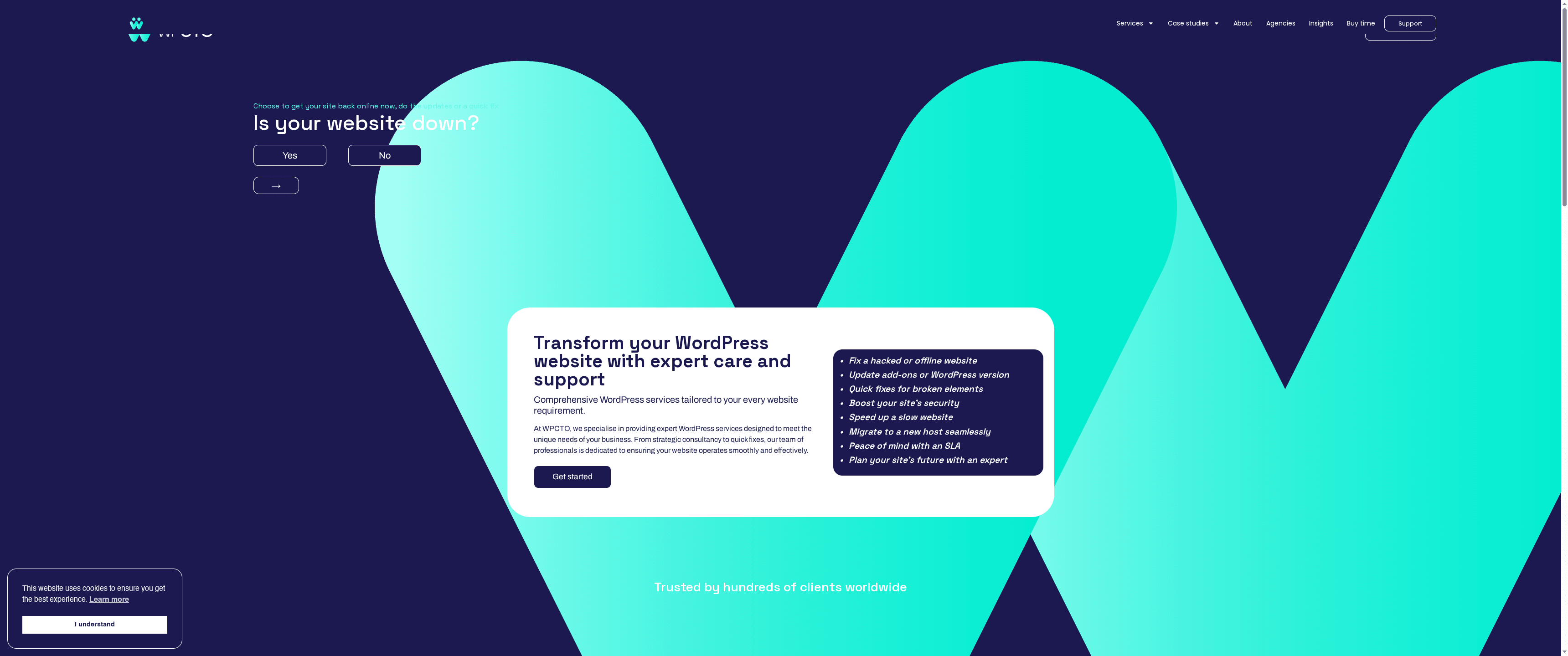
WPCTO provides specialised WordPress support, maintenance and consultancy tailored for businesses that need dependable, technical expertise without the fluff. The team focuses on rapid fixes, security hardening, migration and ongoing performance monitoring so your site stays fast and safe. If you value responsiveness, strategic guidance and WordPress-first experience, WPCTO is a pragmatic partner that reduces downtime and technical risk.
Core Features
WPCTO delivers a focused set of capabilities built around keeping WordPress sites secure and performant. Core services include hands-on WordPress support and maintenance, strategic consultancy with fractional CTO options, quick remediation of broken elements and security incidents, site migration and speed optimisation, and continuous security and performance monitoring. The offering centres on practical, technical interventions rather than one-size-fits-all packages — a clear lifeline for organisations that run critical WordPress or WooCommerce sites.
Pros
- Comprehensive service range: WPCTO bundles support, security, optimisation and strategic leadership so clients can get multiple needs resolved through a single expert team.
- Specialised WordPress expertise: The team’s focused knowledge of WordPress means issues are diagnosed and fixed with platform-aware precision.
- Flexible engagement options: You can request on-demand fixes or longer-term strategic guidance, including fractional CTO services, which suits both urgent and ongoing needs.
- High client satisfaction: Positive testimonials indicate consistent delivery and effective problem resolution, which is crucial when uptime and trust matter.
- Security and performance focus: WPCTO prioritises hardening and speed improvements, reducing risk from hacks and improving user experience.
Who It’s For
WPCTO is ideal for businesses and organisations that rely on WordPress and require professional support, maintenance and strategic technicial guidance. That includes small to large companies running content sites or WooCommerce stores, digital agencies seeking a reliable partner for escalations, and technical decision-makers who need fractional CTO-level input without hiring full-time. If your site must stay online, secure and quick, WPCTO is engineered for you.
Unique Value Proposition
WPCTO stands out by combining hands-on technical execution with strategic leadership in a single service. Rather than promising generic managed hosting or templated support, WPCTO focuses on targeted interventions — migrations, security remediation, speed optimisation and ongoing monitoring — delivered by specialists who know WordPress deeply. The addition of fractional CTO services elevates the offer: you gain not only fix-it support but also technology strategy, prioritisation and roadmap advice. This dual emphasis on immediate responsiveness and long-term planning is a deliberate design choice that differentiates WPCTO from vendors who only offer ticket-based support or hosting. Note: the team consciously limits sites they do not host from full-time management to protect service quality and resource allocation, which many clients view as a sign of focus rather than a drawback.
Real World Use Case
A small e-commerce retailer using WooCommerce engaged WPCTO after a security incident and slow checkout pages. WPCTO secured the store, applied performance optimisations, performed a clean migration to a better environment, and provided ongoing update and monitoring routines. The result: faster transactions, reduced downtime and a measurable drop in security incidents.
Pricing
Not specified on the website.
Website: https://wpcto.net
WP Buffs
At a Glance
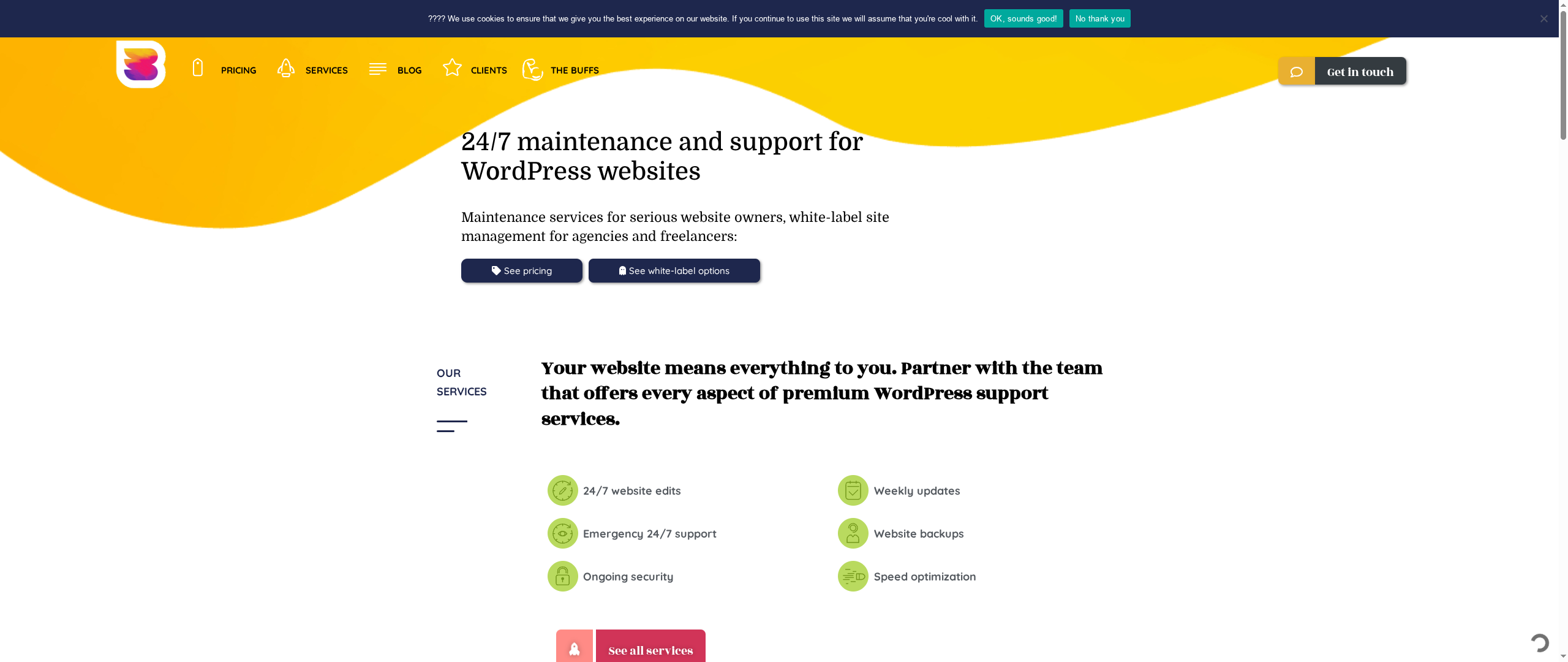
WP Buffs provides round-the-clock WordPress management with a clear focus on reliability and white‑label partnerships for agencies and freelancers. Their service blends maintenance, security, daily backups and speed optimisation into customisable care plans, making them a convenient one‑stop option for site owners who want hands‑off stability. However, each plan covers a single site and phone support is not available, which may frustrate teams managing portfolios at scale. Overall: dependable maintenance with agency-friendly options, but plan structure requires planning.
Core Features
WP Buffs offers 24/7 website edits and support alongside weekly updates and ongoing security monitoring. Daily backups and targeted speed optimisation are bundled into their care plans, and white‑label options let agencies present services under their own brand. Plans are customisable to include maintenance, security, advanced functionality and additional development support where required. The emphasis is clear: continuous care and predictable support for live WordPress sites.
Pros
- Comprehensive management services: WP Buffs covers maintenance, security, backups and performance work in a single managed offering, reducing the number of vendors you must coordinate.
- White‑label solutions for agencies: Agencies and freelancers can resell WP Buffs’ services under their own brand, allowing scalable outsourcing of technical work without exposing your supply chain.
- Flexible plans for different needs: Care plans are modular and can be tailored to maintenance, protection, performance or custom requirements, so you pay for the capabilities you actually need.
- High customer satisfaction: The company reports strong positive reviews, suggesting reliable delivery and good client relationships.
- Hosting partnerships: Formal partnerships with hosting providers such as Kinsta and WP Engine indicate a level of compatibility and operational alignment with popular managed hosts.
Cons
- Single‑site coverage per plan can be limiting: Each plan applies to only one website, so managing several client sites becomes costly unless you buy multiple subscriptions.
- No phone support — email only: Support is conducted via email rather than phone, which may slow urgent troubleshooting or make complex issues harder to resolve quickly.
- Custom development often costs extra: Development projects are not included in standard plans and can incur additional fees, so unexpected scope can raise your monthly spend.
Who It’s For
WP Buffs suits website owners and digital agencies that prioritise reliable, hands‑off WordPress maintenance and want white‑labelable support. It’s a good fit if you need continuous monitoring, routine updates and performance tuning but prefer to outsource technical operations rather than hire in‑house engineers.
Unique Value Proposition
The core strength of WP Buffs is predictable, expert WordPress care packaged for both direct clients and agency resellers; you get an outsourcing partner that can be branded as your own while delivering daily backups, weekly updates and ongoing optimisation.
Real World Use Case
A digital agency partners with WP Buffs to provide managed WordPress services to multiple clients: the agency resells white‑label plans, reduces internal support hours, and ensures client sites receive 24/7 edits, backups and security maintenance without building a full engineering team.
Pricing
Starting at $79/month for standard maintenance, with higher tiers for protection, performance and custom sites priced accordingly.
Website: https://wpbuffs.com
GOWP
At a Glance
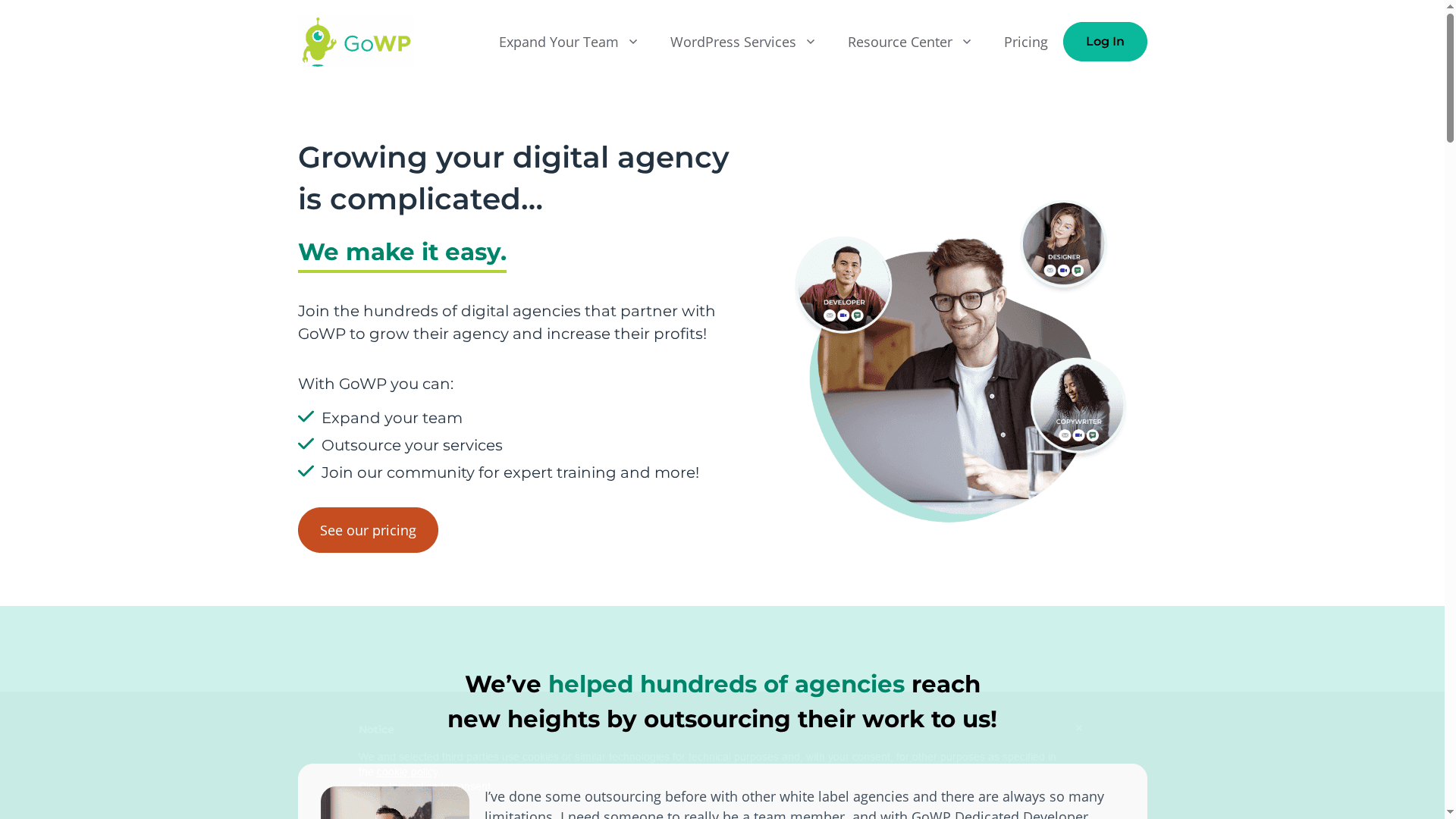
GOWP offers outsourced WordPress specialists — developers, virtual assistants, copywriters and designers — who are placed directly onto agency teams to help scale capacity quickly. The service pairs dedicated professionals with monthly maintenance, content editing and a structured onboarding process, which makes it easier for agencies to expand without hiring in-house. It’s a practical choice for agencies focused on steady growth and white‑label delivery, though the pricing may be prohibitive for very small outfits. Bottom line: strong for agencies that need reliable, integrated outsourced talent; less suitable for tight‑budget startups.
Core Features
GOWP’s core capabilities centre on team augmentation and steady site care. You can add dedicated developers, virtual assistants, copywriters and designers as embedded members of your agency team. Monthly WordPress maintenance plans include updates, backups and security scans, while content editing services come with 24/7 support. The company also provides a consultation and onboarding process to tailor services and offers case studies and a community resource library aimed at agency growth.
Pros
- Seamless team integration: GOWP places vetted professionals directly on agency teams so outsourced staff act like internal members rather than distant contractors.
- Wide range of specialised roles: They provide developers, VAs, copywriters and designers, covering technical, content and design needs in one place.
- Scalable capacity: Agencies can increase project throughput quickly by adding dedicated staff, avoiding long recruitment cycles.
- Comprehensive site care: Monthly maintenance plans and round‑the‑clock content editing reduce routine workload and operational risk.
- Potential cost savings vs hiring in‑house: For many agencies, outsourcing through GOWP can be more economical than recruiting salaried staff or juggling multiple freelancers.
Cons
- Price may exclude smaller agencies: The entry costs for dedicated roles are relatively high and could be a barrier for very small agencies or early‑stage startups.
- Limited detail on service quality: Beyond testimonials, there’s little granular information about individual experience levels or performance metrics for staff.
- Unclear flexibility and customisation: The offering lists onboarding and consultations but provides limited public detail on how bespoke or flexible packages can be.
Who It’s For
GOWP is aimed at digital agencies and professional services firms that need reliable, white‑label WordPress expertise without expanding payroll. It suits teams that want predictable monthly support, steady maintenance for multiple client sites, and the ability to scale design, development and content capacity quickly.
Unique Value Proposition
GOWP’s distinct advantage is embedding dedicated, vetted specialists into an agency’s workflow so outsourced contributors behave like permanent team members. That model simplifies management, preserves client relationships under a white‑label approach and pairs technical maintenance with ongoing content support.
Real World Use Case
An agency partners with GOWP to add a dedicated WordPress developer and a content editor, freeing its core team to focus on business development and strategic projects. The agency can take on more client work while ensuring routine updates, backups and edits are handled reliably, helping maintain margins and service quality.
Pricing
Starting at $1299/month for a dedicated developer; dedicated VA from $1099/month; dedicated copywriter and designer from $1299/month each. WordPress maintenance is $39/month per site, and content edits are $99/month per site.
Website: https://gowp.com
Sitecare
At a Glance
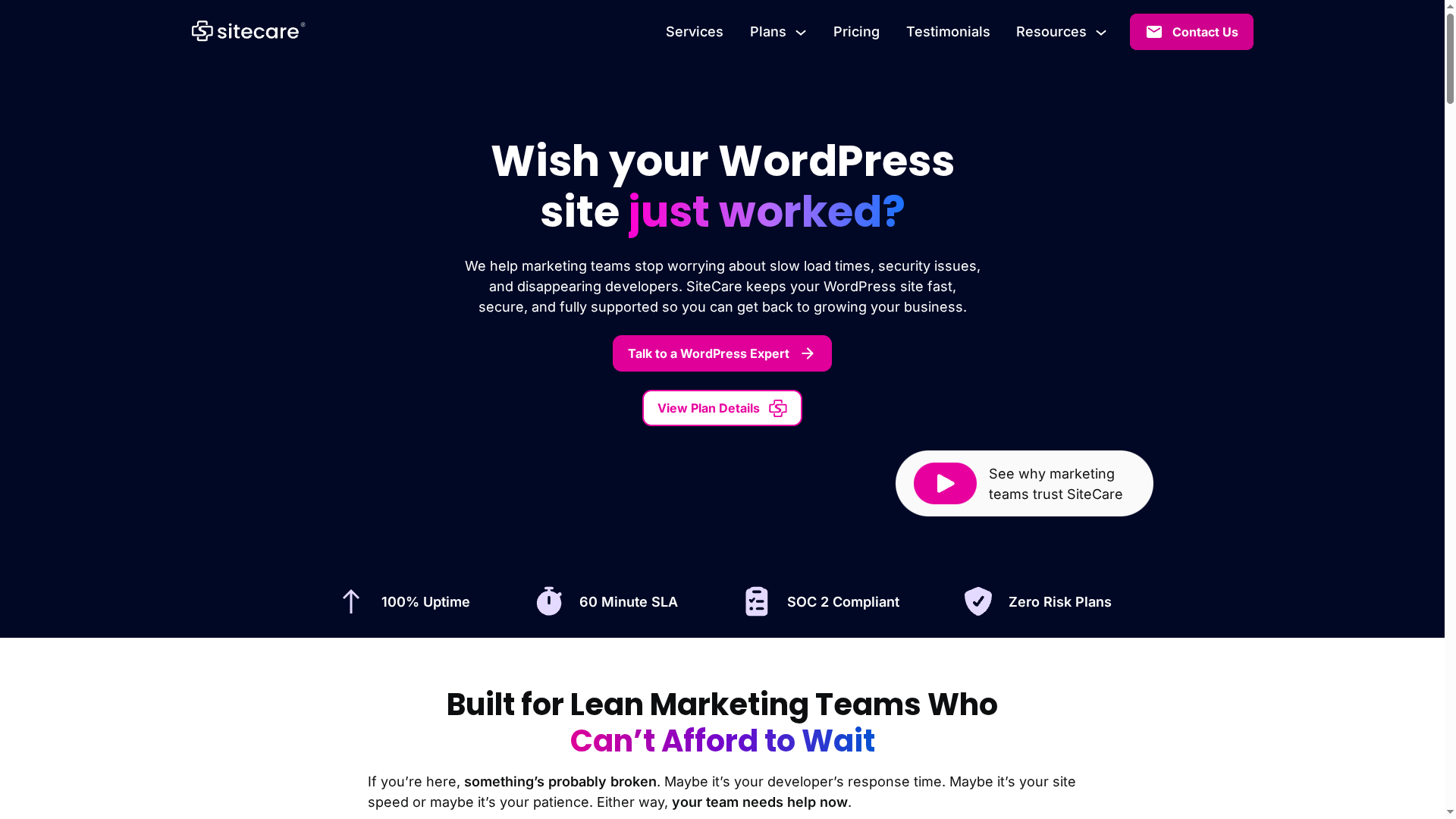
Sitecare specialises in WordPress support and maintenance, offering proactive monitoring, security and speed optimisation so marketing teams can focus on growth. Its 60-minute SLA and 100% uptime monitoring promise fast incident response and steady availability. Plans scale from small teams to enterprise needs, but higher-tier pricing may be prohibitive for very small operations. Overall: dependable, security-first WordPress care with clear trade-offs around cost and public-facing downside disclosure.
Core Features
Sitecare centres its service offering on continuous site health and rapid remediation. Key capabilities include 100% uptime monitoring, a 60-minute SLA response, SOC 2 compliance and “zero risk” plans, plus speed optimisation aimed at better rankings and conversions. Security features cover proactive threat protection, malware scanning and hack cleanups, while routine plugin, theme and core updates happen “with no surprises.” The service promises emergency issue resolution in hours, ongoing performance checks and real-time support for—literally—when things go wrong.
Pros
- Fast response times: The published 60-minute SLA means most incidents receive attention well within an hour, limiting downtime and operational disruption.
- High level of security: SOC 2 compliance and proactive malware scanning demonstrate a security-first approach for regulated or high-risk sites.
- Flexible plans for different sizes: Multiple plan tiers are available so small teams and larger businesses can choose an appropriate level of support.
- Experienced support team: The provider highlights industry certifications and an experienced team, which reduces the need for extensive in-house expertise.
- Customer guarantees: A 30-day money-back policy gives a safety net for new customers trialling the service.
Cons
- Publicly unclear limitations: The source material does not explicitly list weaknesses or limitations, making it hard to assess edge-case drawbacks from publicly available information.
- Higher-tier pricing can be costly: The Diamond plan at $1,990/month is likely beyond the budget of many small businesses and solo operators.
- Plan detail variability: Specific features vary by plan, so you may need to contact sales to understand exactly which protections and response levels you’ll receive at each price point.
Who It’s For
Sitecare is aimed at marketing teams, digital agencies and businesses that rely heavily on WordPress and must keep sites secure, fast and supported. If you manage multiple client sites, run high-traffic content platforms, or face regulatory requirements, Sitecare’s monitoring and SOC 2 compliance will feel reassuring. In short: teams that value speed, security and expert outsourcing over the cheapest possible option.
Unique Value Proposition
Sitecare combines enterprise-grade security compliance (SOC 2) with a rapid 60-minute SLA and continuous uptime monitoring, packed into managed plans that include speed optimisation and emergency cleanups. That mix—security assurance, performance tuning and guaranteed response—defines its distinct value for businesses that cannot tolerate downtime or security lapses.
Real World Use Case
A digital marketing agency outsources site maintenance to Sitecare so client sites remain fast, secure and up-to-date without hiring additional in-house staff. When a hacked plugin threatens a campaign, Sitecare’s monitoring pings the team and the agency sees the issue resolved within hours under the SLA—campaign continuity preserved.
Pricing
Starting at $95/month for the Silver plan, $390/month for the Gold plan, and $1,990/month for the Diamond plan, with different features included in each.
Website: https://wpsitecare.com
WP Tech Support
At a Glance
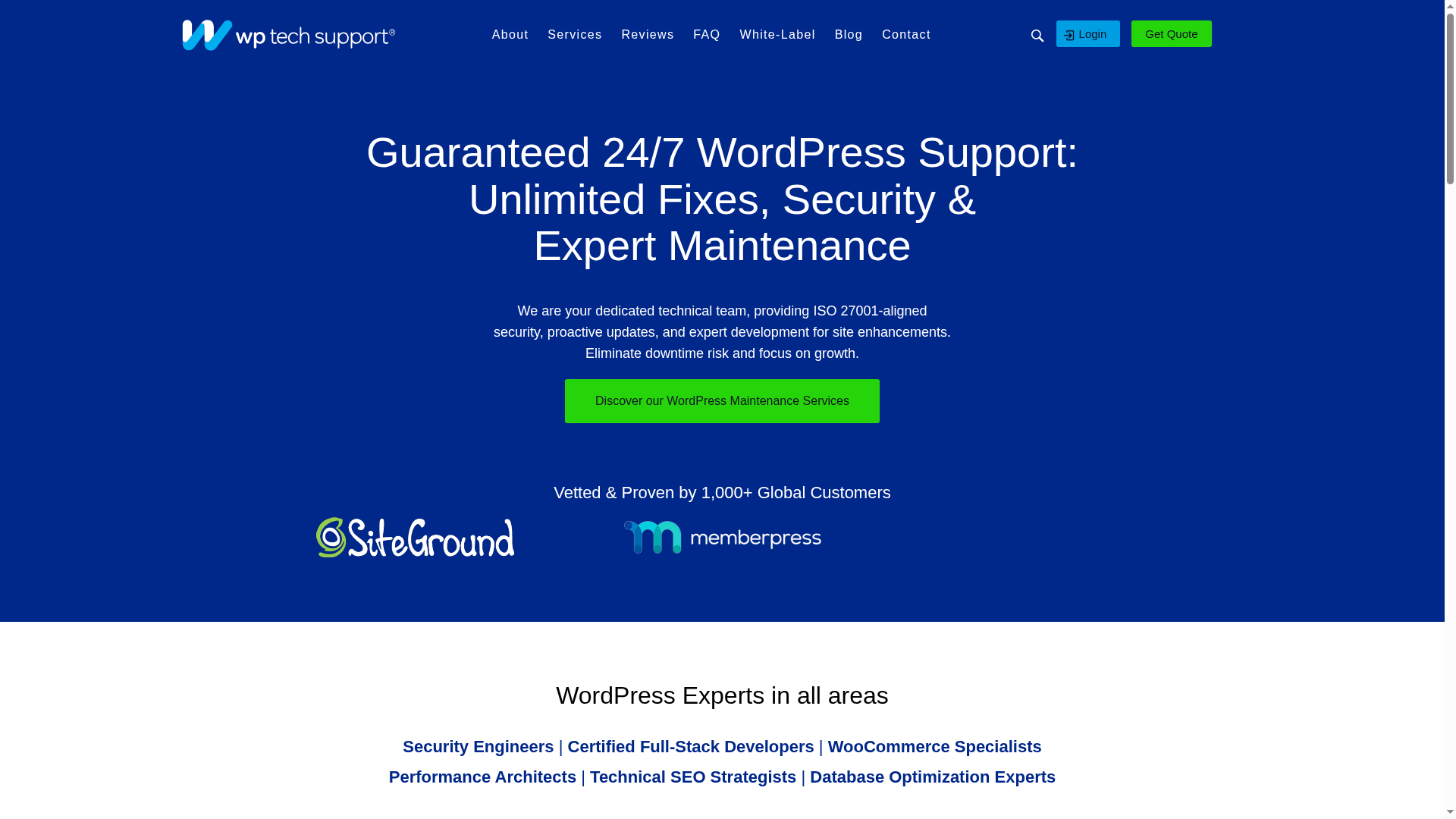
WP Tech Support delivers 24/7 WordPress-focused support with an emphasis on reliability and security. Their team promises unlimited fixes, proactive updates, secure daily backups and developer time for site improvements — all designed to keep shops and sites online and performing. It’s a strong option if your stack is WordPress/WooCommerce and you need continuous, hands-on technical cover. Expect high-touch support rather than a self-service toolbox.
Core Features
WP Tech Support centres on continuous maintenance and incident response: unlimited bug fixes, proactive core, theme and plugin updates, secure offsite daily backups with 90-day retention, and enterprise-grade 24/7 threat monitoring aligned with ISO 27001-style security measures. Plans include a monthly block of dedicated developer time (60–180 minutes depending on the plan) for improvements such as performance optimisations or small feature work. The support process is transparent and reported through an online portal so you can track fixes and activity.
Pros
- Always-on support availability: Their 24/7 model reduces risk of prolonged outages, which is vital for global eCommerce operations.
- Comprehensive maintenance coverage: Security, updates and backups are bundled so you don’t juggle separate suppliers or scripts.
- Transparent reporting: An online portal with reports keeps you informed about changes and incident resolution without chasing emails.
- Guaranteed fixes: The commitment to fix any issue, large or small, provides clear accountability for site owners.
- Performance focus: Promises of speed optimisation to sub‑2‑second load times show a practical focus on user experience and conversion.
Cons
- Pricing opacity: Specific pricing details are not published on the website, making budget planning and direct comparison difficult.
- Limited plan detail: The site gives only high-level differentiation between plans, so it’s unclear which features sit behind higher tiers without contacting sales.
- WordPress-only focus: If your site runs outside the WordPress ecosystem, this service may not meet your needs or integrate smoothly with alternative platforms.
Who It’s For
This service suits businesses, agencies and store owners whose primary platform is WordPress or WooCommerce and who require continuous, proactive technical stewardship. If you value hands-on human support and risk mitigation over DIY toolsets, WP Tech Support is tailored to you. If you run a non‑WordPress CMS, look elsewhere.
Unique Value Proposition
WP Tech Support combines round‑the‑clock human responsiveness with proactive maintenance and ISO‑aligned security practices, plus a guaranteed-fix promise — a package designed to minimise downtime and technical debt for busy site owners.
Real World Use Case
A global WooCommerce store uses WP Tech Support to ensure nightly backups, rapid malware removal, regular plugin updates and a monthly performance pass within the allocated developer minutes — keeping sales uninterrupted during peak campaigns. No downtime. Fewer surprises.
Pricing
Pricing details are not explicitly provided on the website; contact is required for quotes and plan specifics.
Website: https://wp-techsupport.com
WP Fix It
At a Glance
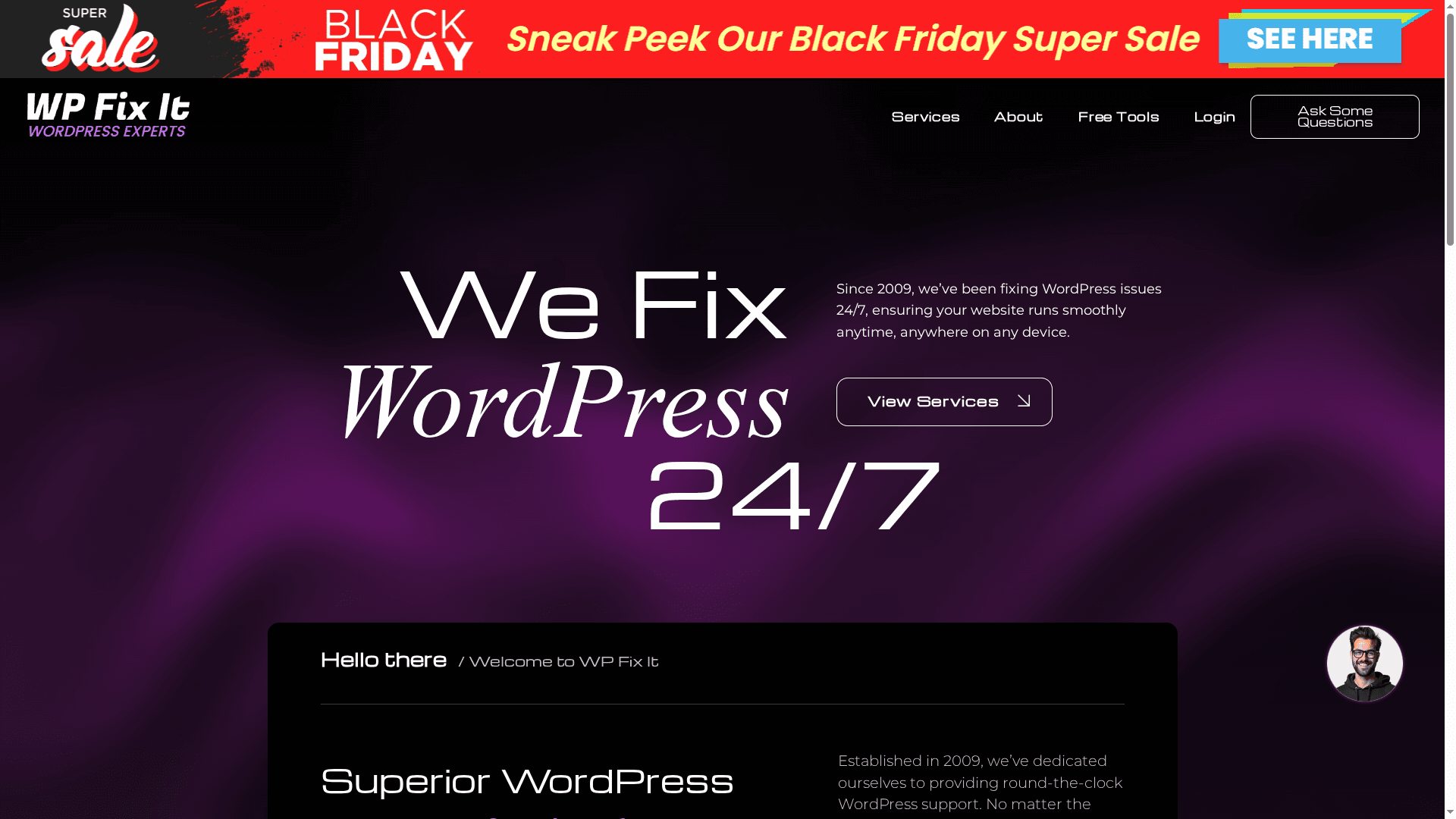
WP Fix It is a mature, specialist WordPress support service that has operated 24/7 since 2009. Its team of dedicated specialists focuses on rapid, practical fixes—everything from speed optimisation to malware removal and site migrations. If you need a responsive partner to restore performance or security quickly, WP Fix It delivers dependable, hands-on support; however, expect to contact them for a bespoke quote and a tailored scope of work.
Core Features
WP Fix It provides continuous, round-the-clock WordPress support combined with a compact but highly practical feature set. Key capabilities include site speed optimisation, malware removal and security fixes, database cleanup, hosting and PHP environment upgrades, and on-demand site migrations. The emphasis is on fast diagnostics and fixes by experienced technicians rather than an automated self-service platform, which suits urgent incidents and complex, custom issues.
Pros
- Round-the-clock support ensures minimal downtime: Their 24/7 availability reduces the window in which problems can harm revenue or user experience.
- Expert team with deep WordPress knowledge: Specialists handle a broad range of issues, increasing the chance of a correct first-time fix.
- Comprehensive service range for website care: From performance tuning to security and migrations, they cover the common maintenance needs of WordPress sites.
- Fast and reliable assistance: The service focuses on quick responses and practical resolutions, which matters when a live site is affected.
- Customer satisfaction focus: Emphasis on follow-through helps ensure that fixes are verified and sites remain stable after interventions.
Cons
- Specific pricing details are not provided on the website, so you cannot compare costs transparently before contacting the team.
- Services may vary in scope and cost, requiring direct contact for customised quotes, which can slow procurement for teams needing fixed-price options.
- No detailed onboarding or step-by-step process description is published, leaving uncertainty about timelines, deliverables, and customer responsibilities during complex jobs.
Who It’s For
WP Fix It is best for website owners, administrators, or agencies that need quick, reliable WordPress support—particularly those facing urgent issues such as malware, severe speed problems, or migration challenges. It also suits organisations that prefer knowledgeable technicians to diagnose and remediate problems rather than relying on templated self-help tools.
Unique Value Proposition
WP Fix It’s strength lies in continuous, expert-led support for WordPress with a practical focus on restoring security and performance quickly. The combination of 24/7 availability and hands-on expertise since 2009 positions them as a dependable rescue and maintenance partner for production sites where uptime and stability are essential.
Real World Use Case
A business site suffering slow load times and a malware compromise engaged WP Fix It; the team disinfected the site, optimised assets and database queries, and tuned hosting settings to restore speed and secure ongoing operation—reducing downtime and returning the site to normal traffic levels.
Pricing
Quote-based; contact WP Fix It for a custom estimate tailored to the scope of work required.
Website: https://wpfixit.com
SiteCare
At a Glance
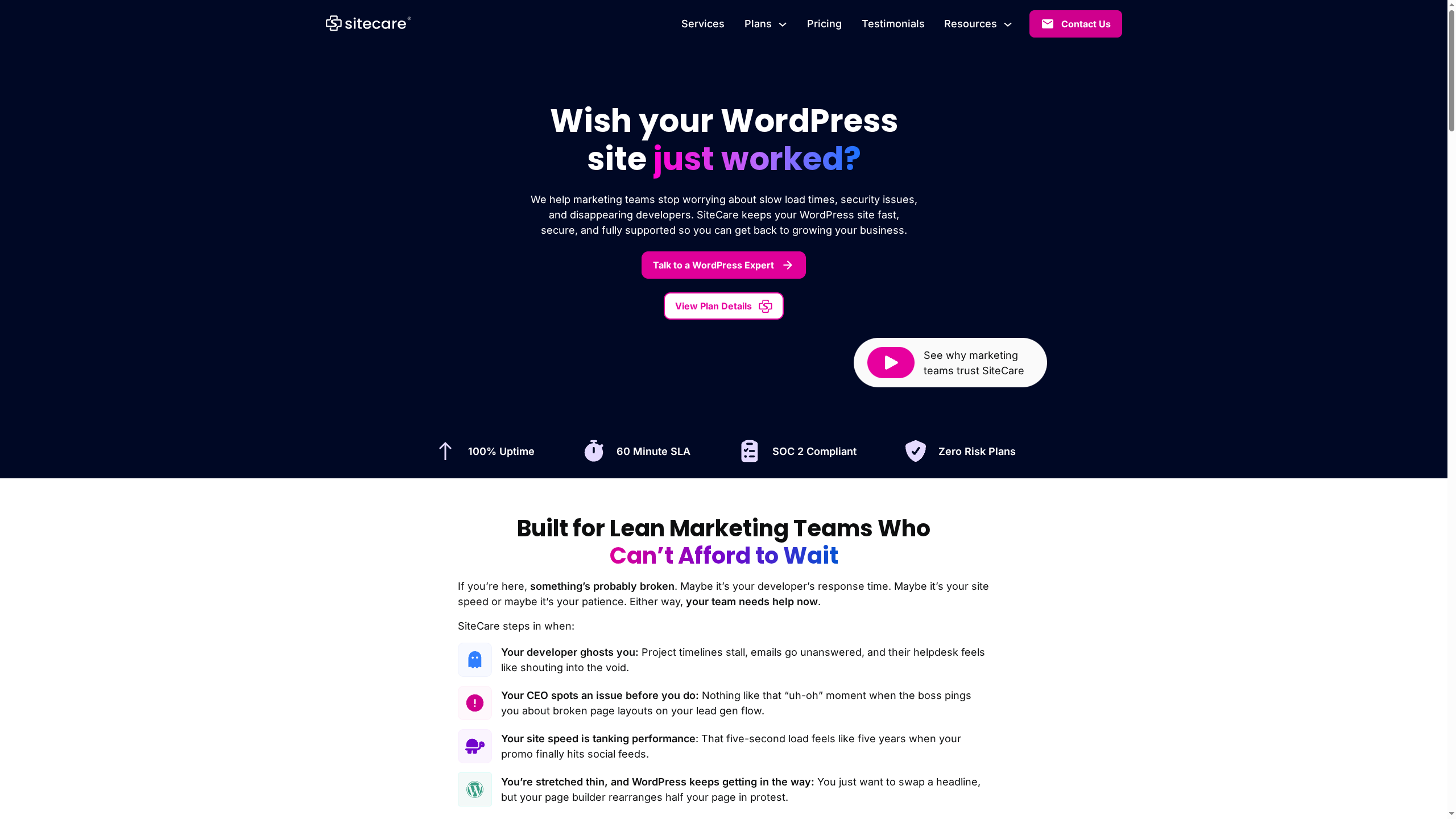
SiteCare is a professional WordPress support and maintenance service designed to keep sites fast, secure and fully supported so marketing teams and agencies can focus on growth. Its strengths are proactive monitoring, automatic updates, daily backups and a rapid support response promise — backed by standards such as SOC 2 compliance. It isn’t the cheapest option, but it aims to trade price for predictable reliability and peace of mind.
Core Features
SiteCare centres on continuous site care: proactive monitoring and performance optimisation, security monitoring with malware scanning and threat protection, automatic WordPress core/plugin/theme updates, daily backups plus hack cleanups, and fast issue resolution with support responses within hours. Those features combine to reduce routine maintenance overhead and surface issues before they affect visitors or conversions.
Pros
- Experienced WordPress support team: SiteCare offers a team with focused WordPress expertise, which speeds diagnostics and reduces recurring problems.
- Multiple plans tailored for different business needs: The tiered Silver, Gold and Diamond plans let you scale service levels to match complexity and traffic.
- High standards of security and compliance: SOC 2-level attention and ongoing security monitoring help protect sensitive data and improve regulatory confidence.
- Fast response times and full support coverage: Quick support responses mean less downtime and faster fixes when issues arise.
- Money-back guarantee: A refund promise reduces the perceived risk of trying the service.
Cons
- Pricing may be high for small businesses or individuals on a tight budget: The entry Silver tier and above are positioned for teams rather than solo site owners.
- Plans can be complex with many features to compare for newcomers: Choosing the right tier may require careful reading and possibly support guidance.
- Focus mainly on WordPress, not other web platforms: If your stack includes non-WordPress systems, SiteCare’s coverage and tooling will be limited.
Who It’s For
SiteCare suits businesses and teams that rely heavily on WordPress sites—marketing teams, digital agencies, content-driven organisations and e-commerce businesses that need high uptime and strong security. If your organisation prefers outsourcing routine maintenance and rapid incident response to a specialised provider, SiteCare fits neatly.
Unique Value Proposition
SiteCare’s unique value is its combination of proactive maintenance and compliance-minded security delivered by a dedicated WordPress team. Rather than a DIY approach, it offers a predictable, managed service that reduces the technical burden on in-house teams and lowers the chance of costly downtime or security incidents.
Real World Use Case
A digital marketing agency entrusts SiteCare with all client WordPress sites: daily backups protect content, automatic updates reduce plugin-related vulnerabilities, and the rapid support channel resolves issues inside hours—freeing the agency to concentrate on campaigns and client strategy instead of firefighting broken sites.
Pricing
Starting at $95/month for the Silver plan, with Gold at $390/month and Diamond at $1,990/month; annual billing provides discounts.
Website: https://maintainn.com
SiteCare
At a Glance
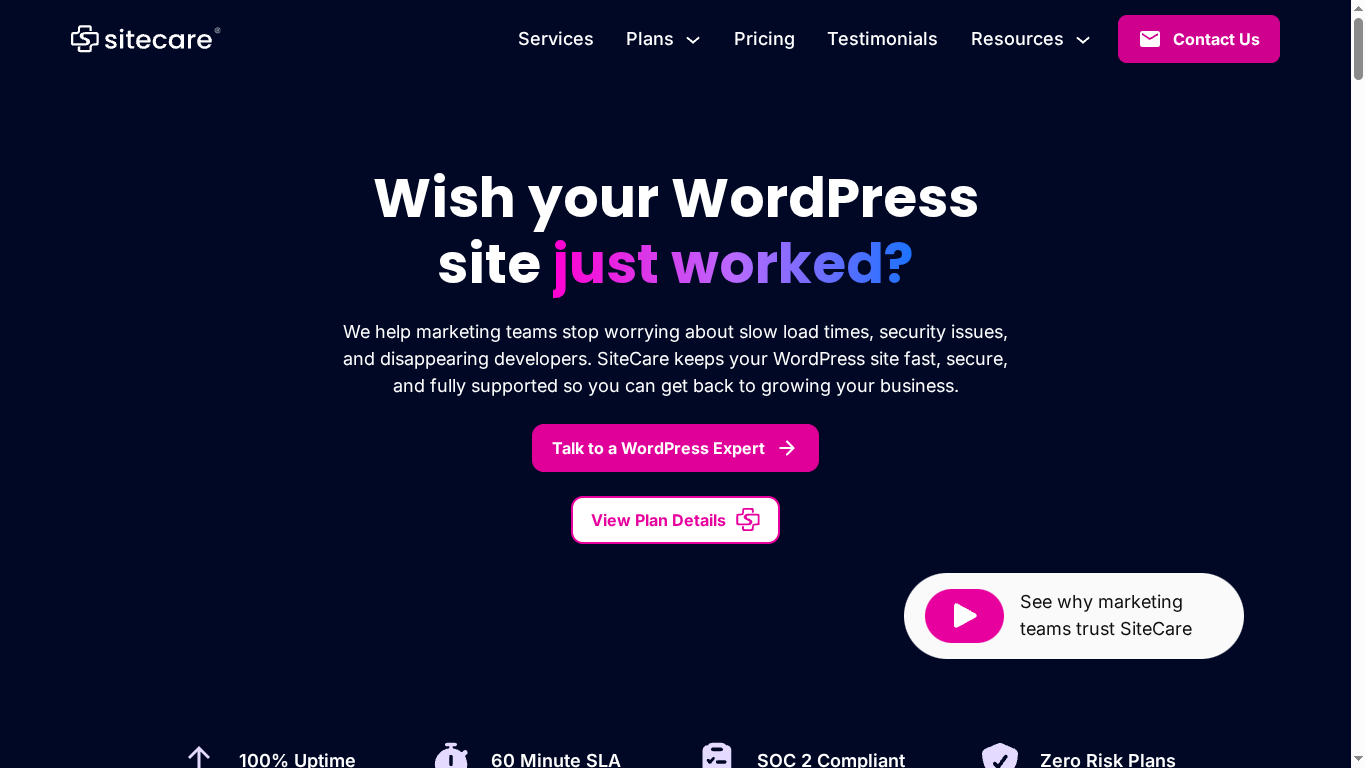
SiteCare is a focused WordPress support and maintenance provider that keeps sites fast, secure and supported so your team can focus on growth. Their offering combines 24/7 monitoring, automatic updates and included hack cleanups with a team of dedicated WordPress professionals and industry-backed guarantees. Response times are strong — most requests are answered within an hour — but pricing can feel steep for very small or simple sites.
Core Features
SiteCare’s core capabilities centre on proactive site health and recovery. They provide 24/7 security and performance monitoring, daily offsite backups, automatic WordPress updates, malware scanning and proactive threat protection. Importantly, hack cleanups and site restores are included in plans, reducing the risk and cost of emergency remediation. Plans scale from basic maintenance to enterprise-level support, with add-ons such as flex packs for burst work.
Pros
- Dedicated WordPress expertise: SiteCare assigns real WordPress professionals to your account, ensuring deep platform knowledge rather than generalist support.
- Proactive monitoring to prevent issues: Continuous monitoring and malware scanning reduce downtime by catching problems before they escalate.
- Fast response times: Most support requests are answered within an hour, which helps teams get back on track quickly.
- Multiple plan tiers: A range of plans accommodates different needs and budgets, from simple maintenance to comprehensive agency support.
- 30-day money-back guarantee: The guarantee reduces the risk of trial and helps you validate the service without long-term commitment.
Cons
- Pricing may be costly for very small sites: The Silver plan starts at $120/month, which can be a noticeable line item for single-site owners with limited budgets.
- WordPress-focused only: SiteCare’s concentration on WordPress means it’s not suitable if you run other CMS platforms or heavily custom non‑WordPress stacks.
- Advanced features gated to higher tiers: Some of the more sophisticated services and performance optimisations are available only in higher-priced plans, requiring a larger investment for full capability.
Who It’s For
SiteCare suits marketing and growth teams, digital agencies, publishers and small to medium-sized businesses that rely on WordPress for mission-critical sites. If you need reliable uptime, fast incident response and an expert team to handle updates, security and backups, SiteCare is a natural fit.
Unique Value Proposition
SiteCare combines hands-on WordPress expertise with proactive monitoring and an included remediation approach — daily offsite backups plus hack cleanups and site restores — offering a safety net that reduces the operational burden on internal teams. Their guarantees and certifications add credibility for organisations that demand accountability.
Real World Use Case
A marketing team uses SiteCare to keep their WordPress site optimised during high-traffic campaigns. With automatic updates, 24/7 monitoring and included hack cleanups, the team avoids distractions from urgent technical issues and can focus on conversion optimisation and campaign delivery.
Pricing
Pricing: Silver plan starts at $120/month (annual billing offers 2 months free), Gold at $435/month, and Diamond at $2190/month, with options for custom plans and add-ons like flex packs.
Website: https://sitecare.com
WordPress Support and Maintenance Services Comparison
This table provides a comprehensive comparison of various WordPress support and maintenance services, highlighting their core features, pros and cons, pricing strategies, and ideal users.
| Service | Core Features | Pros | Cons | Pricing |
|---|---|---|---|---|
| WPCTO | WordPress support, maintenance, security hardening, speed optimization, strategic consultancy | Comprehensive service range, specialized expertise, flexibility, high client satisfaction | Pricing not specified, limited to hosted sites only | Not specified |
| WP Buffs | 24/7 management, daily backups, security, speed optimization, white-label options | Comprehensive management, white-label solutions, flexible plans | Single-site per plan, no phone support, extra costs for custom development | From $79/month |
| GOWP | Outsourced specialists (developers, VAs), monthly maintenance, content editing | Seamless team integration, various roles provided, scalable capacity | High entry cost, limited service detail, unclear flexibility | From $1299/month |
| Sitecare | Proactive monitoring, security, speed optimization, 60-minute SLA, SOC 2 compliance | Fast response times, high security, multiple plans, experienced team | High-tier pricing can be costly, publicly unclear limitations | From $95/month |
| WP Tech Support | 24/7 support, updates, backups, developer time, ISO-aligned security practices | Always-on support, transparent reporting, comprehensive maintenance | Pricing opacity, unclear plan details, WordPress-only focus | Not specified |
| WP Fix It | Continuous support, speed optimization, malware removal, migrations | 24/7 support, expert team, comprehensive care, fast assistance | Pricing not provided, varied service scope, no detailed process description | Quote-based |
Seamless WordPress Site Migration Starts Here
Migrating your WordPress site can feel overwhelming when faced with downtime risks, security concerns and possible performance dips. This article highlights the importance of expert site migration services that combine quick, precise fixes with ongoing performance optimisation and security hardening — all crucial to keeping your business online and competitive. If you want to avoid prolonged outages and technical headaches during migration, the key is partnering with a trustworthy service that understands WordPress inside out.
Discover how WPCTO specialises in WordPress site migration as part of our comprehensive support and maintenance plans. With tailored technical expertise, fast remediation and strategic guidance from fractional CTOs, we help businesses minimise downtime, safeguard against security threats and optimise site speed throughout the migration process. Take control of your WordPress future today by exploring our expert WordPress support solutions and see how we can simplify your site migration journey. Don’t wait until migration challenges disrupt your business — visit WPCTO.net to get started now.
Frequently Asked Questions
What factors should I consider when choosing a site migration service?
When selecting a site migration service, evaluate factors such as expertise in your specific platform, past performance on similar projects, available support options, and security measures. Assess these elements to ensure the service aligns with your technical needs and project timeline.
How can I ensure a smooth transition during site migration?
To achieve a seamless site migration, create a comprehensive migration plan that includes timeline details, content inventory, and backup protocols. This proactive approach can help identify potential challenges and minimize downtime during the transition.
What is the typical timeline for a site migration?
Site migrations can generally take anywhere from a few days to several weeks, depending on the complexity of your site and the chosen service’s capabilities. Outline your project requirements clearly to establish an exact timeline with your migration service right from the start.
How do I handle SEO during the site migration process?
To maintain your SEO rankings during site migration, ensure that all redirects are properly set up and that your website structure remains intact. Monitor real-time traffic and rankings post-migration to quickly address any issues that arise.
What steps should I take post-migration to confirm everything is working?
After migration, conduct thorough testing of all website functionalities, including forms, links, and overall performance. Document the outcomes and fix any issues identified to guarantee a fully operational and engaging site for your visitors.
Is it necessary to back up my site before migration?
Yes, backing up your site before migration is crucial to prevent data loss during the process. Perform backups of all site files and databases, and keep them secure until you confirm the new site is functioning correctly.