

Over one third of all websites run on WordPress, yet even seasoned site owners face the frustration of sudden outages or cryptic errors. When technical problems pop up, your site’s visibility, security, and reputation can be at risk. Knowing how to troubleshoot WordPress quickly and effectively means smoother operations and fewer business disruptions, empowering you to keep your website running strong.
Table of Contents
- Defining WordPress Troubleshooting And Its Importance
- Common Types Of WordPress Issues Encountered
- Step-By-Step WordPress Troubleshooting Process
- Risks And Mistakes To Avoid During Diagnosis
- When To Seek Professional WordPress Support
Key Takeaways
| Point | Details |
|---|---|
| Importance of Troubleshooting | Effective WordPress troubleshooting improves site performance and security, preventing user trust loss and revenue decline. |
| Common Issues | Frequent WordPress challenges include plugin conflicts, performance issues, and security vulnerabilities, necessitating regular system checks. |
| Troubleshooting Process | A structured approach, including symptom identification and root cause analysis, is essential for efficient problem resolution. |
| When to Seek Professional Help | Engage professional support for severe security breaches, complex performance issues, or advanced customization needs to ensure site integrity. |
Defining WordPress Troubleshooting and Its Importance
WordPress troubleshooting is a systematic approach to identifying, diagnosing, and resolving technical issues that occur within WordPress websites. Unlike general website maintenance, troubleshooting focuses specifically on pinpointing the root causes of problems and implementing targeted solutions that restore website functionality. These challenges can range from minor plugin conflicts to significant performance bottlenecks that impact user experience and site operations.
At its core, WordPress troubleshooting involves several critical diagnostic processes. According to the WordPress.org Troubleshooting plugin, site maintainers can now disable plugins and switch themes without disrupting the live site. This approach allows technical professionals to methodically isolate and test potential problem sources while maintaining site accessibility for visitors. Key troubleshooting strategies typically include:
- Performance diagnostics
- Plugin and theme conflict resolution
- Security vulnerability assessment
- Database and server configuration checks
- Frontend and backend error identification
Effective WordPress troubleshooting requires both technical expertise and strategic problem-solving skills. Whether you’re a small business owner, web developer, or digital agency professional, understanding these diagnostic techniques can significantly reduce website downtime and potential revenue loss. WordPress Fix Guide offers comprehensive strategies for resolving common WordPress issues efficiently and systematically.
The importance of robust troubleshooting cannot be overstated. Unresolved technical issues can lead to poor user experience, decreased search engine rankings, security vulnerabilities, and potential loss of customer trust. By implementing proactive troubleshooting practices, website owners can ensure their digital platforms remain stable, secure, and performant.
Common Types of WordPress Issues Encountered
WordPress websites frequently encounter a diverse range of technical challenges that can impact performance, security, and user experience. These issues span multiple domains, from basic functionality disruptions to complex security vulnerabilities. Understanding these common problems is crucial for maintaining a robust and reliable website.
According to WordPress Developer, security vulnerabilities represent a significant category of WordPress issues. Specific security concerns include SQL Injection and Cross-Site Scripting (XSS), which require meticulous input sanitization and validation to prevent potential exploitation. These vulnerabilities can compromise site integrity, expose sensitive data, and potentially allow unauthorized access to website systems.
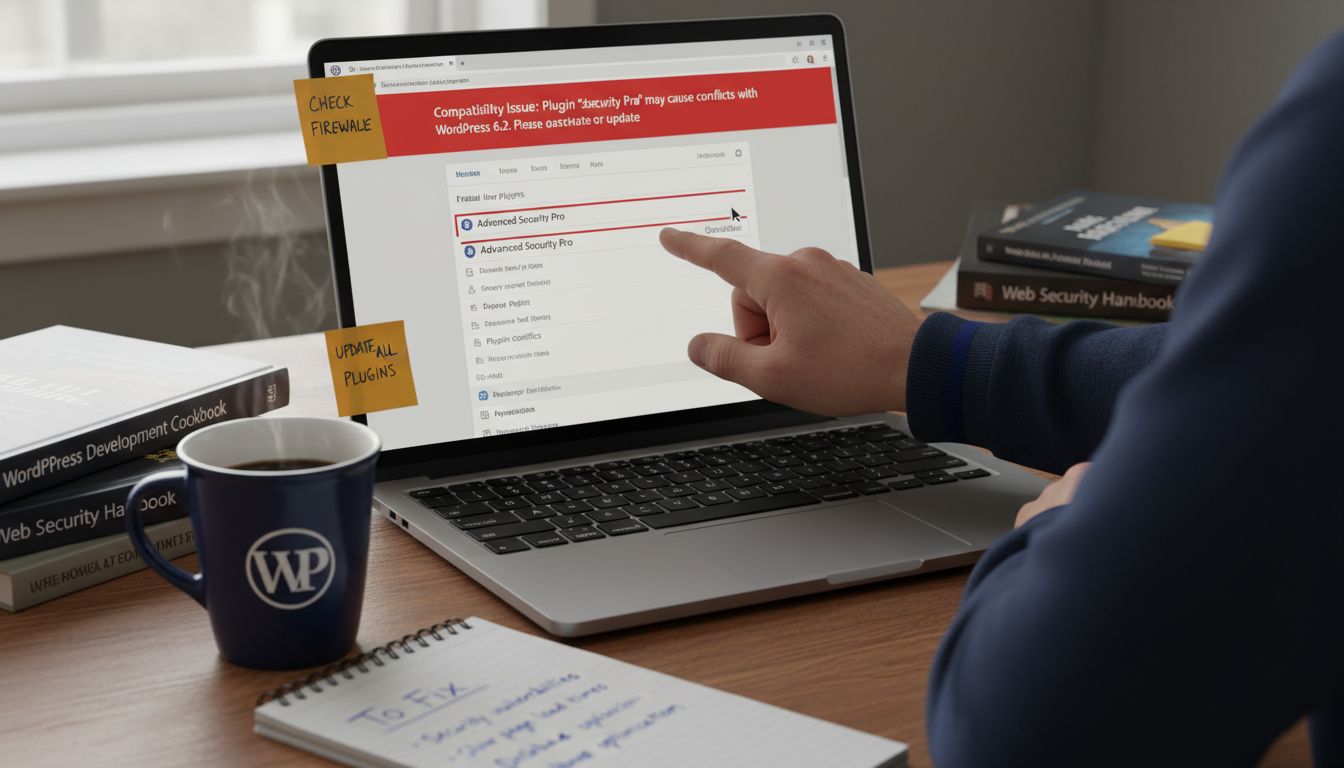
The most prevalent WordPress issues typically fall into several key categories:
- Plugin Compatibility Conflicts
- Theme Rendering Problems
- Performance and Loading Speed Issues
- Database Connection Errors
- Security Vulnerabilities
- Update and Compatibility Challenges
While some issues might seem minor, they can rapidly escalate and create significant operational challenges. Quick Fix Broken WordPress Site provides targeted strategies for addressing these technical disruptions efficiently. Professional troubleshooters understand that each issue requires a systematic diagnostic approach, carefully examining potential root causes before implementing targeted solutions.
Moreover, WordPress issues are not just technical inconveniences but potential business risks. Unresolved problems can lead to decreased site performance, compromised user trust, potential data breaches, and ultimately, loss of revenue. Regular monitoring, proactive maintenance, and swift issue resolution are essential strategies for maintaining a healthy, secure, and high-performing WordPress website.
Step-by-Step WordPress Troubleshooting Process
Troubleshooting a WordPress website requires a structured, methodical approach that helps identify and resolve technical issues efficiently. Professional troubleshooters understand that a systematic process is crucial for minimizing website downtime and preventing potential long-term complications. The goal is to diagnose problems quickly and implement targeted solutions that restore full site functionality.
According to WordPress, the Health Check & Troubleshooting plugin provides critical tools for diagnosing WordPress installations. This plugin performs comprehensive checks to detect configuration errors and known issues, offering a sophisticated method for troubleshooting by allowing administrators to disable plugins and switch themes without impacting site visitors. These diagnostic capabilities are fundamental to effective WordPress problem resolution.
The step-by-step WordPress troubleshooting process typically involves the following strategic stages:
-
Initial Symptom Identification
- Documenting specific error messages
- Noting performance degradation
- Identifying affected website sections
-
Preliminary Diagnostic Checks
- Verifying hosting environment stability
- Checking WordPress core files
- Reviewing recent changes or updates
-
Systematic Problem Isolation
- Deactivating plugins sequentially
- Testing theme compatibility
- Examining database connections
-
Root Cause Analysis
- Investigating potential security vulnerabilities
- Analyzing error logs
- Identifying potential conflict sources
-
Solution Implementation
- Applying targeted fixes
- Restoring from backups if necessary
- Implementing preventative measures
7-Step Website Maintenance Checklist provides additional insights into maintaining WordPress site health and preventing future issues. Professional troubleshooters recognize that each WordPress site is unique, requiring a flexible and adaptive approach to problem-solving.
Successful WordPress troubleshooting demands a combination of technical expertise, patience, and systematic thinking. By following a structured process, website owners can transform potential technical challenges into opportunities for improving site performance, security, and overall digital infrastructure. The key is to remain methodical, document each step, and approach problems with a solution-oriented mindset.
Risks and Mistakes to Avoid During Diagnosis
WordPress troubleshooting requires meticulous attention to detail and a strategic approach to minimize potential risks during the diagnostic process. Even experienced professionals can inadvertently introduce additional complications if they do not follow best practices and exercise careful methodical thinking when investigating website issues.
According to WordPress Developer, one of the most critical risks involves improper input handling. Failing to sanitize, validate, and escape input data can create significant security vulnerabilities that compromise website integrity. WordPress Developer further emphasizes the importance of protecting against SQL Injection and Cross-Site Scripting by using WordPress-specific functions for database interactions and rigorously sanitizing user inputs.
Common mistakes that WordPress professionals must consciously avoid during troubleshooting include:
-
Hasty Modifications
- Making multiple changes simultaneously
- Implementing fixes without understanding root causes
- Neglecting to create backups before interventions
-
Overlooking Critical Diagnostics
- Ignoring error logs and system messages
- Skipping comprehensive environment checks
- Assuming problems are isolated to single components
-
Security Negligence
- Disregarding potential vulnerability points
- Using outdated plugins or themes
- Skipping security scans during troubleshooting
WordPress Maintenance Explained offers additional guidance for maintaining a secure and stable website infrastructure. Professional troubleshooters understand that risk mitigation is as crucial as problem resolution.
Ultimately, successful WordPress troubleshooting demands a disciplined, patient approach that prioritizes systematic investigation over quick fixes. By maintaining a comprehensive, security-conscious diagnostic strategy, website managers can transform potential vulnerabilities into opportunities for enhancing overall site performance and resilience.
When to Seek Professional WordPress Support
Navigating WordPress technical challenges requires a clear understanding of when internal capabilities have reached their limits and professional intervention becomes necessary. While many website owners and managers pride themselves on solving issues independently, there are specific scenarios where expert support is not just recommended, but critical for maintaining website integrity and performance.
The decision to seek professional WordPress support typically emerges during complex situations that exceed standard troubleshooting capabilities. Critical indicators suggesting immediate professional intervention include persistent security vulnerabilities, extensive site performance degradation, recurring database connection issues, and potential compromise of core website functionalities. These scenarios often require specialized diagnostic tools, advanced technical expertise, and a comprehensive understanding of WordPress ecosystem intricacies.
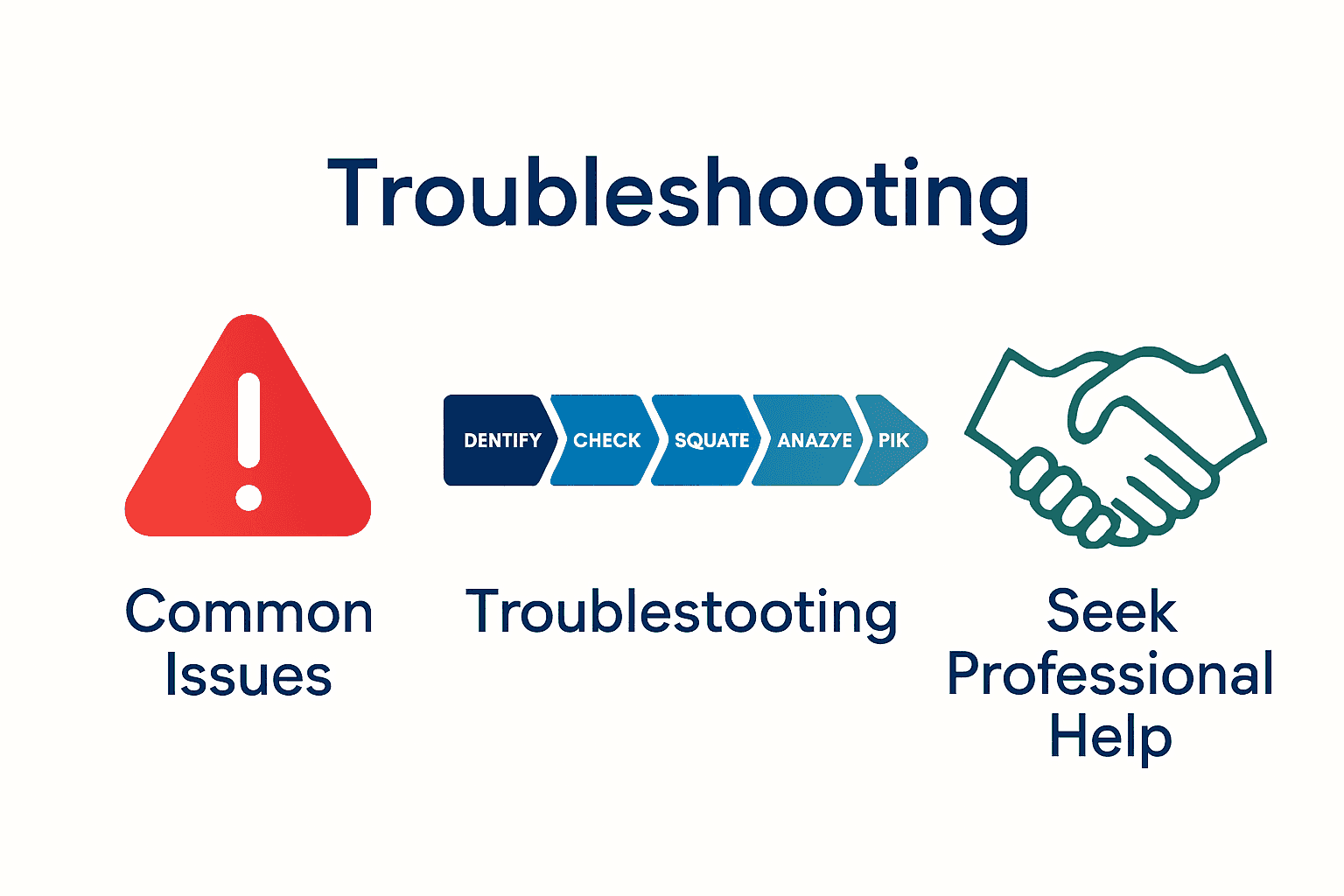
Professional WordPress support becomes essential in the following scenarios:
-
Severe Security Breaches
- Detected malware infections
- Unauthorized access attempts
- Potential data compromise
-
Complex Performance Issues
- Consistent loading speed problems
- Database optimization requirements
- Advanced caching configuration
-
Migration and Scalability Challenges
- Transitioning between hosting environments
- Preparing for significant traffic increases
- Implementing advanced e-commerce solutions
-
Advanced Customization Needs
- Creating bespoke plugin functionality
- Developing custom theme integrations
- Implementing complex business logic
Professional WordPress Website offers comprehensive insights into understanding when expert intervention becomes crucial. The most effective website managers recognize that strategic professional support is an investment in digital infrastructure, not merely an expense.
Ultimately, professional WordPress support transcends traditional technical assistance. It represents a strategic partnership focused on optimizing website performance, ensuring robust security, and aligning digital platforms with broader business objectives. By recognizing the right moments to engage expert support, website owners can transform potential technological barriers into opportunities for growth and innovation.
Take Control of Your WordPress Troubleshooting Today
Dealing with plugin conflicts, security vulnerabilities or sudden site performance issues can be overwhelming and frustrating. The article highlights the importance of a systematic approach to tackle these challenges without risking further damage or downtime. If you want to stop guessing and start applying proven solutions with confidence, expert help is within reach.
At WPCTO.net, we specialise in comprehensive WordPress website management and support designed to resolve exactly these types of problems. From quick fixes to advanced security enhancements and performance optimisation, our expert team takes the guesswork away. Don’t let unresolved technical issues threaten your site’s stability or your business reputation. Visit Professional WordPress Website to understand when it is best to request expert support and explore our trusted services that keep your site running flawlessly. Take the first step with our 7-Step Website Maintenance Checklist and experience the peace of mind that comes with professional WordPress troubleshooting. Act now and secure your website’s future at WPCTO.net.
Frequently Asked Questions
What is WordPress troubleshooting?
WordPress troubleshooting is the process of identifying and resolving technical issues on WordPress websites, focusing on pinpointing root causes and implementing targeted solutions to restore website functionality.
Why is troubleshooting important for WordPress websites?
Troubleshooting is crucial because unresolved technical issues can lead to poor user experience, reduced search engine rankings, security vulnerabilities, and loss of customer trust, impacting overall site stability and performance.
What are common issues encountered during WordPress troubleshooting?
Common WordPress issues include plugin compatibility conflicts, theme rendering problems, performance issues, database connection errors, security vulnerabilities, and update challenges.
When should I seek professional support for WordPress troubleshooting?
You should seek professional support when facing complex issues such as severe security breaches, consistent performance problems, advanced database optimization needs, or when requiring complex customizations beyond standard capabilities.
Recommended
- Quick Fix Broken WordPress Site: Restore Site Fast – WPCTO
- WordPress Maintenance Explained: Complete Guide – WPCTO
- 7-Step Website Maintenance Checklist for WordPress Success – WPCTO
- 7 Essential WordPress Support Services List for Businesses – WPCTO
- Automotive Diagnostic Process for Diesel Injection Pros – My WordPress