

Yes, WordPress sites remain a realistic malware target, and the risks are manageable with the right priorities. Your immediate focus should be patching, strong admin authentication and tested, separated backups. For agencies managing several client sites, none of this works without a clear, accountable maintenance process that assigns ownership for updates and restores.
TL;DR:
- Watch for redirects, browser warnings, unfamiliar administrator accounts, or defacement; check webmaster consoles and logs, then run remote and application level scans.
- Use unique passwords, two factor authentication or passkeys, restrict administrator accounts, and rate limit login endpoints; a firewall or CDN can block malicious traffic.
- Keep versioned, separate or immutable backups, scan them before restoration, and practice restores regularly; synchronized copies can preserve encrypted or infected files.
- Agencies should inventory client sites, shared templates, plugins, and deployment credentials, while assigning named owners and written patch and recovery procedures for each client.
Table of Contents
- What malware does to your site and business
- Common infection vectors for WordPress sites
- How to spot an infection and which scans to run
- Defence-in-depth checklist for day-to-day security
- Backups and recovery after malware or ransomware
- Operational controls for agencies managing many client sites
- Author perspective: the agency case for accountable WordPress maintenance
- How WPCTO handles WordPress security so you don’t have to
- FAQ
- Sources
What malware does to your site and business
Malware on a WordPress site rarely stays contained to that one site. Attackers commonly use compromised sites to serve malicious redirects, run drive-by downloads, or harvest visitor credentials, and compromised sites can also harm visitors, as described in the NCSC’s takedown guidance.
The NCSC’s takedown guidance frames the damage in terms of confidentiality, integrity and availability: stolen data and credentials, altered pages or transactions, and sites that simply stop serving visitors. For an agency’s client, that translates into very concrete pain:
- Browser and search engine warnings that scare away visitors overnight.
- Lost client trust and reputational damage that outlasts the fix itself.
- Downtime while the site is cleaned, verified and resubmitted for review.
- Incident response costs, plus possible data-protection obligations if customer data was exposed.
One compromised site can carry data-protection obligations under the NCSC’s guidance on malicious content, which means a cheap fix can quickly become a legal conversation nobody budgeted for.
Common infection vectors for WordPress sites
Most WordPress infections trace back to a small set of recurring weaknesses rather than some novel exploit. Knowing where attackers actually get in lets you spend your limited maintenance hours where they matter.
- Outdated or vulnerable plugins, themes or WordPress core left unpatched for weeks or months.
- Nulled or unsupported third-party code, which frequently ships with hidden backdoors baked in.
- Compromised credentials, brute-force login attempts and abuse of the XML-RPC endpoint.
- Supply-chain compromise through shared templates or reusable agency components, which the NCSC’s supply-chain guidance notes can scale a single compromise across every client site built from the same template.
- Misconfiguration such as open user registration, excessive admin privileges and infected local admin machines logging into the dashboard.
That last point matters more than it gets credit for. The NCSC’s supply-chain guidance specifically calls out reusable components as production assets in their own right. If your agency reuses a template across client sites, a compromise of that template could affect multiple clients.
How to spot an infection and which scans to run
Catching an infection early narrows the blast radius and shortens the cleanup. The WordPress lists the indicators of compromise worth watching for: visible defacement, unexpected redirects, antivirus warnings on visitor browsers, email domains getting blacklisted, host takedown notices, and admin users nobody on your team created.
- Check your webmaster consoles (Google Search Console, Bing) for manual action or malware flags.
- Review server and access logs for unusual login attempts or unfamiliar file changes.
- Run both a remote scanner and an application-level scanner against the live site.
- Scan any local machine used to access the admin dashboard, since infected admin devices are a documented entry point.
- Snapshot the current state of the site before you start cleaning anything.
Pro Tip: Take a full backup snapshot the moment you suspect compromise, even a dirty one, so you have forensic evidence if the client needs it for insurance or data-protection reporting later.
Defence-in-depth checklist for day-to-day security
A single control never stops a determined attacker. The NCSC’s guidance on mitigating malware and ransomware recommends layering defences so that a failure in one area doesn’t become a full compromise, and that layered approach maps neatly onto a WordPress maintenance routine.
Patch management. Keep core, plugins, themes, PHP and server software on supported, patched versions. Enable automatic updates where it’s practical, and assign a named owner for any update that fails, so it doesn’t sit unresolved for weeks.
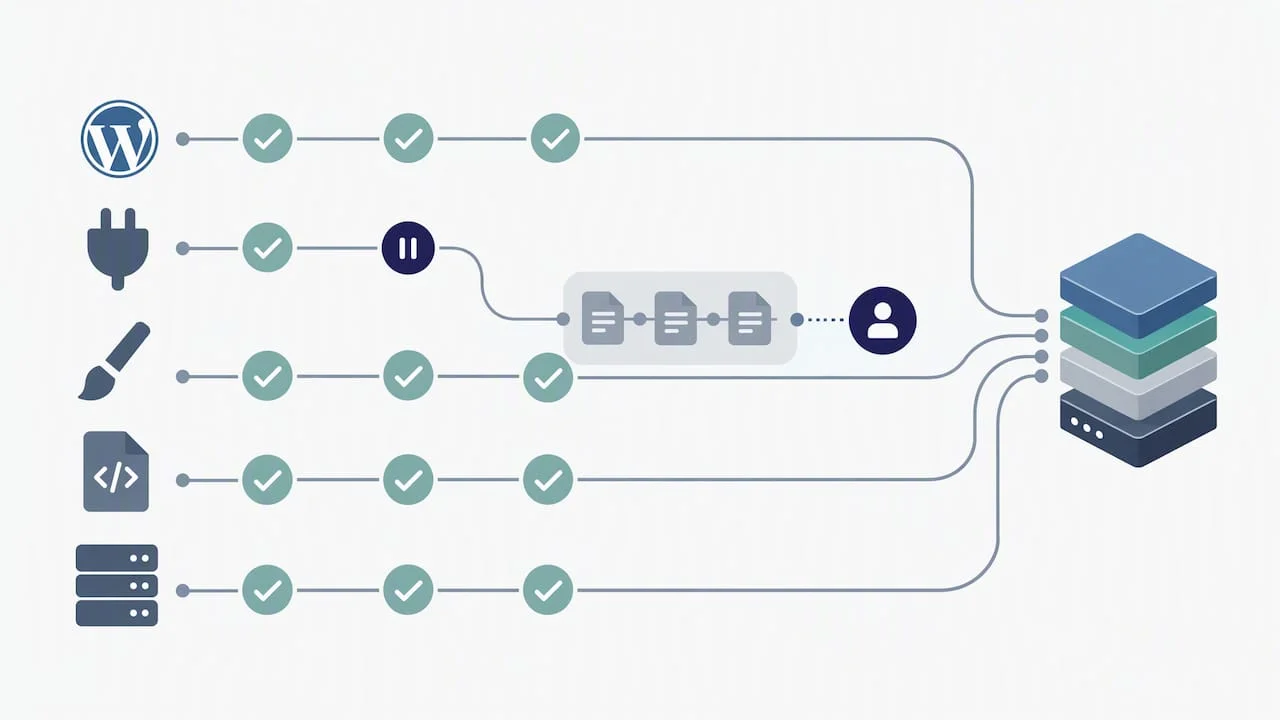
Authentication. The WordPress developer guidance on brute-force attacks recommends strong, unique passwords, two-factor authentication and passkeys using WebAuthn where your hosting stack supports them.
Edge protections. A web application firewall or CDN blocks a large share of bad traffic before it ever reaches WordPress. The same developer guidance recommends rate-limiting requests to /wp-login.php and xmlrpc.php, and adding CAPTCHA or Turnstile challenges on login forms.
- Reduce the number of full administrator accounts to the minimum needed.
- Disable file editing from inside the WordPress dashboard.
- Remove unused accounts, plugins and themes rather than just deactivating them.
Monitoring. File change monitoring, audit logs and alerting catch the changes a scanner would otherwise miss until it’s too late, and periodic integrity scans confirm core files still match their original checksums.
Pro Tip: Treat a failed automatic update as an incident, not a footnote. A plugin that silently stops updating is often the first sign something on that site needs closer attention.
If you want to see what closing these gaps across your client base is actually worth in billable hours, our WordPress Profit Calculator shows the uncaptured revenue sitting in security and maintenance work most agencies currently do for free.
Backups and recovery after malware or ransomware
Backups are the single most effective recovery measure against destructive malware, but only when they’re built to survive the attack that created them. The NCSC’s principles for ransomware-resistant backups are explicit that cloud and on-premises backups are not automatically ransomware-resistant, and that restore procedures need regular testing rather than blind trust.
- Keep separate or immutable backup copies, with access to backups protected so an attacker who takes over the site can’t also delete its recovery option.
- Scan backup data for malware before restoring it, so you don’t reintroduce the same infection.
- Define a recovery point objective and recovery time objective for each client site, and write the restore steps down as a playbook rather than tribal knowledge.
- Use versioned backups rather than a single synchronised copy, since a synchronised backup can simply replicate encrypted or infected files.
Backups that have never been restored are only an assumption, according to the NCSC’s guidance on ransomware-resistant backups: the only way to know a backup works is to practise restoring it. Our guide on matching RPO and RTO to regular WordPress backups covers how to set those targets for client sites with different risk profiles.
Operational controls for agencies managing many client sites
Security stops being a technical problem and becomes an operational one once you’re responsible for more than a handful of sites. The fixes that actually hold up are process fixes.
- Maintain a central inventory of every client site, the shared templates they’re built from, the plugins in use and who holds deployment credentials.
- Treat templates and reusable code as production assets: version them, scan them, and control who can edit them, following the same discipline the NCSC’s supply-chain guidance recommends for shared components.
- Define patch and restore service level agreements for every client, with a clear escalation route when something goes wrong outside office hours.
- Use a managed maintenance and monitoring partner where it removes unbilled risk from your team’s plate rather than adding another tool nobody checks.
Our guide to WordPress support services walks through what a defensible maintenance SLA actually includes if you want to build one from scratch.
Author perspective: the agency case for accountable WordPress maintenance
We’ve lost count of the Sunday evening calls that start with “the site’s showing some weird warning.” They’re rarely billed properly, and they eat the time your team should spend on client strategy. Treating WordPress security as an accountable, scoped service, not a favour you absorb, protects your margins as much as your clients’ sites. If you want to see what that time is actually worth, run it through our WordPress Profit Calculator.
— Marcel
How WPCTO handles WordPress security so you don’t have to
We sit behind your agency as the invisible WordPress team, handling the patching, monitoring and emergency fixes described above so your client relationships and recurring revenue stay exactly where they are, with you. Our Security Updates and Enhancements service covers the patch management and monitoring this article recommends, backed by Bronze, Silver and Gold SLAs built around real response times rather than best efforts.

If a site needs cleanup now, our Quick Fixes and fractional CTO services can step in directly. Start by running our WordPress Profit Calculator to see what uncaptured security and maintenance revenue is sitting in your client base, then book a security review with us from there.
FAQ
How secure is a WordPress website?
A well-maintained WordPress site, with core, plugins and themes patched and strong administrator authentication in place, is reasonably secure, but no platform is immune to attack. Most compromises trace back to outdated software or weak credentials rather than a flaw in WordPress itself, as the WordPress developer guidance on brute-force attacks sets out.
Can malware infections deface websites?
Yes, defacement is one of the clearer indicators of compromise, alongside unexpected redirects and unauthorised admin accounts, according to the WordPress.org hacked-site FAQ. Visible defacement usually means the attacker already has write access to your files or database.
Is WordPress outdated in 2026?
WordPress itself is actively maintained. Unpatched plugins, themes and hosting environments can create security risks, so keep components updated and use secure hosting. Keeping every component on a supported, patched version addresses most of the realistic risk described in WordPress’s hardening guidance.
How do I check for malware on a WordPress website?
Run both a remote scanner and an application-level scanner against the site, check your webmaster consoles for malware flags, and review server logs for unfamiliar admin activity, as recommended in the WordPress.org guidance on hacked sites. It’s also worth scanning any local machine used to log into the dashboard, since infected admin devices are a known entry point.
What should I check before choosing a WordPress security plugin or service?
Look for coverage of both detection, such as file integrity and malware scanning, and prevention, such as login hardening and WAF protection, since the two work together rather than replacing each other. Several established options exist on WordPress.org, and a managed service that scans, patches and tests backups on an ongoing basis removes the need to run and interpret these tools yourself.