

To fix a dead link, find it with a crawl or Google Search Console, then correct the URL, replace or unlink the anchor, or set a server-side 301 redirect to relevant content. Test the fix, re-crawl, and schedule monitoring so the problem does not return. If you manage several client sites, batch these repairs and fold them into a maintenance plan.
TL;DR:
- Prioritize dead URLs with inbound links, traffic, or placement on service, contact, and landing pages; crawlers, Search Console, logs, and WordPress plugins catch different failures.
- Use a server level 301 for permanent moves, reserve 302 or 307 for temporary ones, and point each old URL directly to its final destination.
- After repairs, check each HTTP status and full redirect path, then crawl again, compare reports, and monitor Search Console coverage and backlinks.
- Schedule sitewide crawls monthly or quarterly based on site size, automate server side checks, and include link audits and repairs in paid maintenance plans.
- Take a restore point before bulk edits or migrations, and log each old URL, repair type, and date to support recovery and later audits.
Table of Contents
- What are broken links and why do they matter?
- How do you find broken links on a WordPress site?
- How to fix broken links: step-by-step repair actions
- Redirect best practice: 301 vs 302, chains and loops
- How do you test and verify your fixes?
- How do you stop broken links coming back?
- Why agencies should treat link repair as retained work
- Hand dead link repair to a team that handles it for you
- FAQ
- Sources
What are broken links and why do they matter?
A broken or dead link points to a URL that no longer returns a usable page. Most arise from a handful of causes:
- A page was deleted or unpublished without a redirect.
- A typo slipped into the URL, or the HTML is malformed.
- Content moved to a new address and the old one was never mapped.
- An external site went down or restructured.
The consequences compound. UK government SEO guidance advises implementing permanent redirects for removed pages, because search engines treat a domain as a single entity and pages with broken links can lower the SEO value of the whole domain. Technical audit guidance also flags broken links and improper redirects as high-impact issues that raise bounce rates and damage credibility.
For agencies, the risk is practical: a client notices a 404 on their homepage menu before you do, and the conversation is awkward.
How do you find broken links on a WordPress site?
No single method catches everything, so pick by the job in front of you.
- Crawlers and site auditors: run a full crawl and export the HTTP status report, which gives you a complete list of broken URLs and the pages that contain them.
- Google Search Console: review coverage reports for 404s, then check which external sites link to those dead URLs.
- Server logs: these show what visitors and bots actually requested in production, so they expose broken URLs a crawl never reaches.
- WordPress plugins: tools such as TSO Link Inspector scan posts, pages and custom post types server-side, show results in a dashboard and offer bulk actions to fix links without opening each post.
Triage before you repair. Start with URLs that have inbound links, real traffic, or sit on priority pages such as services, contact and landing pages.
Pro Tip: Export your crawl results and sort by inbound links first. A dead URL with valuable backlinks matters more than low-value dead footer links.
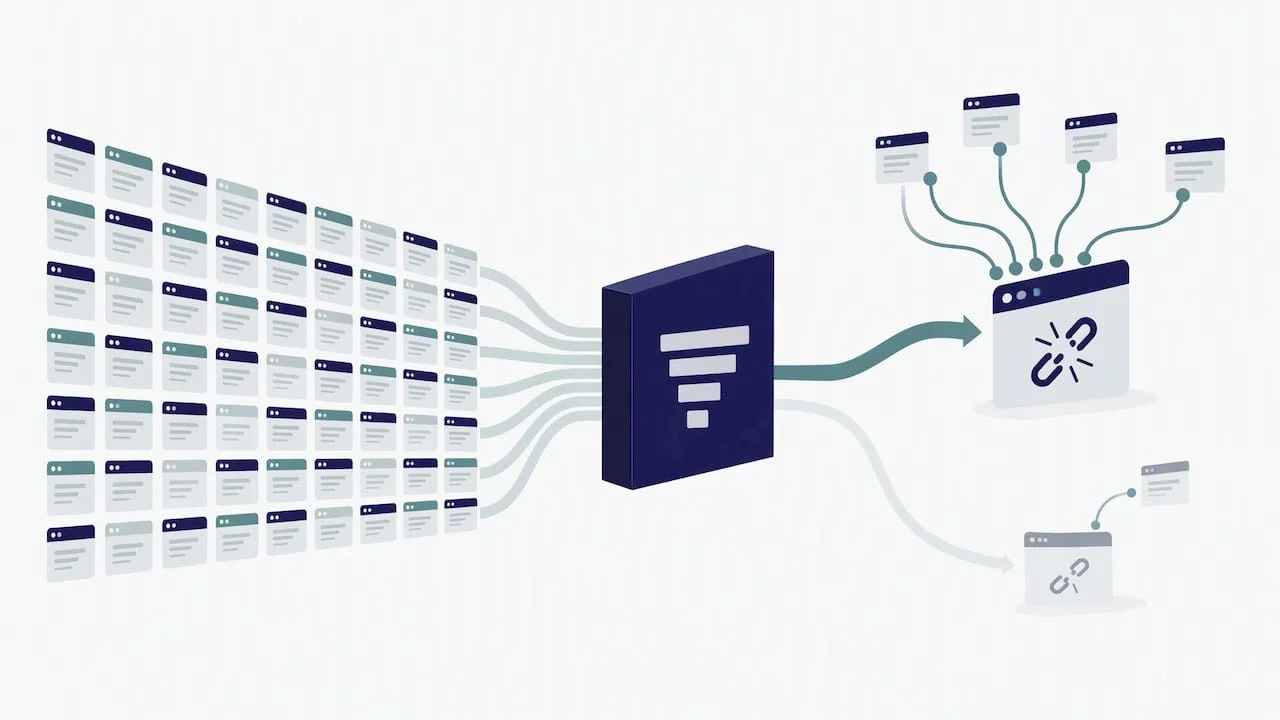
How to fix broken links: step-by-step repair actions
Work through each broken link in this order, and keep a simple log as you go.
- Classify the break. Decide whether it is a typo, a moved page or a removed resource. The cause dictates the repair.
- Correct typos in the content. If the intended destination still exists, fix the URL in the post or page and move on.
- Redirect moved content. Where a page has a new address, set a server-side 301 redirect from the old URL to the new one.
- Replace or unlink dead external references. If another site has gone and nothing equivalent exists, find a suitable substitute or remove the link. Keep the readable text so the sentence still makes sense.
- Use bulk tools for volume. In WordPress, link-checking plugins let you edit a URL, unlink, apply a suggestion, or mark a link as fine across many posts at once.
- Prioritise by impact. Handle links with external backlinks and high-traffic pages before low-value ones.
- Document every change. Record the old URL, the repair type and the date. This makes audits simple and gives you something concrete to show a client.
Take a typical agency scenario: a rebrand has moved a dozen service pages and the old URLs are scattered across blog posts. Grouping those by repair type means a single redirect rule set and a bulk edit, rather than handling each page separately. If your team would rather not spend billable hours on this, our Quick Fixes and services are built for exactly this kind of backlog.
If you want to see what this kind of recurring technical work could be worth across your client base, try our WordPress Profit Calculator. It can help you estimate the opportunity.
Redirect best practice: 301 vs 302, chains and loops
Redirects fix a lot of dead links, but only when set up properly. Google’s documentation on redirects and Google Search is the reference point. Use these rules:
- Use 301 for permanent moves. Using a 302 for a page that has moved for good can stop the target gaining full authority and splits ranking signals.
- Use 302 or 307 only for genuinely temporary moves, such as a short maintenance diversion.
- Flatten chains. Point the old URL straight at the final destination rather than passing through intermediate redirects.
- Eliminate loops. A loop sends visitors and crawlers round in circles and ends in an error.
- Keep rules at server level. Rules in .htaccess or Nginx run faster and are easier to manage centrally than meta or JavaScript redirects, which are best kept for cases where you cannot touch the server.
Moz’s redirect guide notes that too many redirects can slow pages and cause indexing issues, so keep the rule set simple and prune it during every audit.
How do you test and verify your fixes?
A repair is not finished until you have proved it works. Follow this sequence:
- Run an HTTP status check on each fixed URL and confirm the expected code.
- Trace the full redirect path, because a status check alone can hide multi-hop chains.
- Re-crawl the site and compare the before and after reports.
- Watch Google Search Console coverage and the backlinks pointing at the repaired URLs.
- Use server logs and uptime checks to catch transient faults, then record fix dates for your audit trail.
If you are about to run a bulk change or a migration, take a restore point first. Our guide to regular WordPress backups explains how to match recovery targets to your backup schedule.
How do you stop broken links coming back?
Prevention is cheaper than repair, and it is where the work becomes predictable.
- Pre-publish checks: preview and review links before anything goes live.
- Scheduled crawls: monthly or quarterly sitewide crawls, depending on site size.
- Automated monitoring: server-side link checkers avoid missed links and timeouts.
- Link hygiene: use descriptive anchor text and avoid bare URLs, in line with GOV.UK guidance on writing links. Keep sitemaps and canonical rules tidy.
- Package it: fold audits and fixes into your maintenance plans so the work is scoped and paid for.
For a deeper technical review beyond links, this technical SEO audit guide gives a wider crawl checklist.
Pro Tip: Remove links that stay down for more than a few days rather than waiting. A dead link left in place is worse than no link.
Why agencies should treat link repair as retained work
Most agencies I speak to absorb this work for free: the Sunday evening message, the quick fix nobody charges for, the audit that happens only after a client complains. Routine maintenance is more efficient than firefighting, and it protects margin. Link audits and fixes belong in a recurring service, scoped and priced like any other deliverable. The quickest way to size the opportunity is our WordPress Profit Calculator.
— Marcel
Hand dead link repair to a team that handles it for you
We work behind agencies as an invisible, white-label WordPress partner, so you keep the client relationship while we handle the delivery. That includes redirects, migration and re-hosting, emergency support, and recurring care under our Bronze, Silver and Gold SLA plans, which start at £450 per year for Bronze. If you are weighing up your options, our comparison of WordPress management for creative agencies is a useful starting point.
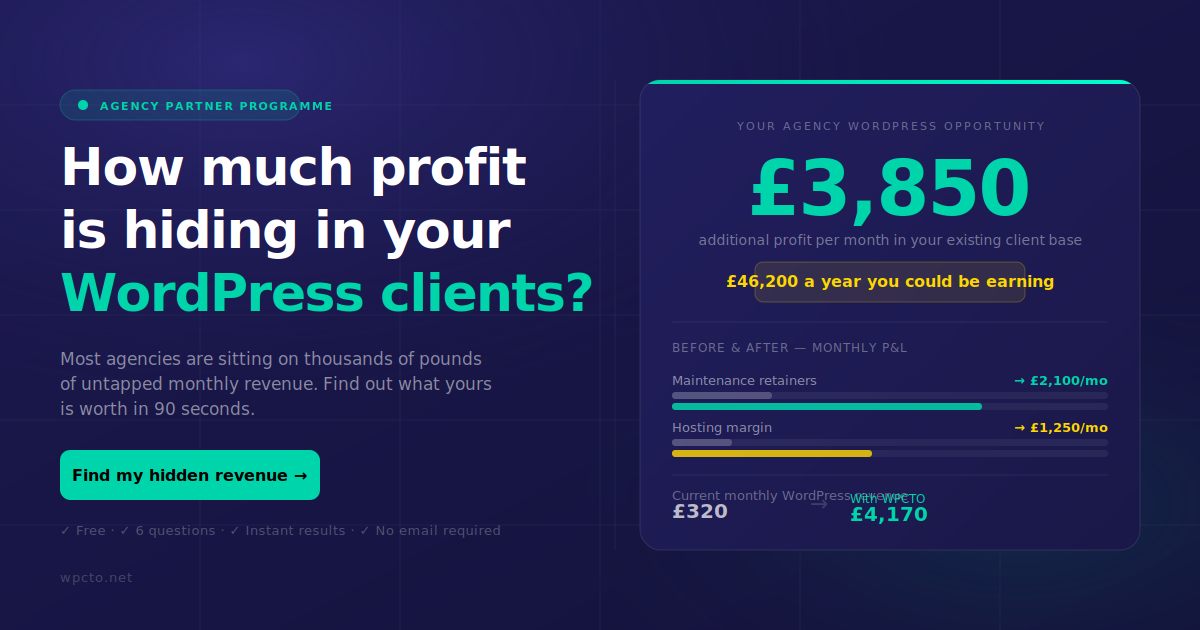
Your next step: run the numbers with our WordPress Profit Calculator, then get in touch about our services to put link monitoring into a retainer.
FAQ
How do you fix broken links on your website?
Find them with a crawl or Google Search Console, then correct the URL, replace or unlink the reference, or set a 301 redirect to relevant content. Re-crawl afterwards to confirm each fix.
Why is my URL link not working?
The usual causes are a typo, a deleted or moved page, a redirect problem, or an external site that has gone down. Check the HTTP status code first, because it points to the cause.
How do you find broken links on a website?
Use a crawler or site auditor, Google Search Console, server logs, or a WordPress plugin that checks links server-side. Start with pages that have the most traffic or inbound links.
When should you use a 301 instead of a 302 redirect?
Use a 301 when content has moved permanently, so ranking signals pass to the new address. Reserve 302 or 307 for temporary moves only.
Sources
- Redirects and Google Search | Google Search Central | Documentation | Google for Developers
- Gov
- TSO Link Inspector