

A PHP update usually makes a WordPress site a little faster, sometimes a lot faster, and occasionally slower. The size of the change depends on the version you leave, the version you move to, your plugins and theme, and what else is slowing the site down. The bigger story for an agency is risk: old PHP versions stop receiving security fixes, and an untested upgrade can take a client site offline. Speed is the pleasant side effect. Safe, scheduled upgrades are the real job.
This guide covers what changes under the bonnet, what to expect from each jump, where upgrades go wrong, and how to run them across a portfolio of client sites without losing a weekend.
TL;DR
- Moving from PHP 7.x to 8.x is the upgrade most likely to give a noticeable speed gain. Later jumps within 8.x are smaller and vary by site.
- “Latest is always fastest” is not true. PHP 8.4 showed a slowdown in WordPress’s own test suite linked to password hashing changes.
- Unsupported PHP means no security patches, which matters more than milliseconds, especially for clients who hold or are pursuing Cyber Essentials.
- Always test on staging that mirrors production, and check the plugins and theme first. Compatibility is where upgrades fail.
- If PHP upgrades are eating unbilled hours, our WordPress Profit Calculator shows in under 90 seconds what your client base could be earning you.
Table of Contents
- What a PHP update actually changes
- What to expect from each jump
- When a newer PHP version is slower
- Speed is the smaller argument: security and support
- Where PHP upgrades break things
- A safe PHP upgrade routine for agencies
- Fix the bottlenecks PHP cannot fix
- Why this is billable work, not a favour
- Our perspective
- How WPCTO can take PHP upgrades off your plate
- FAQ
- Sources
What a PHP update actually changes
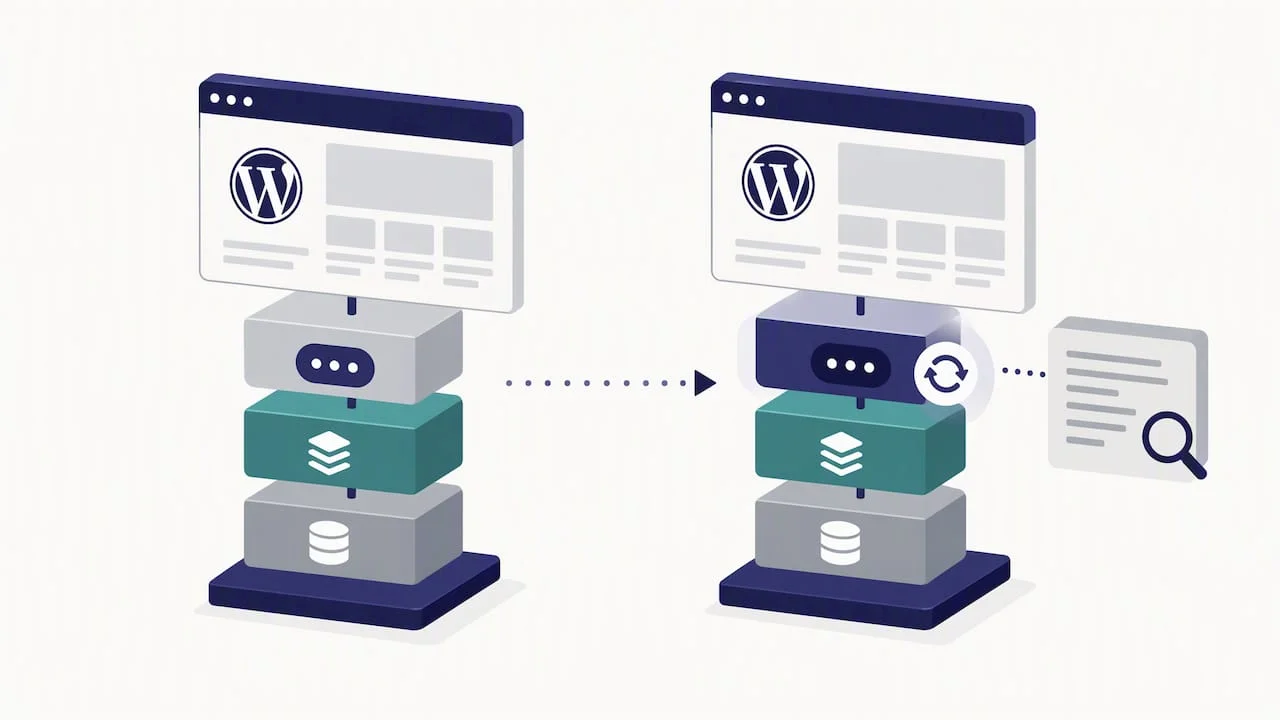
WordPress is a PHP application. Every uncached page request runs PHP code that queries the database, assembles the page and sends it back. A newer PHP version runs that same code through a more efficient engine. Memory handling improves, common operations get faster, and built-in functions replace slower workarounds.
The WordPress developer handbook is clear on the direction of travel: newer PHP versions bring security and performance improvements, along with new features and bug fixes. One concrete example is string functions. WordPress has long shipped polyfills so that code written for PHP 8 works on older installs. On PHP 8.0 and above, native functions such as str_starts_with replace those polyfills, and WordPress core developers noted when switching core code to it that the native function may carry a performance benefit. Each saving is tiny. Across thousands of calls per request, they add up.
What this does not change is everything outside PHP. A slow database, an oversized hero image, a bloated page builder or missing page caching will cost you far more than any engine upgrade can win back.
What to expect from each jump
Be wary of anyone who promises a percentage. Benchmarks depend on hardware, caching, plugins and the test method. A realistic expectation by starting point looks like this:
| Moving from | Moving to | Typical effect | Main risk |
|---|---|---|---|
| PHP 5.6 or 7.0 | 7.4 or later | Large gains. This is where the big historic speed-up happened | Old plugins and themes using removed functions |
| PHP 7.4 | 8.x | Often a noticeable gain for most sites, per recent WordPress speed tests | Deprecated code in older plugins, themes and custom functions |
| PHP 8.0 to 8.3 | Next 8.x release | Modest, sometimes barely measurable | Mostly deprecation notices that fill logs |
| PHP 8.3 | 8.4 | Varies. Some workloads regress | Password hashing and authentication-heavy sites |
The handbook itself makes the point that the dramatic gains of the PHP 5 to 7 era do not repeat at every step. Newer 8.x releases bring features such as JIT compilation, but for typical WordPress workloads, which spend much of their time waiting on the database, JIT is not a magic switch.
The practical conclusion: if a client site is on 7.4 or older, upgrading is overdue and you should expect to see it. If it is already on a supported 8.x release, treat the next upgrade as maintenance, not a speed project.
When a newer PHP version is slower
It does happen. A WordPress core contributor traced a considerable slowdown on PHP 8.4 combined with MySQL after noticing test runs failing more often. The cause turned out to be the switch to bcrypt in core’s password hashing, and a later comment in the same ticket’s mailing list thread records unit test jobs on PHP 8.4 rising from around 7 to 8 minutes to around 14 to 15.
That was a test suite, not a live site, and it is a specific case. But the lesson applies to your clients:
- Login-heavy sites (membership, LMS, WooCommerce with many account logins) do more password hashing, so hashing cost changes show up in real traffic.
- High-volume stores feel small per-request changes multiplied by thousands of orders and checkouts.
- Plugins doing heavy work on every request can behave differently across versions.
So benchmark before and after on staging, using the same pages and the same caching setup, and compare server response time rather than a single speed score.
Speed is the smaller argument: security and support
Every PHP branch has a support window. Once it ends, the PHP project stops issuing security fixes. As of March 2026, only PHP 8.2 to 8.5 were still supported, with 8.2 reaching end of life on 31 December 2026. With today’s date in October 2026, any client site still on PHP 8.1 or below is already running unpatched, and 8.2 sites have weeks to go.
For UK clients this has a compliance angle. The NCSC’s Cyber Essentials requirements for IT infrastructure expect software still supported by its vendor to be kept patched, and high-risk or critical fixes to be applied within 14 days of release. Software the vendor no longer supports is a problem in its own right. A client with a public site on end-of-life PHP can find that it complicates their certification or a procurement questionnaire, and they will ask who was responsible.
If you want the wider picture on how outdated components become entry points, our piece on WordPress malware risks agencies can close covers the usual routes.
Where PHP upgrades break things
Speed rarely causes the incident. Compatibility does. Typical failure points:
- Abandoned or old plugins that call functions removed in newer PHP, producing a fatal error and a white screen.
- Themes with custom code written years ago, often by someone who has left the agency.
- Deprecation notices that flood error logs or, with debugging left on, appear on the front end.
- Third-party integrations, such as payment gateways, CRMs and booking systems, with their own version requirements.
- Server extensions missing after the upgrade, such as image processing or caching modules, because the new PHP version has its own set.
The WordPress handbook’s guidance is to treat updates as a balance between security, features and backward compatibility, and to use a staging environment so that themes and plugins can be tested before production rollout. Local tests alone often miss database interactions and live integrations, so staging should mirror the real stack.
Our checklist on what makes a good WordPress theme lists the staging checks we run on themes, and the same ones catch most PHP problems.
A safe PHP upgrade routine for agencies
This is the sequence we follow, and one you can copy for your own client portfolio.
1. Inventory the portfolio
List every client site with its current PHP version, WordPress version, theme, plugins and host. You cannot prioritise what you cannot see. Our guide to checking which plugins a site uses without logging in helps when you inherit sites with no documentation.
2. Rank by risk
Start with sites on end-of-life versions, then sites handling payments or personal data, then the rest. Leave sites with abandoned plugins until you have a plan to replace them.
3. Take a verified backup
Before any change, confirm you can restore. Our posts on matching recovery targets to regular WordPress backups and how often to back up WordPress explain how often and how deep.
4. Clone to staging and switch the version there
Use the same PHP version, extensions, caching and database size as production. Turn on error logging and read it, not just the front end.
5. Test the journeys that earn money
Forms, checkout, login, search, booking, newsletter sign-up, and any custom post type templates. Check the admin as well as the public pages.
6. Measure before and after
Record time to first byte and a few key page loads on the old version, then repeat on the new one with caching in the same state. If you report results to clients, a tidy client reporting workflow makes the before and after figures easy to present.
7. Schedule the live switch
Choose a quiet window, never a Friday afternoon. Keep the previous PHP version available on the host for a quick rollback, and watch logs for the first day.
8. Record it
Note the version, date and any plugin changes in the client’s site record. That record is what justifies the charge and answers any later question.
Fix the bottlenecks PHP cannot fix
If a client complains about speed, the PHP version is rarely the whole answer. The WordPress handbook notes that server load and configuration have a huge effect, and that without a caching solution performance slows sharply as page requests rise. Its caching guidance calls caching the fastest way to improve performance.
Before promising a speed-up from a PHP upgrade, check:
- Is page caching enabled and working?
- Is the hosting plan adequate for the traffic?
- Are there plugins running heavy queries on every page?
- Are images properly sized and compressed?
- Is the database cluttered with old revisions and transients?
Once a site is fast and stable, the next question is whether people find it. Some agencies pair performance work with an automated WordPress SEO platform for ongoing content and technical audits, which keeps the gains visible in search.
Why this is billable work, not a favour
PHP upgrades are a recurring, predictable task: a new version every year, a support window that closes, plugins that need checking each time. Done properly it takes staging, testing, backup verification, monitoring and sign-off. Done for free, it quietly absorbs hours. Our article on site management checks agencies can bill for sets out how to frame this for clients.
If you want to see what that unbilled work is worth across your own client base, try the WPCTO WordPress Profit Calculator. It takes under 90 seconds and shows the uncaptured revenue sitting in your existing WordPress clients.
Our perspective
We look after WordPress for agencies, and PHP upgrades follow the same pattern every year. The agency knows the upgrade is due. Nobody has time to do it. A client site runs on an old version for another twelve months, and then something breaks on a Sunday evening and it becomes an emergency.
We think the speed argument is the weakest reason to upgrade, and the one clients understand least. The better argument is that a supported PHP version is part of keeping a site defensible: patched, documented and tested. Speed is a bonus you should measure, not promise.
The other thing we see is that upgrades rarely fail because of PHP. They fail because nobody knew what was installed. An old plugin with no maintainer, a theme edited directly, a custom snippet in a functions file. The upgrade exposes technical debt that was already there. That is useful, because it gives you a scoped, quotable piece of work.
Our view is that the agency should keep the client relationship and the credit, and the specialist should do the technical work quietly behind it. That is what we do for agencies who would rather spend their time on brand and design. You hold the relationship, and we handle the staging, the testing and the rollback plan.
— Marcel
How WPCTO can take PHP upgrades off your plate
We handle PHP upgrades as part of ongoing WordPress care, invisibly if you prefer, under your name. Our service level agreements are published: Bronze at £450 per year, Silver at £750 per year and Gold at £1,850 per year, with the terms in our SLA document. For updates and hardening, see Security Updates and Enhancements. If a site needs a new host or a clean move to a current PHP stack, our hosting, re-hosting and migration service covers it. For a one-off job, you can buy time as you need it.
Not sure where to begin? Run the numbers first with the WordPress Profit Calculator, then talk to us about taking the work off your team.
FAQ
Will upgrading PHP make my WordPress site faster?
Usually, yes, if you are moving from PHP 7.x to 8.x, though the gain depends on your plugins, caching and hosting. Between recent 8.x releases the difference is often small. If the site is slow because of the database, images or missing caching, a PHP upgrade will not fix it.
Will upgrading PHP break my WordPress site?
It can, mainly when plugins or themes use code that newer PHP versions have deprecated or removed. Testing on a staging copy that mirrors production shows you the problems before visitors see them. Keep a verified backup and a rollback route on the host.
Which PHP version should agencies run in 2026?
Use a version that is still supported by the PHP project. As of March 2026, versions 8.2 to 8.5 were supported, and 8.2 ends on 31 December 2026. Pick the newest one your plugins, theme and host pass on staging.
How often should PHP be updated on client sites?
Plan a review at least once a year, when a new major release appears or your current version nears the end of its support window. Apply minor security releases of your current branch as they arrive. Leaving it until something breaks turns routine maintenance into an emergency.
Sources
- PHP Optimization, WordPress Advanced Administration Handbook
- Optimization, WordPress Advanced Administration Handbook
- Cache, WordPress Advanced Administration Handbook
- WordPress Trac #63026, PHP 8.4 performance regression
- wp-trac mailing list, #63026 comment
- WordPress Trac #58012, str_starts_with
- NCSC, Cyber Essentials Requirements for IT Infrastructure v3.2
- PHP End-of-Life Dates: Support Timeline for Every Version (2026)