

The fastest way to boost WooCommerce checkout efficiency is to remove unnecessary form fields, enable guest checkout alongside express payment options, and fix slow checkout queries before touching anything else. Baymard Institute’s research shows that a typical large-scale ecommerce site can lift conversion rates by 35% through checkout UX improvements alone. What follows is a ranked checklist so you know exactly where to start.
TL;DR:
- IMRG found conversion rates of roughly 54% with one express payment option and 67% with four, while integrated payments avoid disruptive redirects.
- Remove company names, order notes, and backup phone numbers unless fulfillment requires them; move account creation after purchase and put voucher entry on the cart page.
- Use Query Monitor to identify slow checkout queries, exempt cart and checkout pages from full page caching, and inspect sessions, plugins, and hosting limits.
- Use a single column mobile layout with clear required field labels and specific error messages; test the flow with a screen reader before launch.
- Test each change on staging, roll out one plugin at a time, and track checkout completion, payment authorizations, and abandonment by step.
Table of Contents
- Ranked quick wins to implement now
- What to remove, defer or reformat in checkout forms
- How to reduce payment friction with express wallets and integrated flows
- Technical fixes that shorten checkout time and reduce failures
- Mobile-first and accessible checkout patterns that cut abandonment
- What plugin categories and tools to consider for quick implementation
- Metrics to track and simple experiments to validate improvements
- Why agencies should consider outsourcing ongoing checkout optimisation
- A practical view on prioritising checkout fixes
- How WPCTO keeps your clients’ WooCommerce checkouts running smoothly
- FAQ
- Sources
Ranked quick wins to implement now
Not every checkout fix carries equal weight, and agencies rarely have unlimited development hours to spend on a client’s store—if you’re looking for comprehensive guidance, consider the e-commerce marketing agency in Sydney that provides tailored strategies to improve performance. The list below is ordered by impact versus effort, so you can tackle the cheapest, highest-return changes first.
- Make guest checkout the default: hide or de-emphasise account creation; check your current setup under WooCommerce settings and confirm “guest checkout” is enabled, not just permitted.
- Strip out optional fields: audit your checkout form and remove anything not needed for fulfilment, such as company name or a second phone number.
- Turn on express wallets: enable Apple Pay, Google Pay or saved-card options through your payment gateway’s settings; test on a real device, as desktop previews can mask layout bugs.
- Fix slow checkout queries: profile your checkout page load time with a tool such as Query Monitor and look for unusually slow queries.
- Delay account creation prompts: move any “create an account” nudge to the order confirmation page rather than before payment.
- Move voucher entry earlier: place coupon fields on the cart page or early in checkout rather than beside the payment button.
- Monitor authorisation rates: check your payment gateway dashboard weekly for declined transaction patterns that might signal a form or validation issue.
Pro Tip: Always test checkout changes on a staging copy of the live store first; a broken payment flow on a production site can be more costly than taking time to test on staging.
Many of these changes are straightforward to implement on a standard WooCommerce build. The return, according to Baymard’s benchmarking, is that only around 2% of sites currently score as “good” for checkout experience, which means even modest fixes often move a store ahead of most competitors.
What to remove, defer or reformat in checkout forms
Every field you ask a shopper to fill in is a chance for them to hesitate, mistype or abandon the purchase entirely. The goal is not to strip checkout down to nothing, but to ask only what fulfilment genuinely requires.
Guest checkout should be the path of least resistance. Account creation, when offered at all, belongs after the order is placed, not before, since forcing registration at the point of purchase may discourage shoppers from completing a sale. Research on checkout UX recommends reducing cognitive load with real-time validation and fewer form fields, treating this as an ongoing practice rather than a one-off clean-up.
Fields worth removing or marking optional include:
- Company name: relevant for B2B stores, unnecessary for most consumer checkouts.
- Order notes: useful occasionally, but rarely essential; make it collapsible rather than always visible.
- Secondary phone number: only needed when a courier genuinely requires a backup contact.
For payment fields specifically, follow the visual ordering recommended in the GOV.UK payment card design pattern, which places card number, expiry and security code in the same order a shopper sees on their physical card, and accepts spaces or hyphens in the number field rather than rejecting them outright. Small formatting flexibility like this reduces failed submissions caused by simple typing habits.
Voucher and discount code fields deserve more thought than they usually get. Placing them prominently beside the payment button invites shoppers to pause, open a new tab to search for a code, and sometimes abandon the order entirely while they look. Moving voucher entry to the cart page, before checkout begins, keeps that search-and-compare behaviour away from the moment of payment.
How to reduce payment friction with express wallets and integrated flows
Express payment options are one of the more measurable levers in checkout optimisation. IMRG’s research into UK retailer checkouts found that offering one express option correlates with roughly 54% conversion, rising to around 67% with four options, and the same study recommends removing redirect-based payment steps wherever an integrated alternative exists.
Redirect chains, where a shopper leaves your site to enter card details on a payment provider’s page and then returns, introduce extra load time and a jarring context switch that can trigger doubt about whether the order actually went through. An integrated or embedded payment frame that keeps the shopper on your checkout page tends to feel more trustworthy and loads faster.
Practical steps for reducing payment friction:
- Enable Apple Pay and Google Pay through your gateway’s WooCommerce extension, confirming the buttons render correctly on mobile.
- Turn on saved-card vaulting for returning customers so repeat purchases need only a single click.
- Add clear retry messaging when a card is declined, telling the shopper specifically what went wrong rather than a generic error.
- Audit your gateway for redirect dependency and check whether an on-site or microframe alternative is available.
If you want a rough sense of what checkout friction might be costing an agency’s client portfolio in missed revenue, the WordPress Profit Calculator gives a concrete starting figure.
Technical fixes that shorten checkout time and reduce failures
Checkout speed problems are usually database problems wearing a UX disguise. A checkout page that takes several seconds to load its cart totals or shipping options is rarely a design issue, it is almost always a slow query, an uncached session lookup or a plugin conflict doing unnecessary work on every page load.
Start by profiling the checkout page itself. A tool such as Query Monitor will show you exactly which database queries run on checkout and how long each takes. Anything consistently slow is usually one of a handful of culprits: an unindexed custom field used in shipping calculations, a session table that has grown too large, or a third-party plugin firing redundant lookups.
- Profile before you optimise: identify the specific slow query rather than guessing at a fix.
- Exempt checkout from full-page caching: cart totals, shipping costs and session data are dynamic and must never be served from a static cache.
- Use object caching for sessions: a tool such as Redis or Memcached keeps session lookups fast without hitting the database repeatedly.
- Check hosting resource limits: a shared hosting plan under memory pressure during a sale period is a common, avoidable cause of checkout failures.
- Review plugin load order: a poorly coded plugin running on every checkout page load can add hundreds of milliseconds without any visible benefit.
Pro Tip: After any performance change, watch your error logs and payment gateway dashboard; a fix that works in testing can behave differently under real traffic and payment load.
Treat performance work as ongoing rather than a single project. A store that handles checkout well during a quiet month can still struggle during a seasonal peak if session storage or hosting capacity were not planned with that peak in mind.
Mobile-first and accessible checkout patterns that cut abandonment
More shoppers complete purchases on a phone than on a desktop for many stores, yet checkout forms designed for a mouse and a wide screen often translate badly to a small, touch-driven interface. A single-column layout, with one field per row and large enough tap targets for a thumb, removes the fiddly zooming and mis-tapping that causes real frustration.
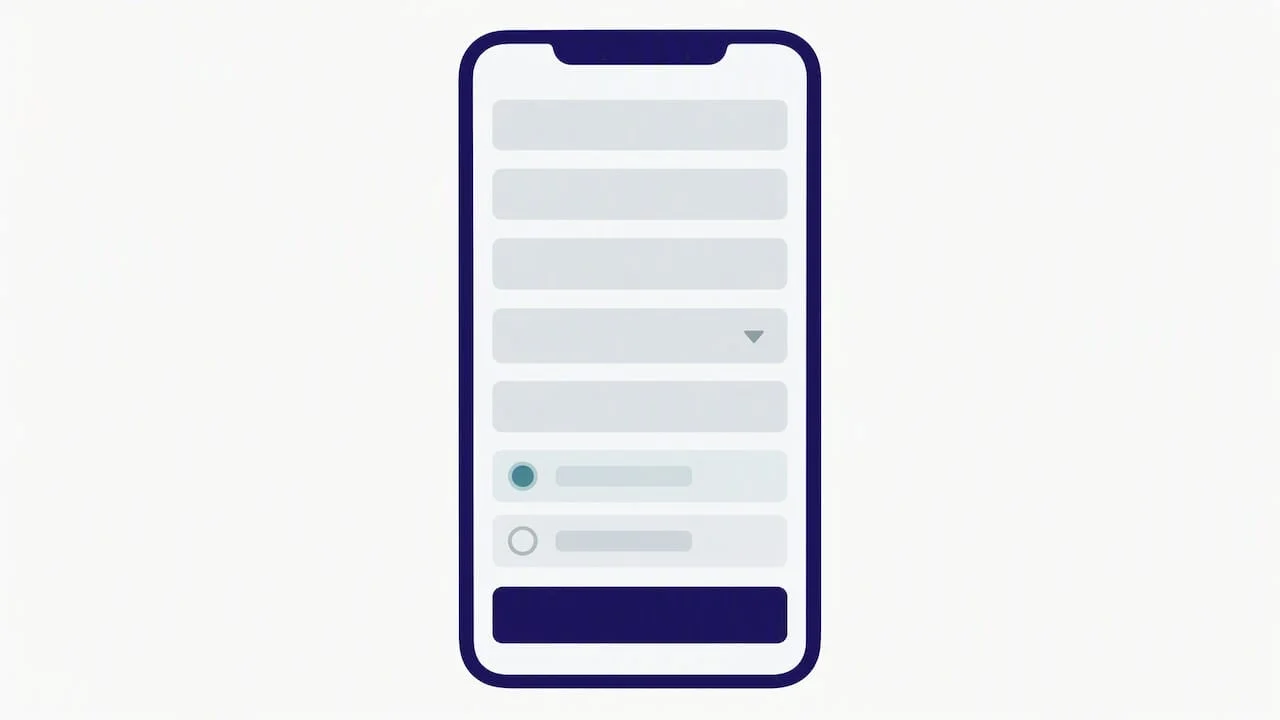
Clear progress indicators matter too. A shopper who can see their progress is more likely to understand how much of the form remains.
Accessibility and stability are more closely linked than they first appear. Government accessibility work on payment forms found that improvements aligned to WCAG 2.1 AA, such as explicit labels and clear error messaging, reduce duplicate payments and error rates. A shopper who cannot tell whether a field is required or optional is more likely to submit incomplete information, trigger an error, and in some cases submit the form twice out of confusion.
- Use single-column, mobile-first layouts with generously sized buttons and input fields.
- Mark every field clearly as required or optional, never leaving it ambiguous.
- Write adaptive error messages that explain specifically what needs fixing, not a generic “invalid input”.
- Test with a screen reader at least once before launch, since many WooCommerce themes handle this poorly by default.
What plugin categories and tools to consider for quick implementation
WooCommerce’s plugin ecosystem covers most checkout improvements out of the box, but the trade-off between added function and added page weight is real. A checkout field editor that saves an hour of custom development can also add scripts that slow the very page you are trying to speed up.
Broad categories worth evaluating:
- Checkout layout editors: useful for reordering fields or switching to a single-page layout without custom code.
- Field management plugins: let you mark fields optional, hide them conditionally, or add validation rules.
- Express checkout extensions: typically supplied by your payment gateway directly, these add Apple Pay and Google Pay buttons.
- Caching plugins: handle page-level caching but must be configured to exclude cart and checkout endpoints.
- Performance monitoring tools: WP-Optimize and similar database optimisation plugins help keep session and order tables lean over time.
Before deploying anything new, confirm it is compatible with your specific payment gateway, check how recently it was updated, and test it on staging with your actual checkout flow rather than a demo product. Roll changes out incrementally, one plugin at a time, so that if checkout conversion dips afterwards you can identify the cause quickly rather than untangling several changes at once.
Metrics to track and simple experiments to validate improvements
Every checkout change should be measured, not assumed. Without tracking, it is impossible to tell whether a fix genuinely helped or whether a conversion dip or rise was seasonal noise.
- Track checkout conversion rate as your headline metric, measured from checkout start to completed order.
- Measure time-to-complete-checkout to spot where shoppers are getting stuck or distracted.
- Watch payment authorisation rates separately from conversion, since a decline-heavy gateway can mask an otherwise healthy checkout.
- Break down abandonment by step so you know whether shoppers drop off at shipping, payment or review.
- Run small A/B tests comparing guest-first against account-first flows, or testing voucher field placement.
- Enable session recordings or heatmaps on the checkout page to see exactly where attention and hesitation cluster.
- Log server-side and gateway events so a failed transaction can be traced to its actual cause rather than guessed at.
Why agencies should consider outsourcing ongoing checkout optimisation
Checkout optimisation is never a one-off job. Payment gateways update their APIs, plugins need testing after every WordPress core release, and a fix that worked well can quietly break during a seasonal traffic spike. For an agency, that ongoing maintenance competes directly with the creative and strategic work your team was actually hired to do.
The familiar pattern includes out-of-hours emergency calls when a client’s checkout fails, hours of unbilled troubleshooting buried in a retainer, and the same plugin update cycle repeating every month across dozens of client sites. Tasks like performance tuning, payment reconciliation support, plugin and theme updates, and general PCI awareness are exactly the kind of ongoing technical load that agencies increasingly hand off to a specialist partner rather than absorb in-house.
- Out-of-hours checkout failures stop landing on your team’s phone at 11pm on a Sunday.
- Unbilled maintenance hours disappear from your margins once a partner handles the recurring work.
- Plugin and security updates happen on a schedule, not reactively after something breaks.
If you want a clear figure for how much of this is currently sitting unbilled across your client base, run it through the WordPress Profit Calculator: it gives you a concrete number to work from.
A practical view on prioritising checkout fixes
Checkout optimisation rewards restraint more than ambition. Start with the two or three changes that touch the most shoppers, such as guest checkout and express wallets, and measure the result before moving to the next item on the list. Agencies that try to fix everything at once rarely know which change actually mattered.
Small, tested improvements compound. A store that ships one well-measured fix a month will usually outperform one that attempts a full checkout rebuild once a year.
— Marcel
How WPCTO keeps your clients’ WooCommerce checkouts running smoothly
Checkout optimisation does not stop once the fixes above are live. Payment gateways change, WooCommerce core updates, and the plugins holding your express checkout together need testing every time something upstream shifts. That ongoing work is what we handle for agencies who would rather keep their team focused on client strategy than plugin changelogs.
Our service level agreements come in three tiers: Bronze at £450 per year, Silver at £750 per year, and Gold at £1,850 per year, each covering a different depth of ongoing WordPress support so you can match the plan to what a client’s store actually needs. For stores facing a specific performance problem right now, our Quick Fixes and consultancy services get a targeted issue resolved without committing to a full retainer. When a checkout slowdown points to an underlying hosting problem, our hosting, re-hosting and migration services move a client to infrastructure built for the traffic they actually get, and our security updates and enhancements keep payment flows compliant without your team chasing every plugin patch.
- Match support to client need: Bronze, Silver or Gold SLAs cover everything from basic monitoring to full performance management.
- Hand off the technical load: fractional CTO advice and quick fixes handle problems your team would rather not own.
- Keep the client relationship: we work invisibly behind your brand, so referrals and retainer revenue stay with your agency.
See exactly what unbilled WordPress work might be worth across your client base with our WordPress Profit Calculator, and when you are ready to hand off ongoing checkout support, get in touch about our SLAs to find the right fit.
FAQ
What is the single fastest way to improve WooCommerce checkout?
Enabling guest checkout alongside express payment options such as Apple Pay and Google Pay typically delivers the quickest measurable improvement. IMRG research found conversion rising from roughly 54% with one express option to around 67% with four.
How many fields should a WooCommerce checkout form have?
There is no fixed number, but every field should be essential to fulfilling the order; company name, order notes and secondary phone numbers are common candidates to remove or make optional. Checkout UX research recommends minimising fields and using real-time validation to reduce the cognitive load on shoppers.
Does checkout speed actually affect conversion rates?
Yes, slow checkout pages, particularly those caused by uncached sessions or unindexed database queries, directly increase abandonment at the payment step. Profiling checkout queries and exempting cart and checkout pages from full-page caching are two practical fixes.
Are shopping basket cookies exempt from consent requirements?
Cookies strictly necessary to provide a service a shopper has requested, such as remembering items in a basket, are exempt from consent under ICO guidance. Analytics or tracking cookies used alongside checkout may require consent.
Should agencies handle WooCommerce checkout maintenance in-house?
It depends on available capacity, but ongoing checkout maintenance, including plugin updates, payment gateway changes and performance monitoring, is one of the more common tasks agencies outsource to a specialist WordPress partner. Our WordPress service level agreements are built specifically to take that recurring work off an agency’s plate.
Sources
- E-Commerce Cart & Checkout Usability Research – Baymard
- UK retailers reveal their checkout strategy and performance
- Payment card details – GOV.UK Design System